If you encounter any problems during use, including pre-processing problems and printing problems, you can submit feedback through the user feedback portal of Blueprint Studio Desktop Client for technical support personnel to troubleshoot.
¶ Submit feedback
¶ Pre-processing issues
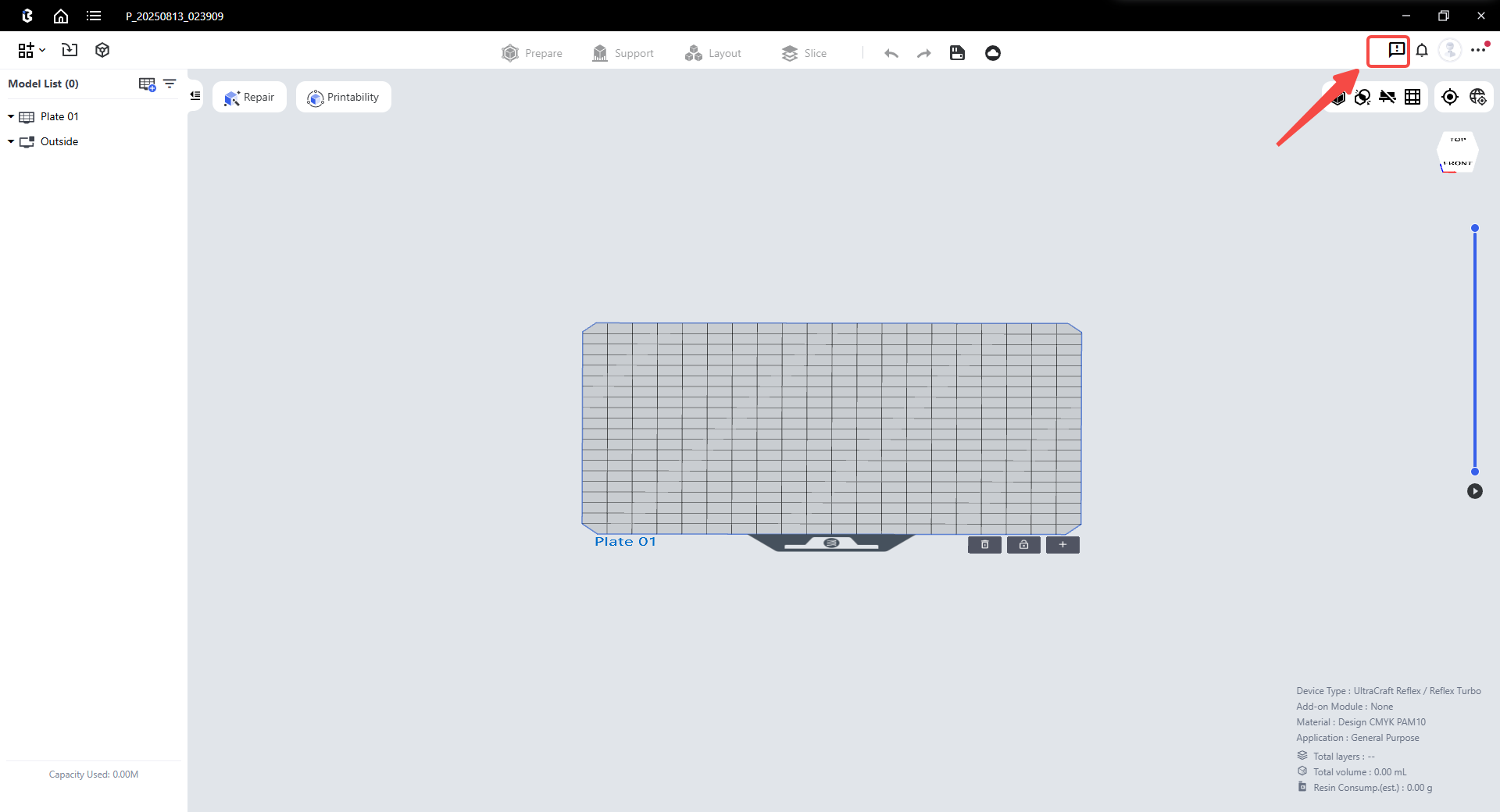
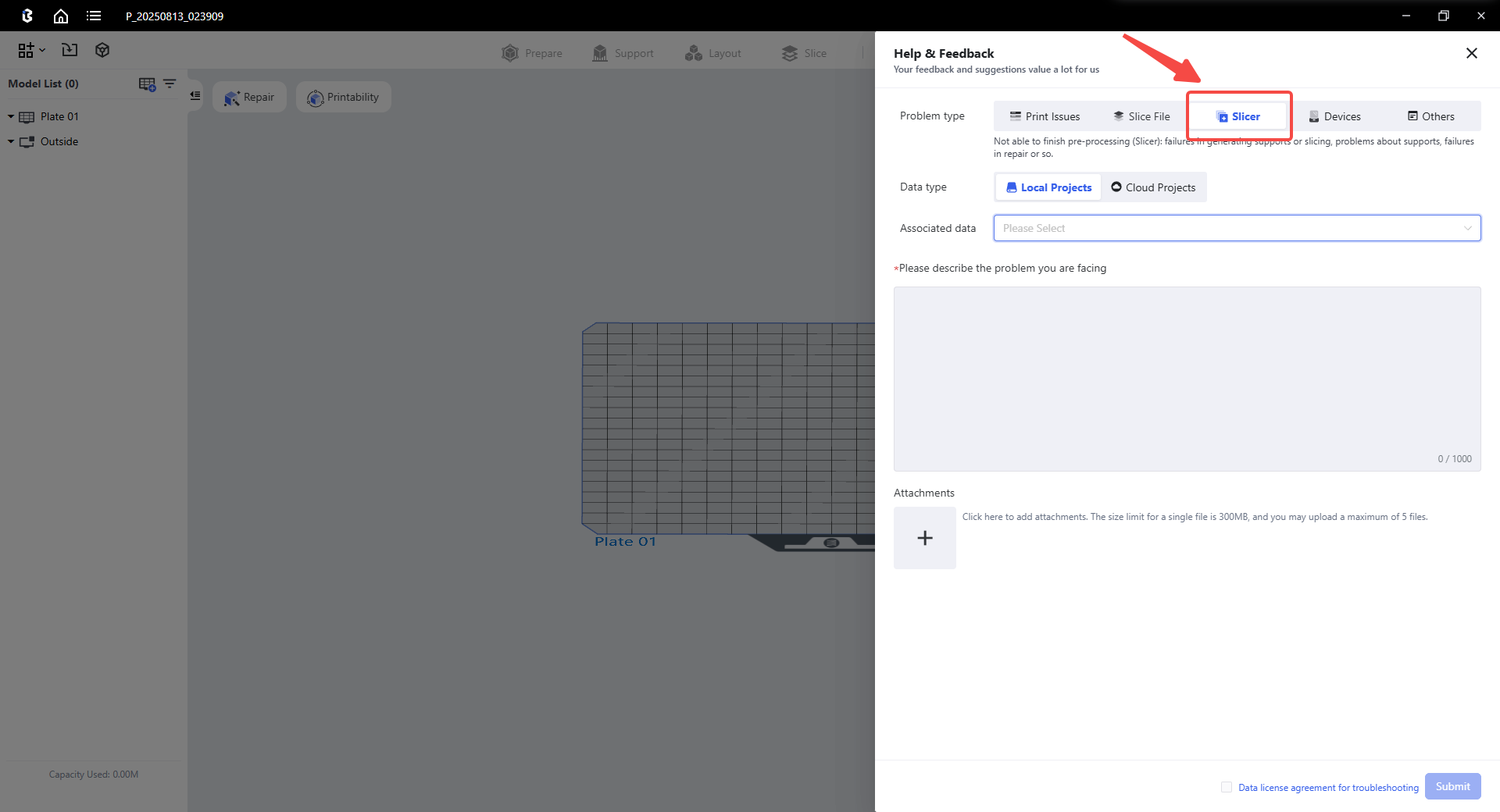
If you encounter problems during preprocessing, you can submit feedback in the preprocessing interface of the project. Please note that before submitting feedback, you need to save the project, as shown in the figure below.
¶ Slice file problem
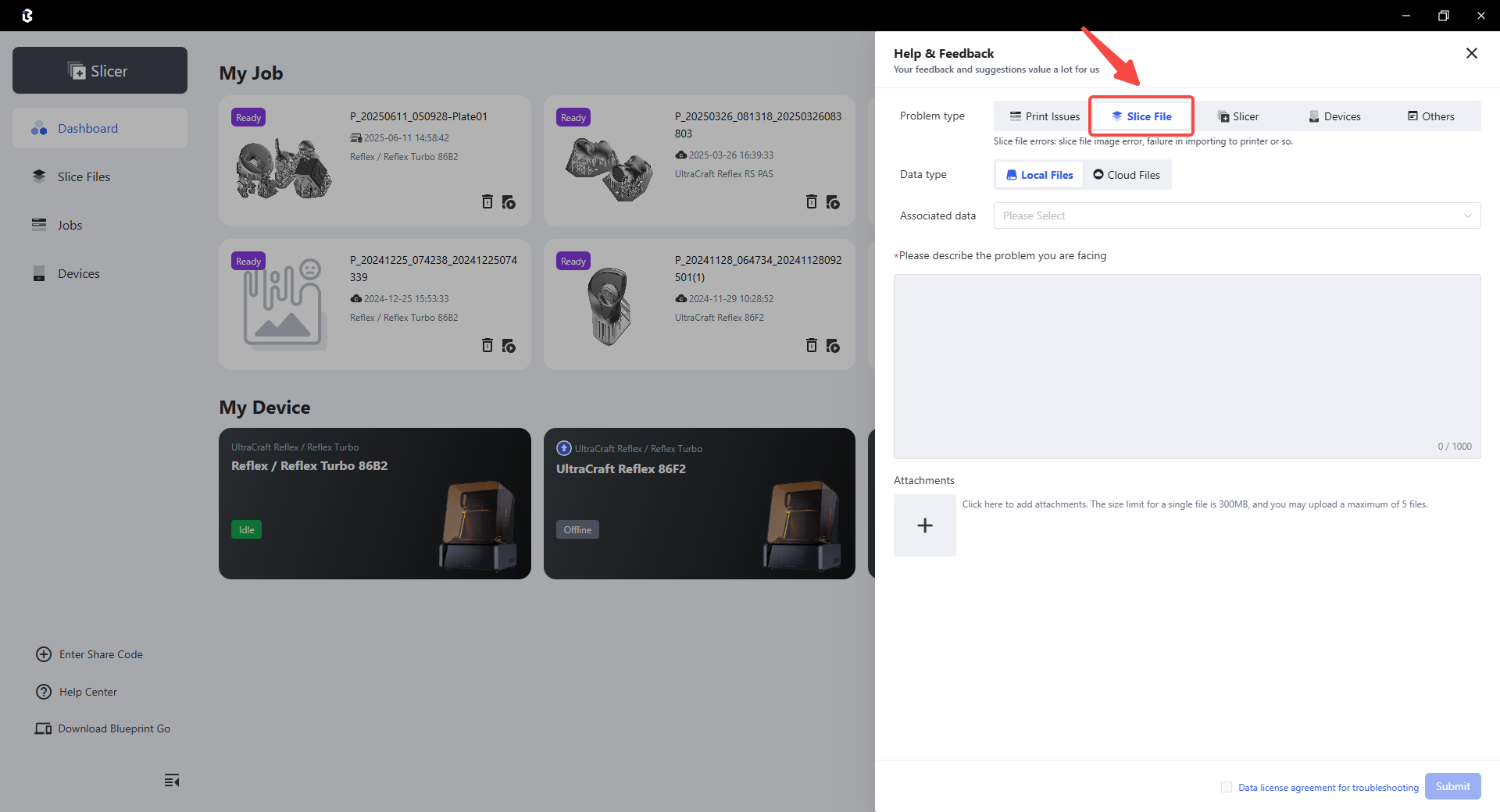
If you encounter problems during slicing, such as slicing failure or slicing image errors, you can click Submit Feedback on the details card of the slice file, as shown in the figure below.
¶ Printing problem
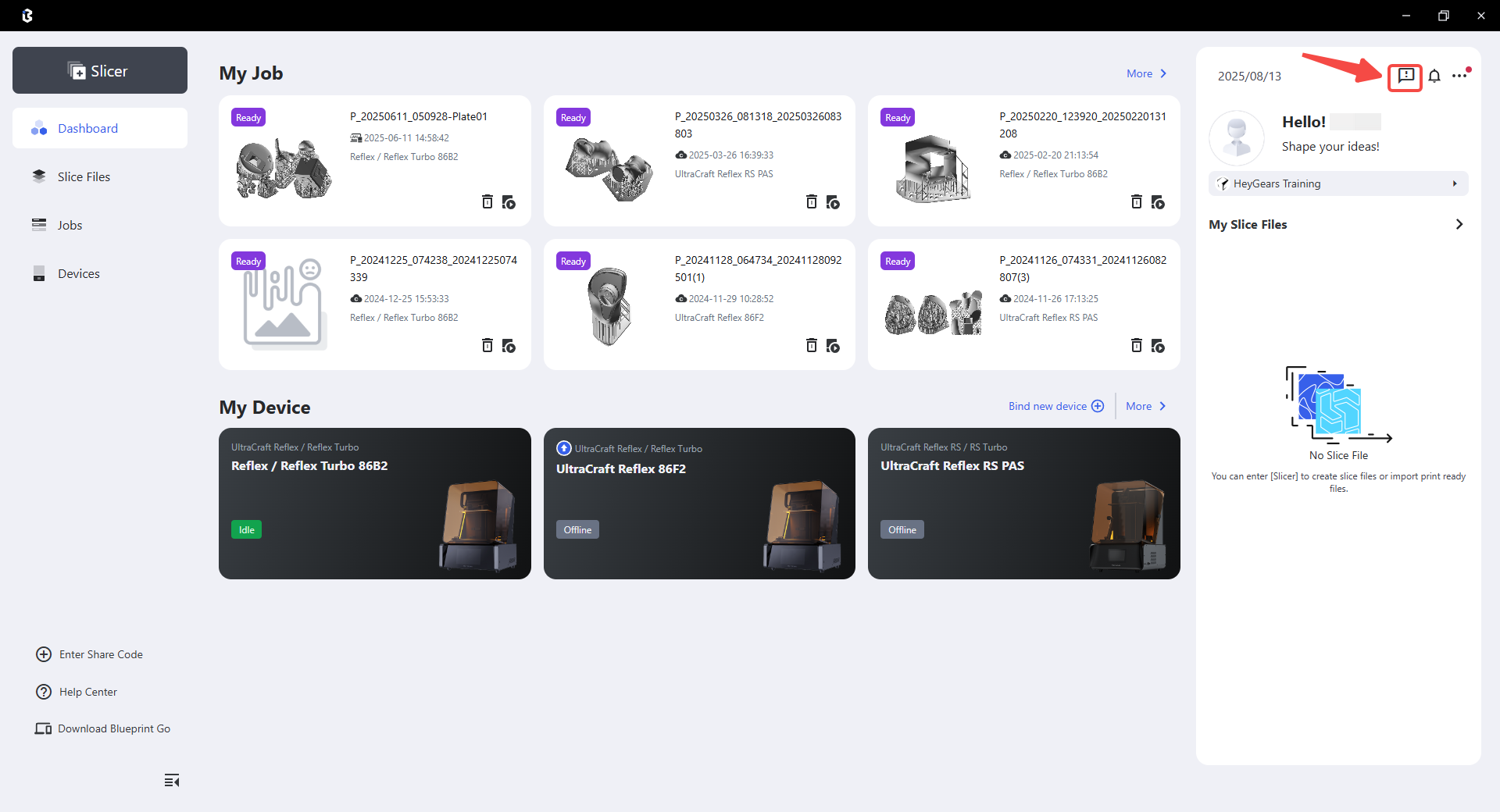
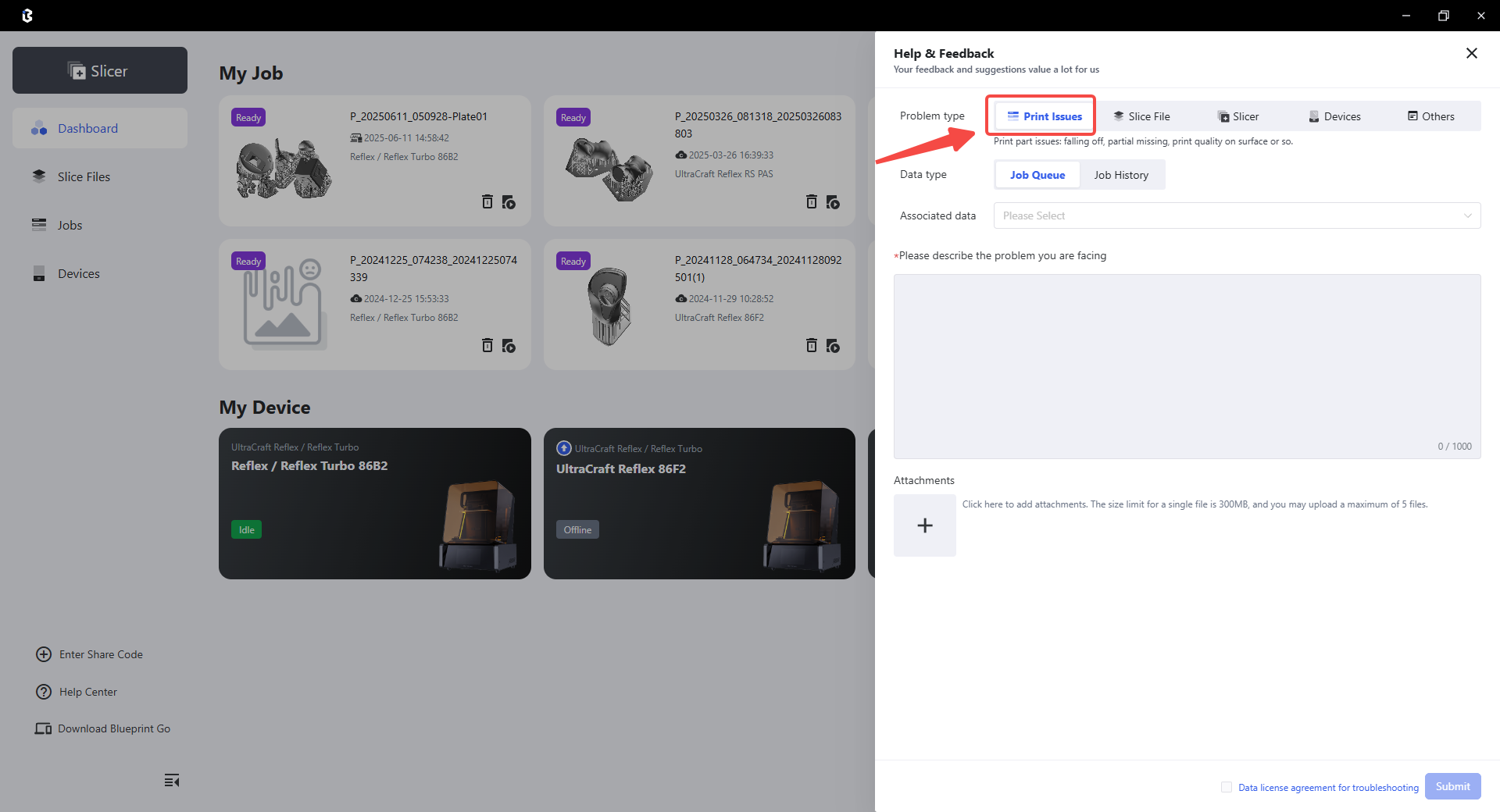
If you encounter problems while printing, such as print failure or poor print quality, you can click Submit Feedback on the details card of the print job, as shown in the figure below.
¶ Device problems
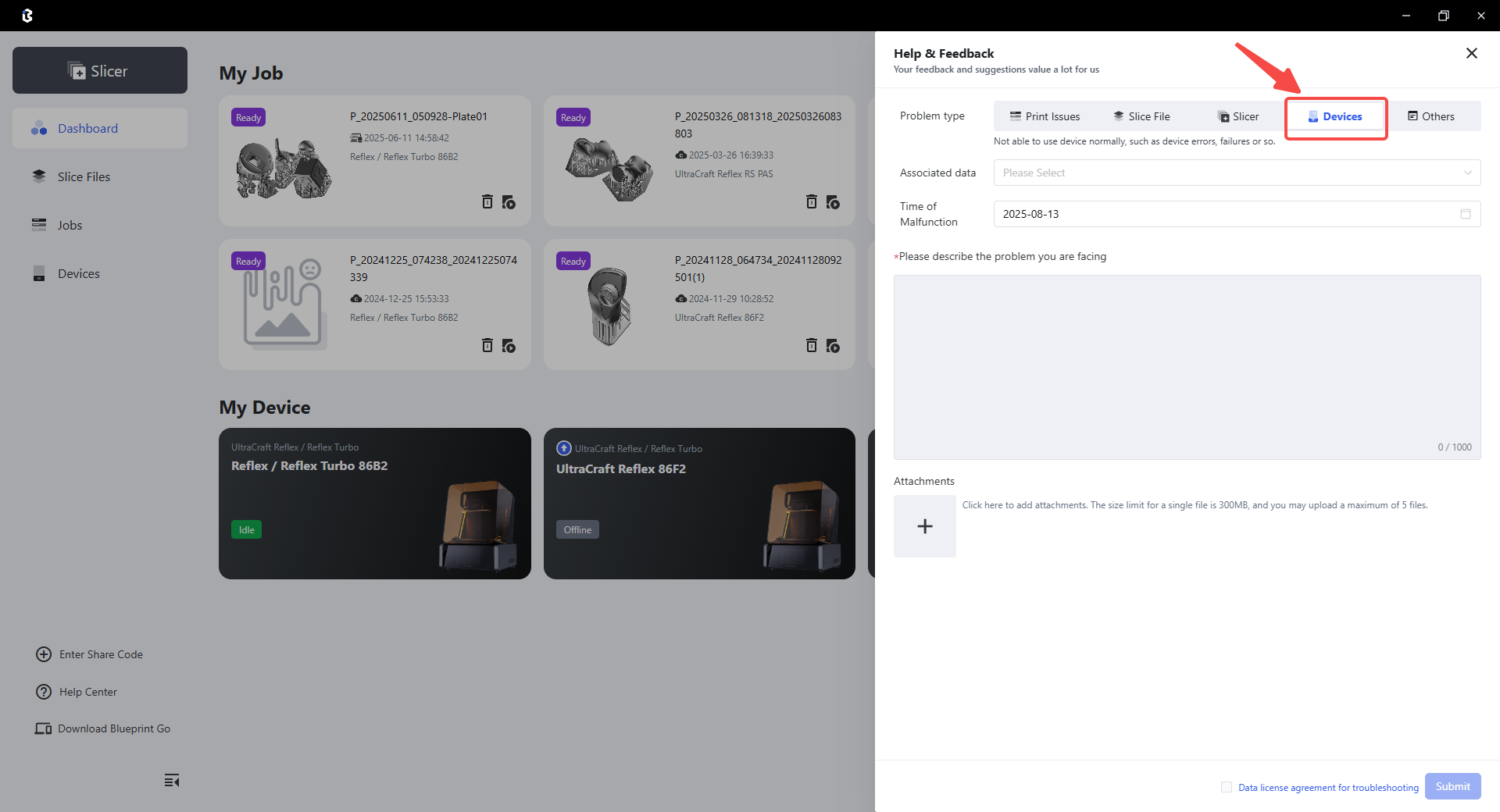
If you encounter any device problems, such as device failure, you can click Submit Feedback on the details card of the device, as shown in the following figure:
¶ Other issues
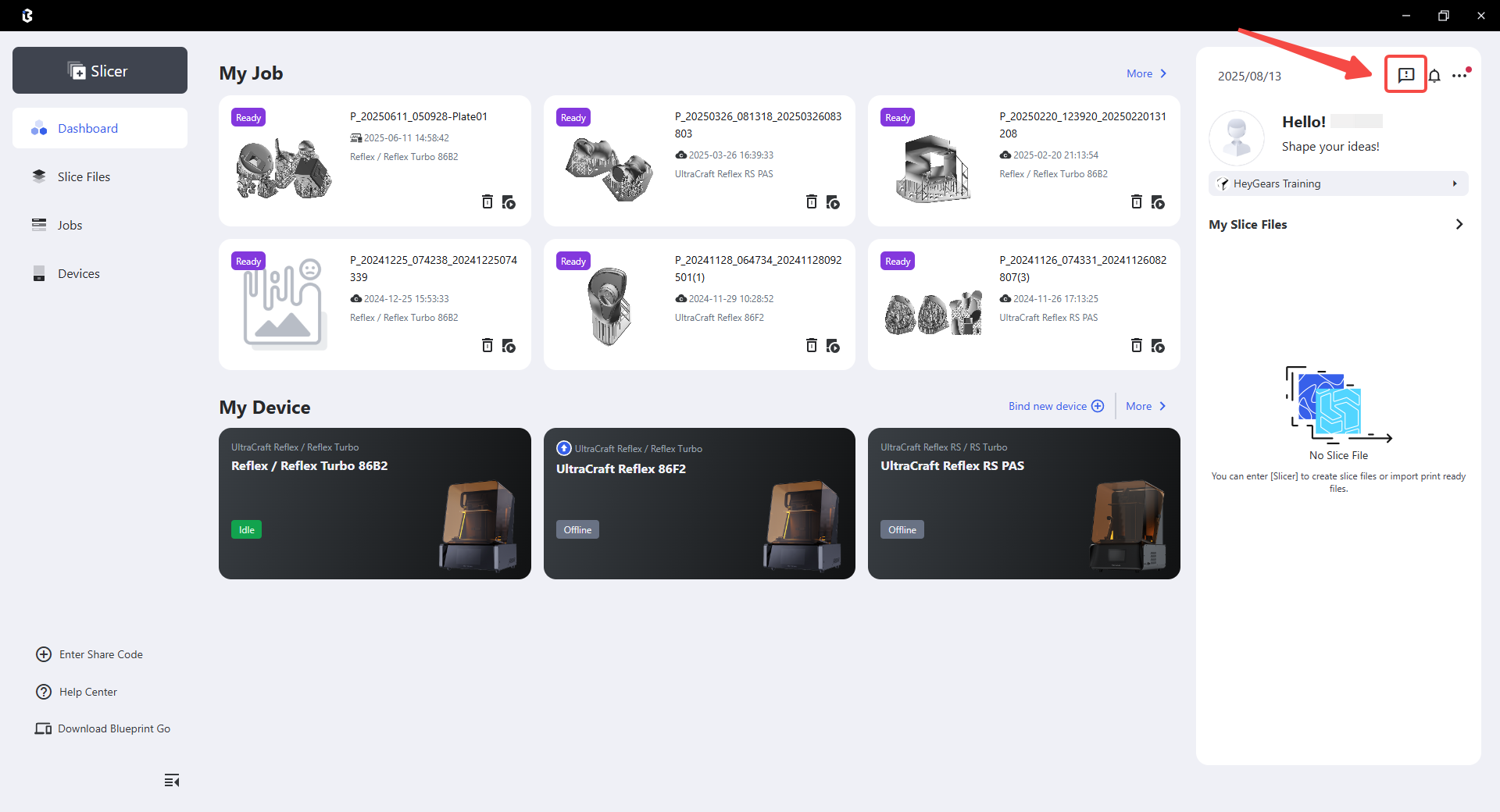
If you encounter any other problems besides the above, you can submit feedback through the " User Feedback " portal on the homepage. As shown in the figure below:
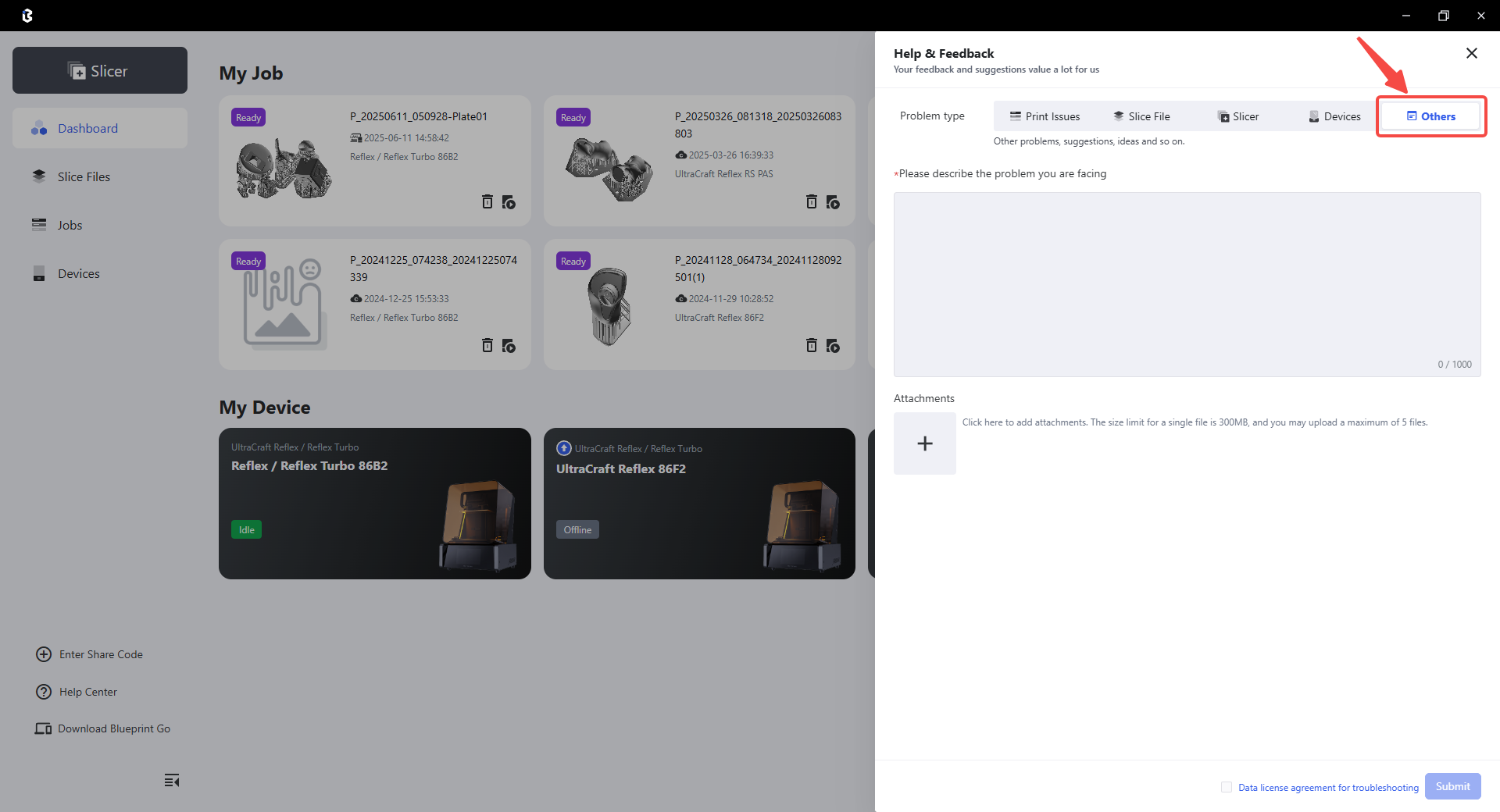
To assist technicians in locating problems more efficiently, it is recommended to submit feedback from the corresponding entry for the aforementioned pre-processing issues, slice file issues, printing issues, and device issues. This is only used for feedback on other issues.
¶ View feedback
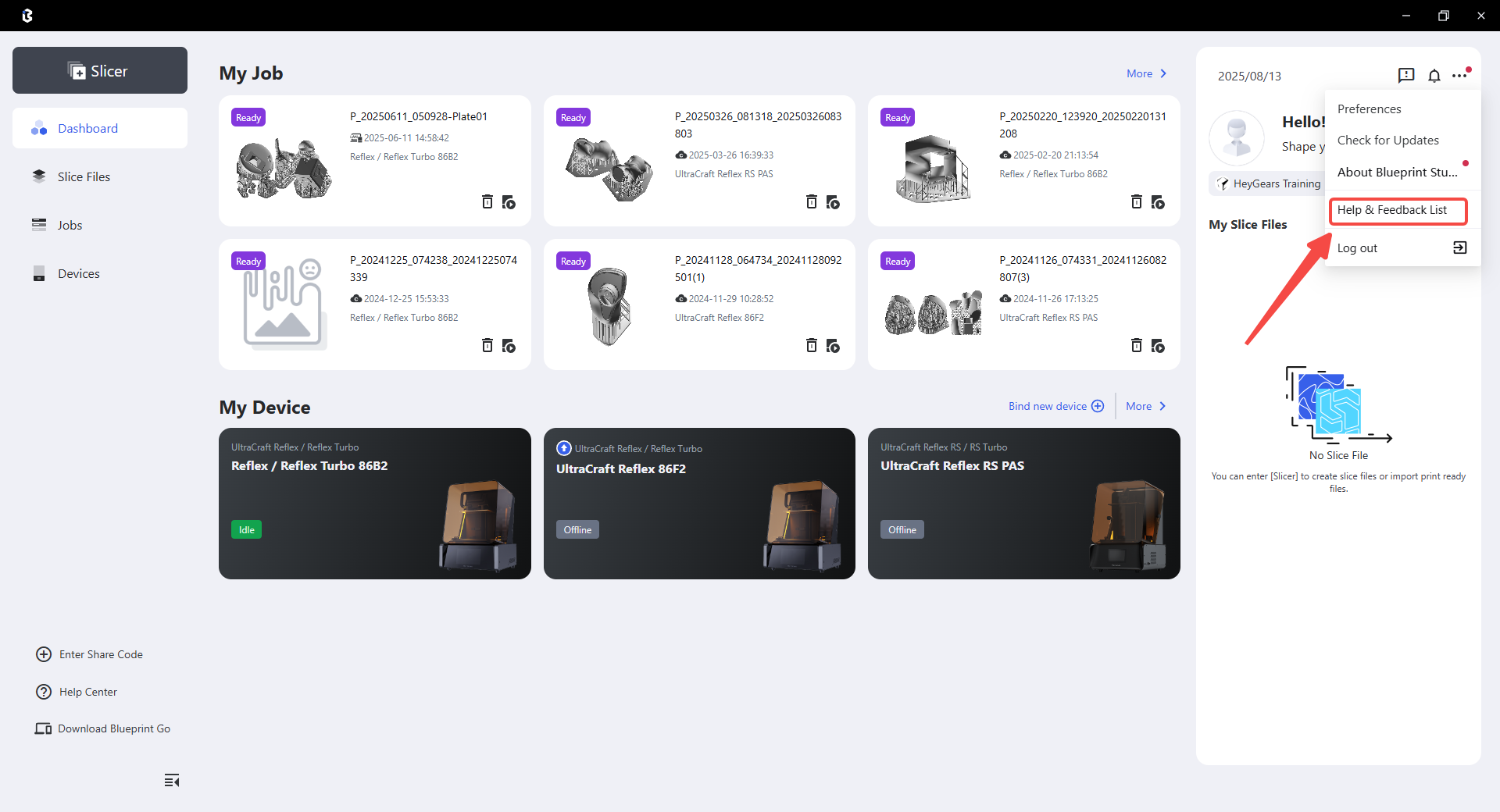
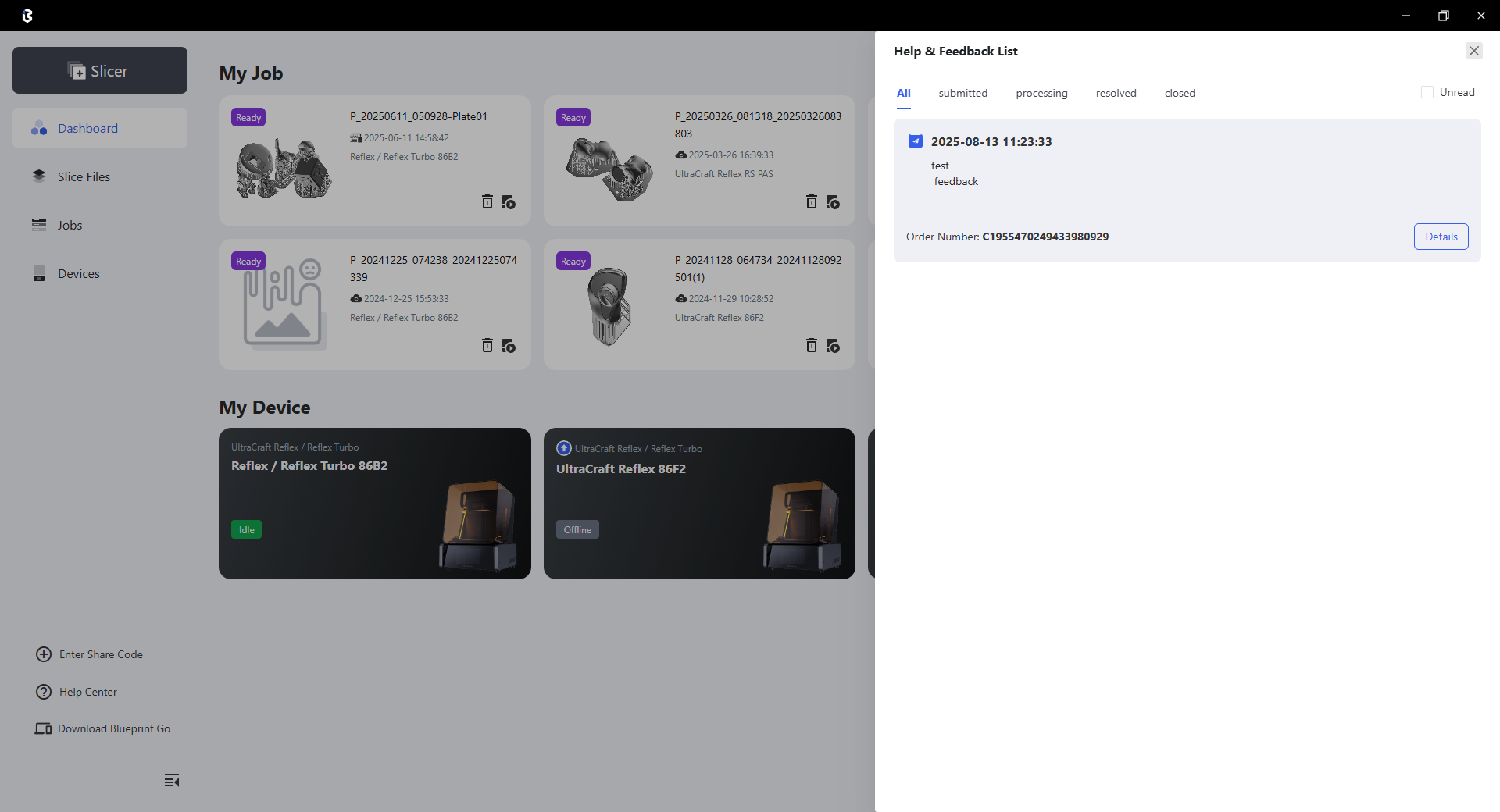
After submitting the problem, please pay attention to the problem feedback list and wait for a reply. If there is any progress, our technical support personnel will contact you and a red dot will appear on the icon of the problem feedback list and the corresponding problem service ticket.
 |
 |