Print failure of hollowed objects?
Models are hollowed during pre-processing but the prints failed (ragging, cracked or so).
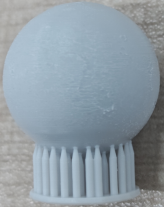 |
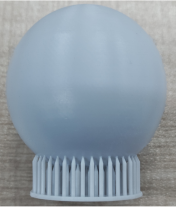 |
| hollowed with no drain holes | hollowed with drain holes |
¶ Potential reason ①: Suction cups on models cause resin vibrate or shake in the resin tank during the printing process because of pressure, leading to ragging on printed objects .
Solution: Run [Printability] check in the project on Blueprint Studio, and if reminders show up as below, you may solve them by: ①adding some holes properly; ②optimising the layout.
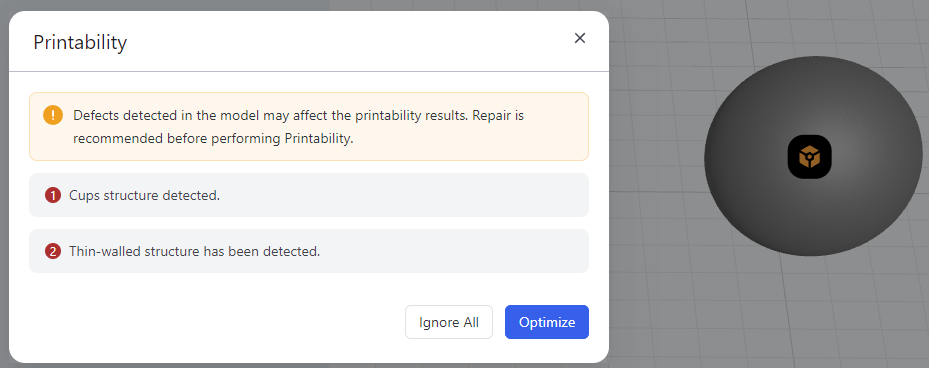 |
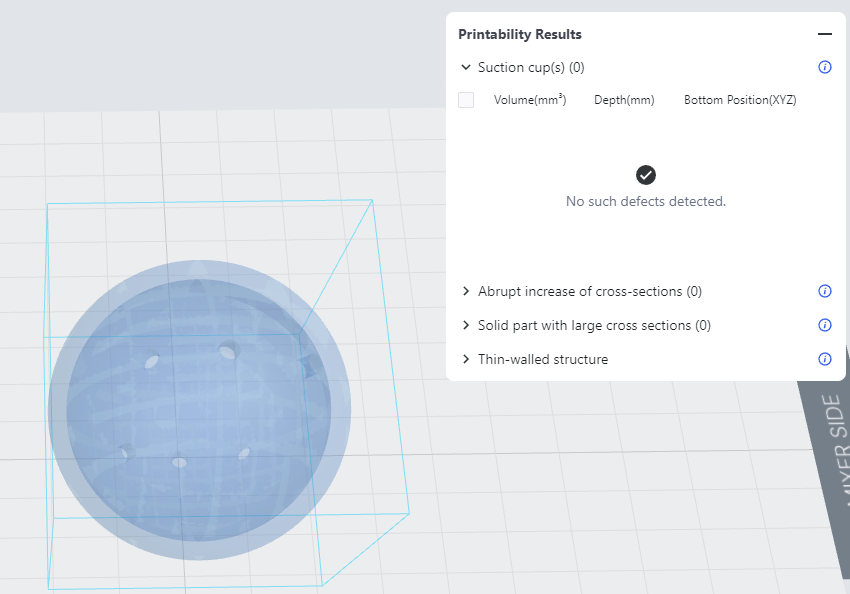 |
¶ Potential reason ②: Resin fails to be drained from the inside.
If drain holes are not added to hollowed models during pre-processing, resin liquid fails to be drained from the inside of the models, resulting in a solid print.
Solution: It's advised to add holes for draining during pre-processing ([Slicer>Prepare>Hole] on Blueprint Studio). Holes are recommended to be > 2.5mm in diameter and commonly about 2 in quantity, added at bottom surfaces that are not important.
Hollowed print parts cracked
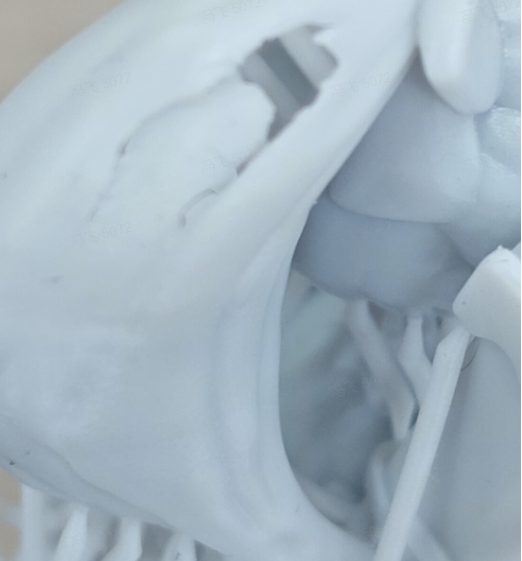
| Potential reason ①: The model wall is too thin. Then adhesive force might be too large for models that have suction cups, abrupt increase of cross sections and other special structures, causing partial cracks. Solution: Recommended wall thickness is >2.5 mm for hollowed models. |
 |