¶ Lines on my prints
There're various kinds of layer lines in LCD and DLP 3D printing. They are mostly 2 types:
¶ 1. Layer/Horizontal lines
Layer lines, or horizontal lines, are also called stair-steppings. Light processing 3D printing forms a 3D object layer by layer. Layer thickness suggests the exact thickness of each layer during this process.
Solution ①: Reduce layer thickness
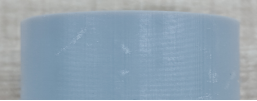
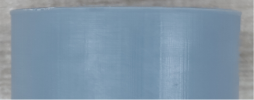
Thinner layers makes it harder to tell the dividing lines between layers, so the layer lines are less obvious, and vice versa. So you may reduce layer lines by lowering layer thickness during pre-processing.
Surface quality of print parts in different layer thicknesses
| 50μm | 200μm |
|---|---|
 |
 |
Solution ②: Change the inclined angle
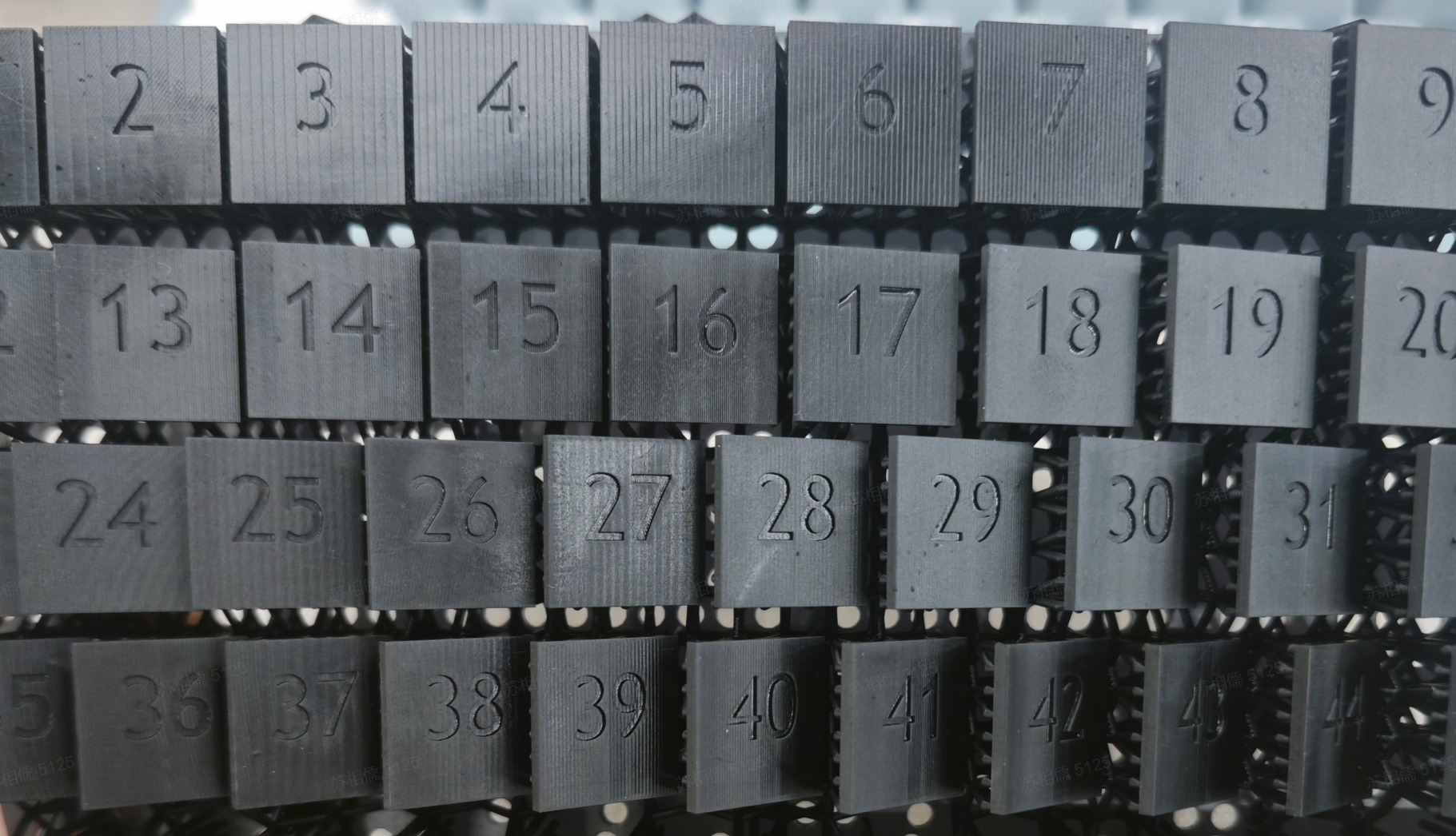
Orientation of the print parts has a great influence on their surface quality. So optimizing the part's orientation may also increase the quality.
The best inclined angle for large-flat-surface structure is

Reflex’s XY Native Pixel (XY Precision) is 34.4um. Best inclined angles theoretically are as follow. You may also test out the best angle based on your needs.
|
|
¶ 2. Ripple effect
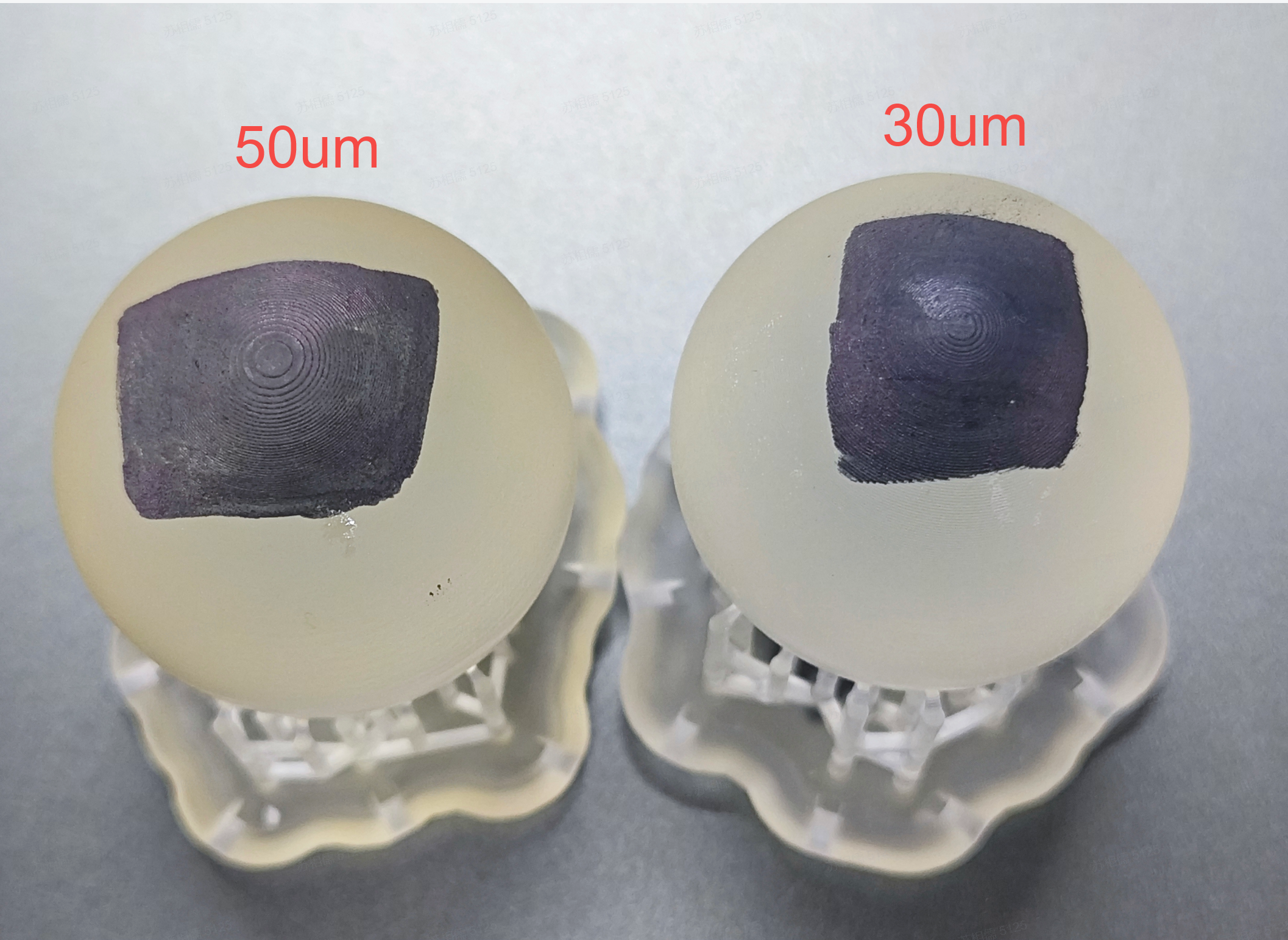
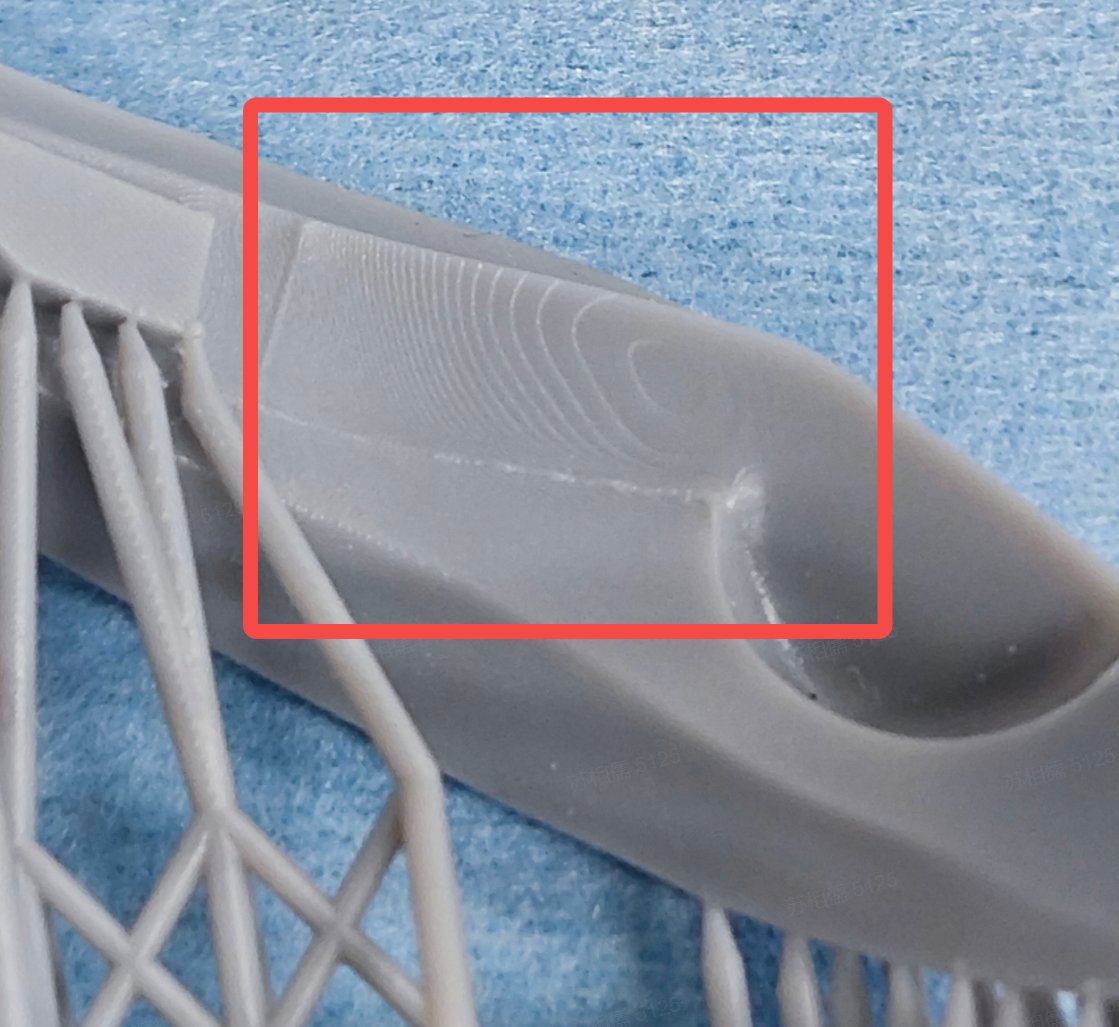
Ripple effect might also be called voxel lines or pixel lines, looking like ripples, as Fig. 3 shows.
First of all, in light processing printing, an LCD screen is divided into cubic voxels and light passes through the screen forming an image. So if a voxel is white, light will pass through it and cure the liquid resin in the resin tank; if a voxel is black, light cannot pass or cure the resin. Ripple effect is produced when cube voxels cut through continuous curved surface.
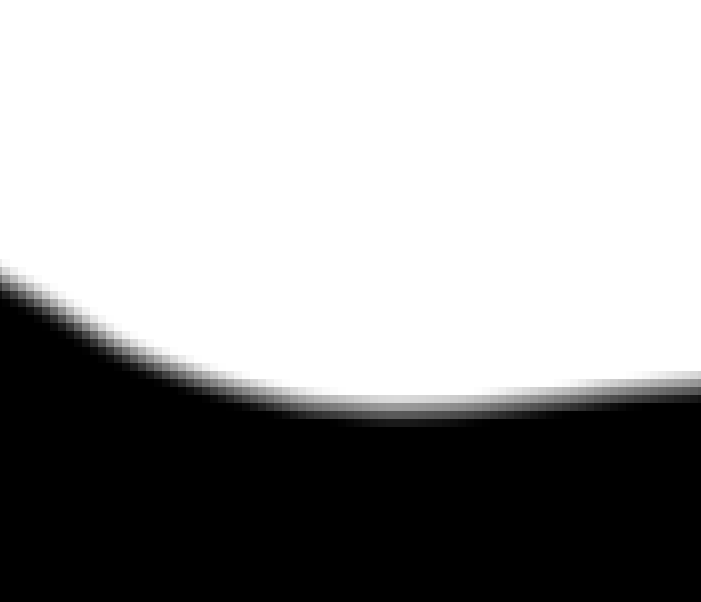
Usually we may adjust gray scale via anti-aliasing and fuzzing to make the edge smoother and improve the line issue. Please refer to Figure 4 for the principle.
| Fig. 3 Ripple effects on curved surface |
|---|
 |
| Anti-aliasing off | Anti-aliasing on | Fuzzing on |
|---|---|---|
 |
 |
 |
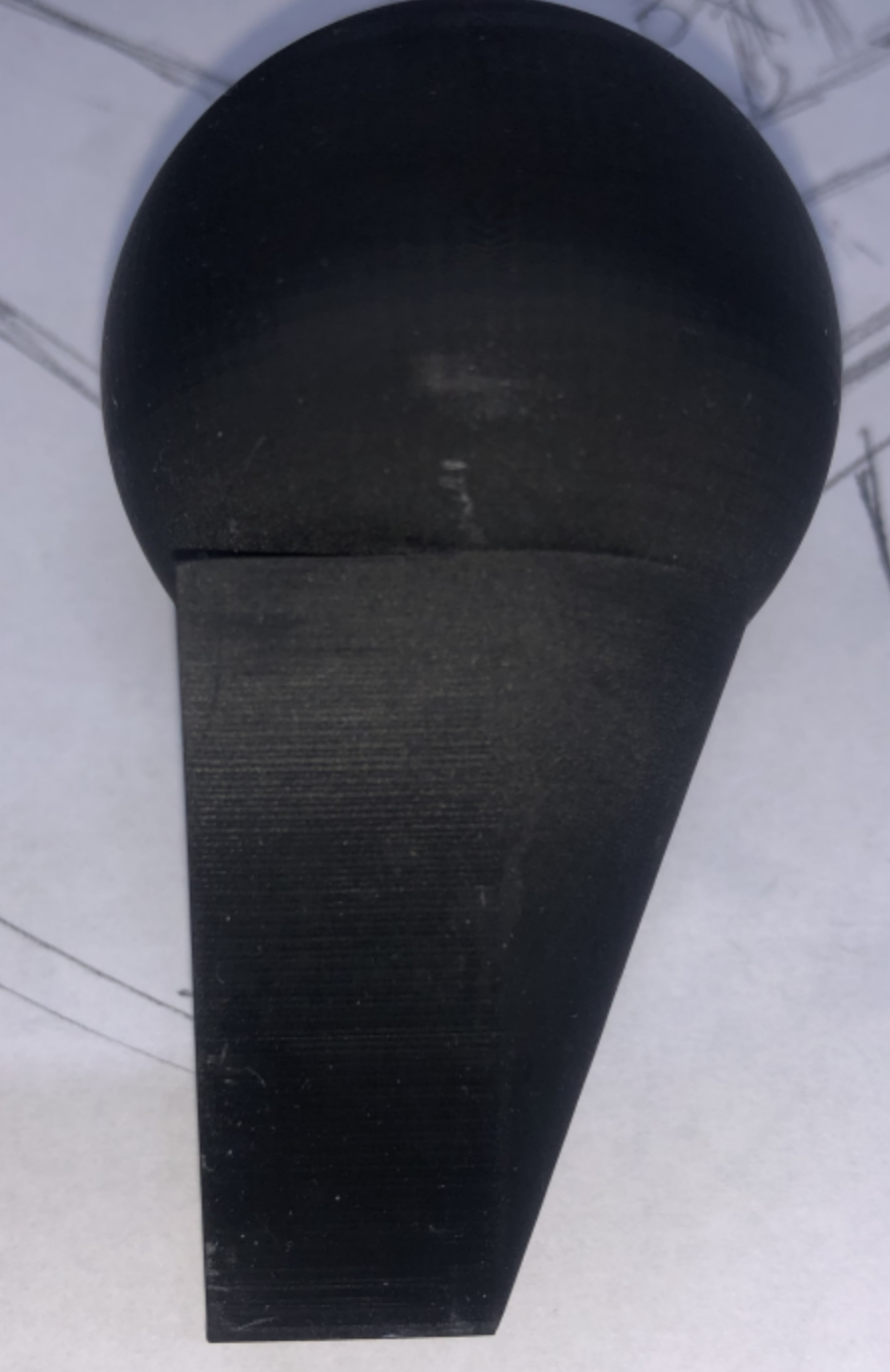
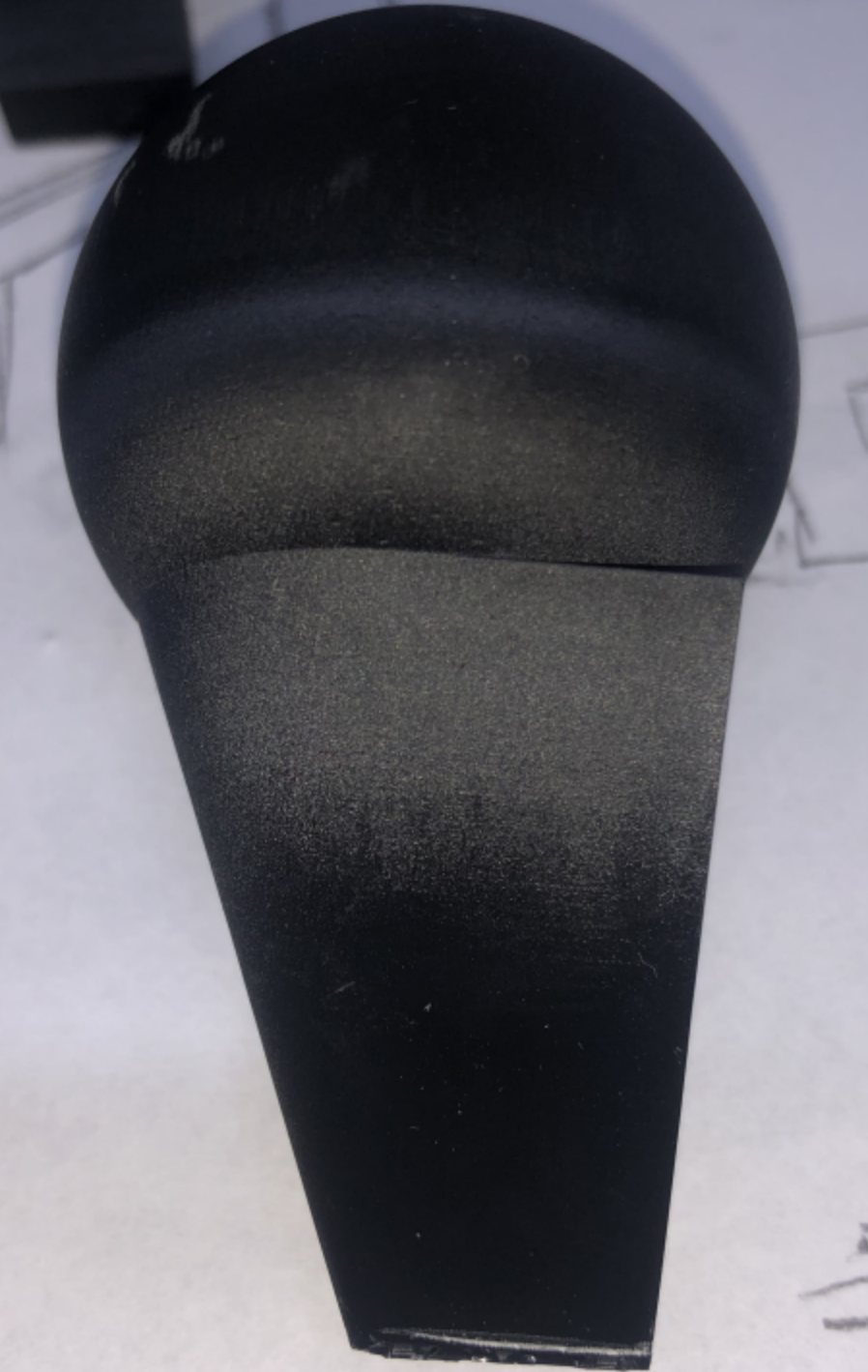
Solution ①: Anti-aliasing and fuzzing. But please be careful with high fuzzing level. Most commonly used fuzzing level is between 2 and 4, which can give a smooth surface that is still precise in details.
| fuzzing off | Fuzzing |
|---|---|
 |
 |
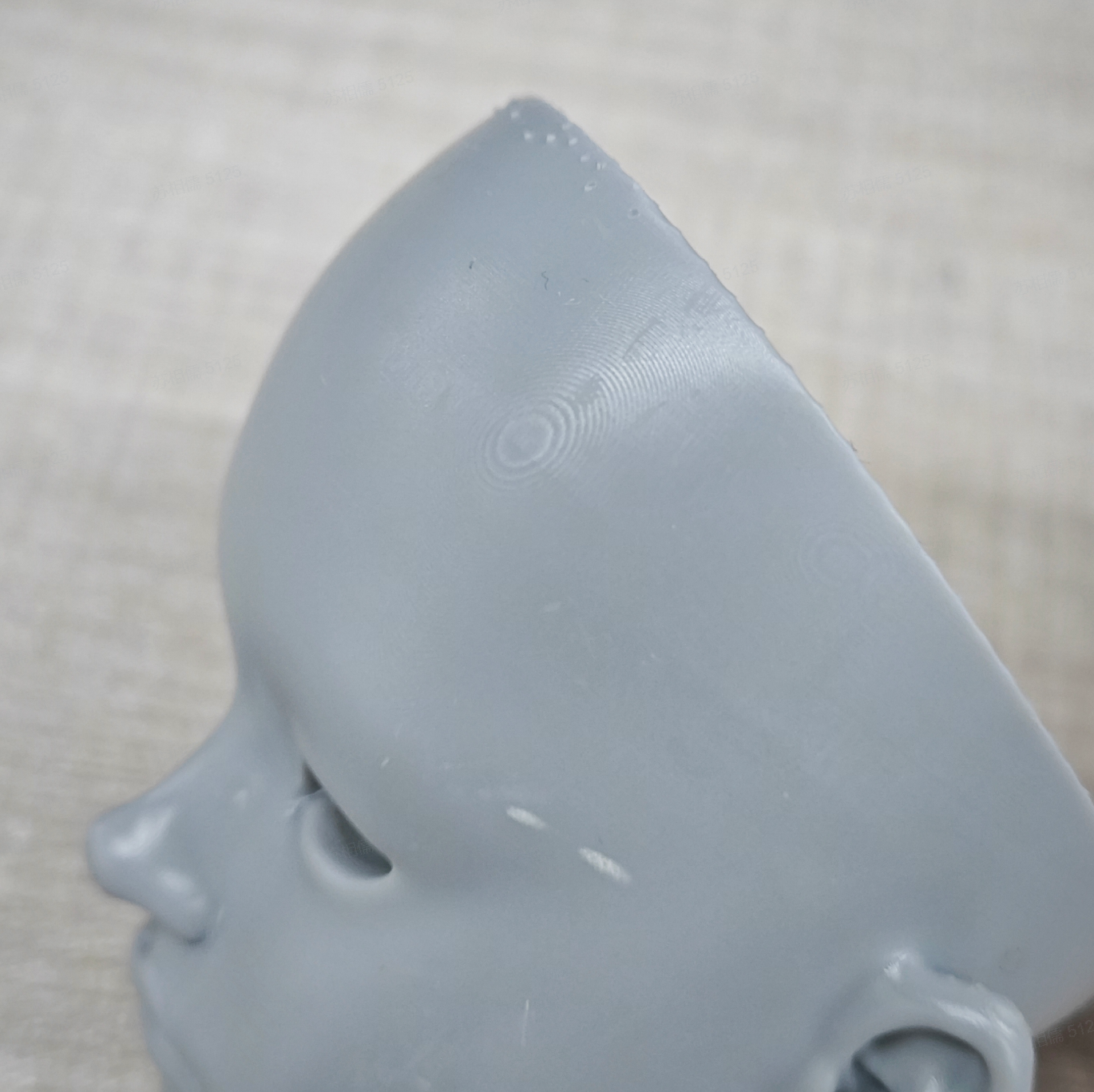
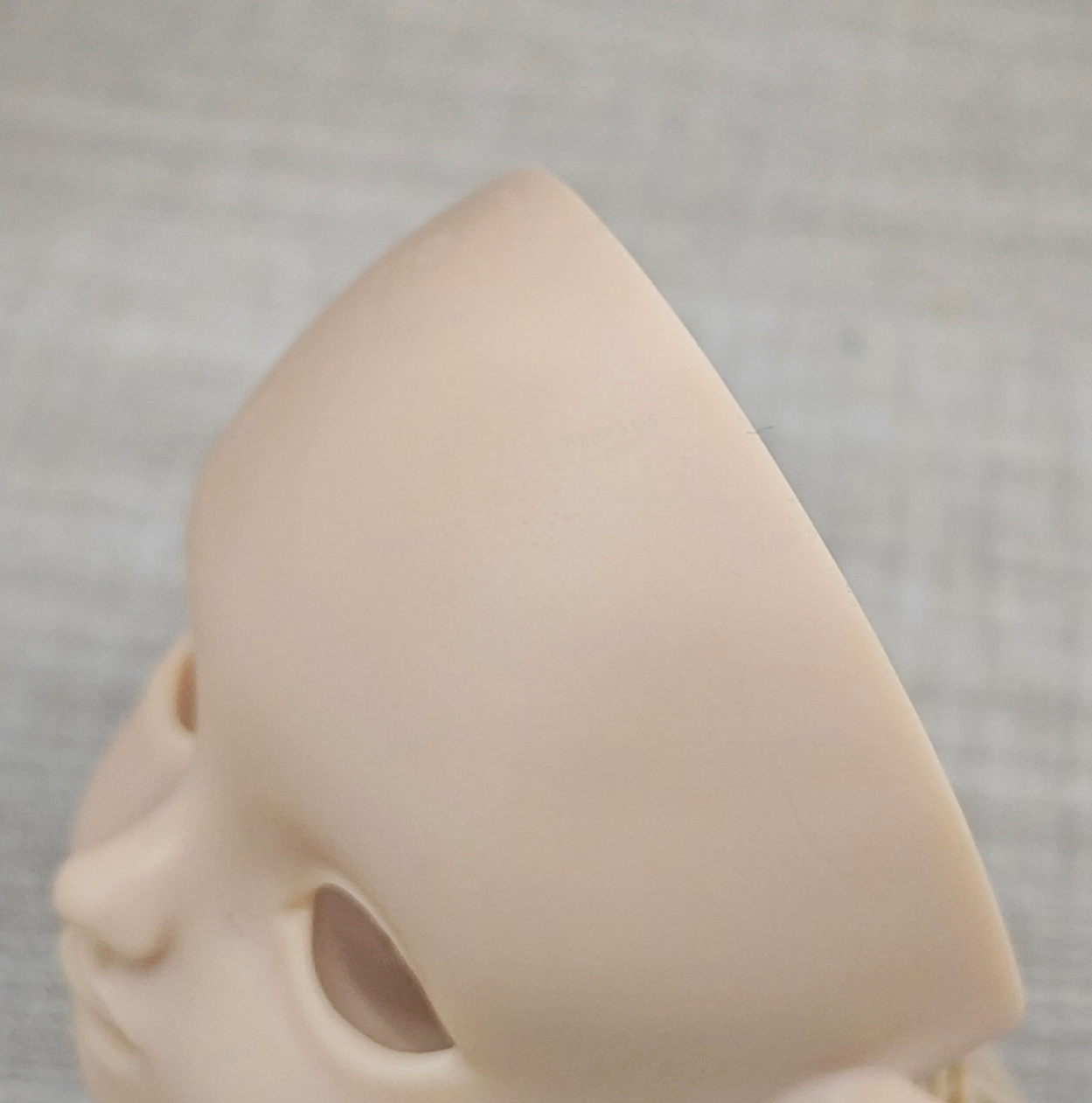
Solution ②: For an object who has mainly flat surface or curved surface with few fine details or patterns, avoid printing it with materials for detailed parts such as UltraPrint-Production PAP10. As PAP10 has a fairly strong ability to inhibit light scattering, it is good at printing out fine details but also reproduces voxels well, leading to more noticeable layer lines and ripple effect than other materials. It is advised to use UltraPrint-Modeling PARP10 and UltraPrint-Production PAWR10 who give a finish with less lines.
| UltraPrint-Production PAP10 | UltraPrint-Production PAWR10 |
|---|---|
 |
 |
解决方案③
Solution ③: Print with smaller layer thickness. Smaller thickness can reduce the issue, as Figure 7 shows.
Fig. 7 Left: 50um of layer thickness; Right: 30um of layer thickness