Parts of printed objects are missing
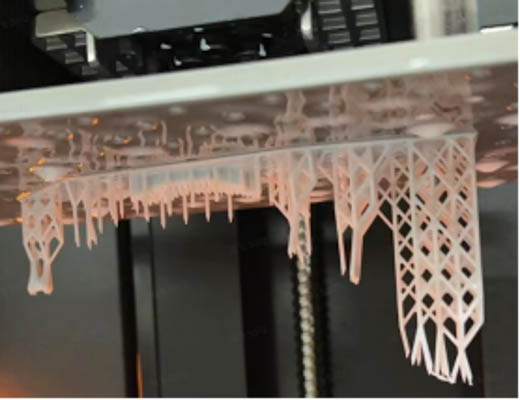
¶ Possible reason ①: Not enough supports that are strong enough on proper areas, especially on islands, overhang structures and large solid parts.
Solution: Add extra supports in “Slicer” in Blueprint Studio.
¶ Possible reason ②: Print material might not feature high construction performance, for instance, flexible materials (due to its special properties).
Flexible materials can be difficult to print out islands, so need special check and edit for supports on islands during pre-processing. But it has a relatively high risk to use flexible materials for models with many islands, such as pre-supported models and models featuring complicated details.
Solution: Choose a proper print material according to the models you're printing.
¶ Possible reason ③: Light projection error.
Commander’s update and other factors might cause light projection error accidentally.
Solution: If the projection screen goes through dark spots, lines, flicking, no response or other issues, you may contact HeyGears Support for troubleshooting and fixes.
¶ Possible reason ④: Resin tank broke, leaking resin, or getting loose.
The release film of the resin tank might be broken, loose or leaking resin because of improper operations or long time of use.
Solution: Check the release film if it has any mentioned problem. If so, please replace it with a new one as soon as possible.
 |
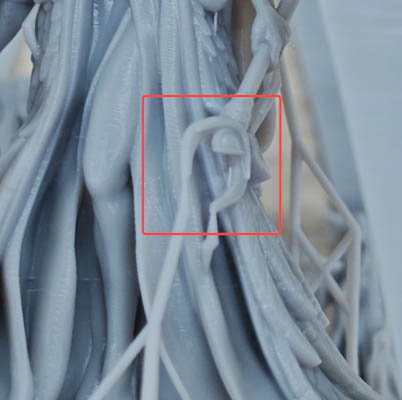 |
| Reason ① case:Whole Object Missing | Reason ② case:Partial Missing |