¶ Reflex 2 Series LCD Screen Replacement Guidelines
When replacing the LCD screen for the Reflex 2 series, please pay attention to the following points:
- Ensure the device is powered off before installation.
- The LCD screen comes with pre-installed screen tape, so there is no need for the user to apply it manually.
- Confirm that all components for the LCD screen installation are complete before proceeding.
- The new LCD screen has protective dust films on both sides that need to be removed during installation.
- Before securing with screws, check that the new screen displays images correctly.
¶ Procedure
-
Ensure the power is disconnected before replacing the LCD screen.
-
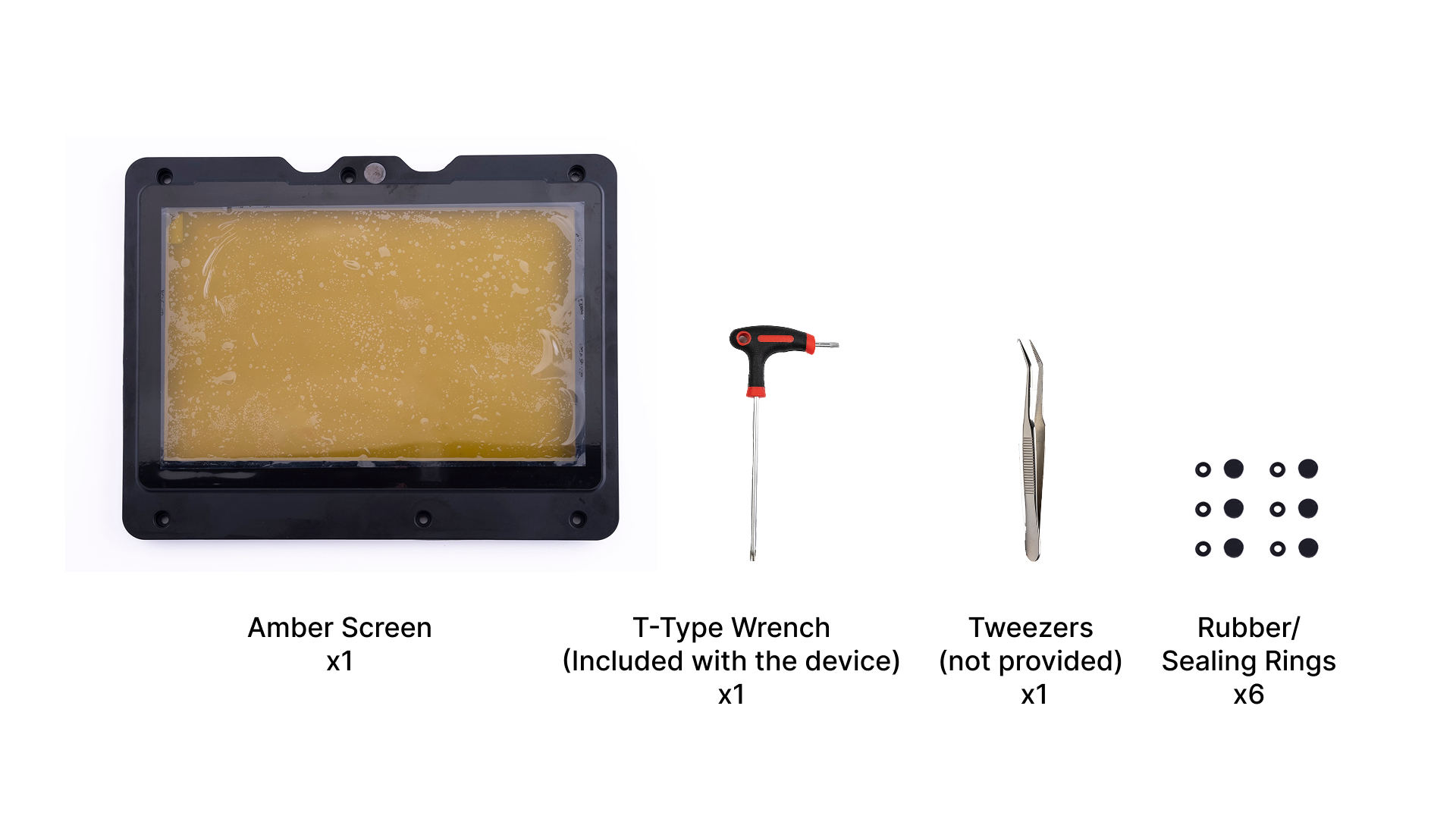
Verify the contents of the screen packaging and gather any necessary tools.
| Friendly Reminder: |
|
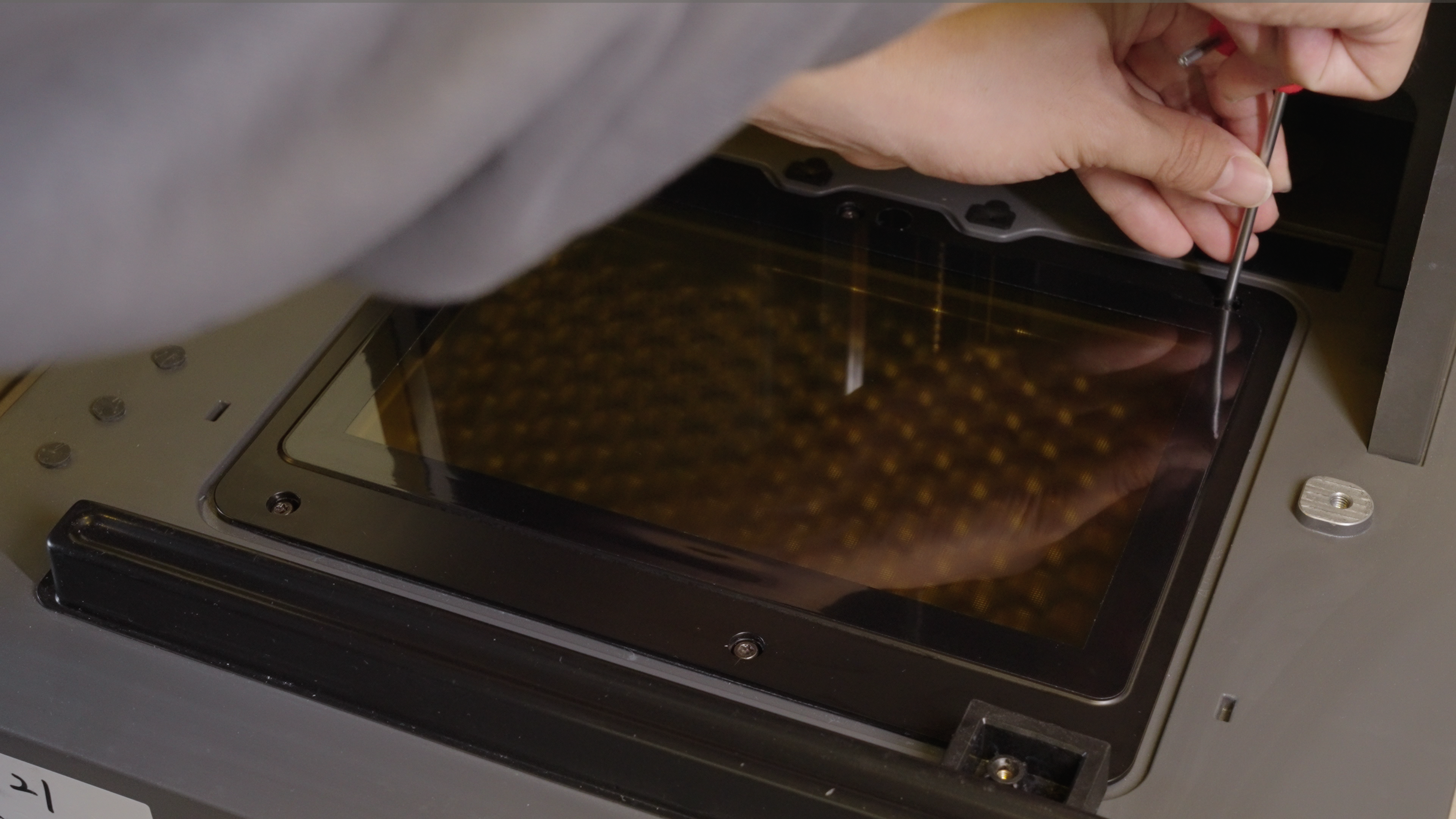
- Use pointed tweezers or a flathead screwdriver to remove the rubber plug.
 |
 |
- Use T-type wrench to remove the six screws.
 |
 |
-
Carefully take off the old amber screen, avoiding dropping screws or debris into the device.
-
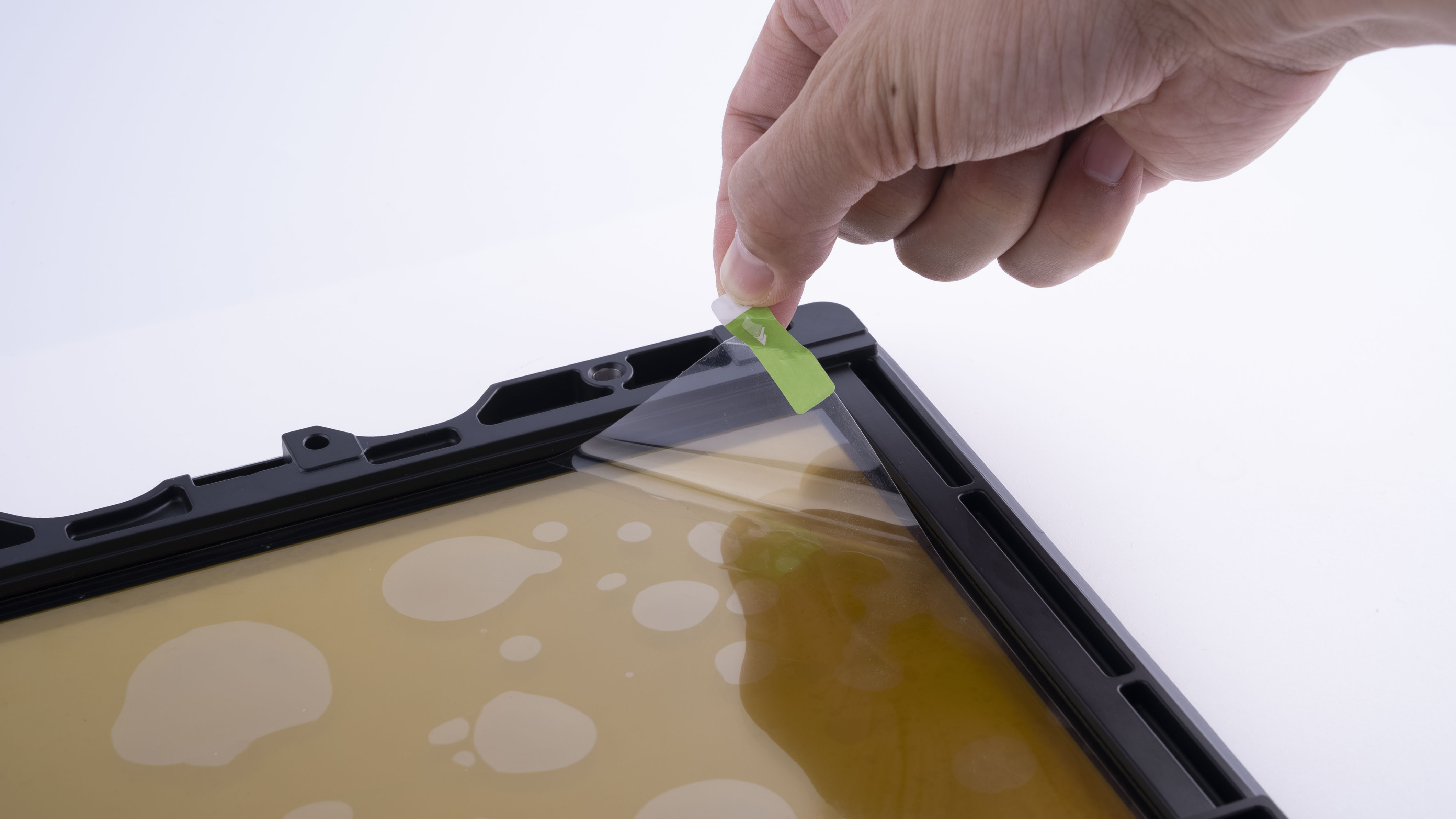
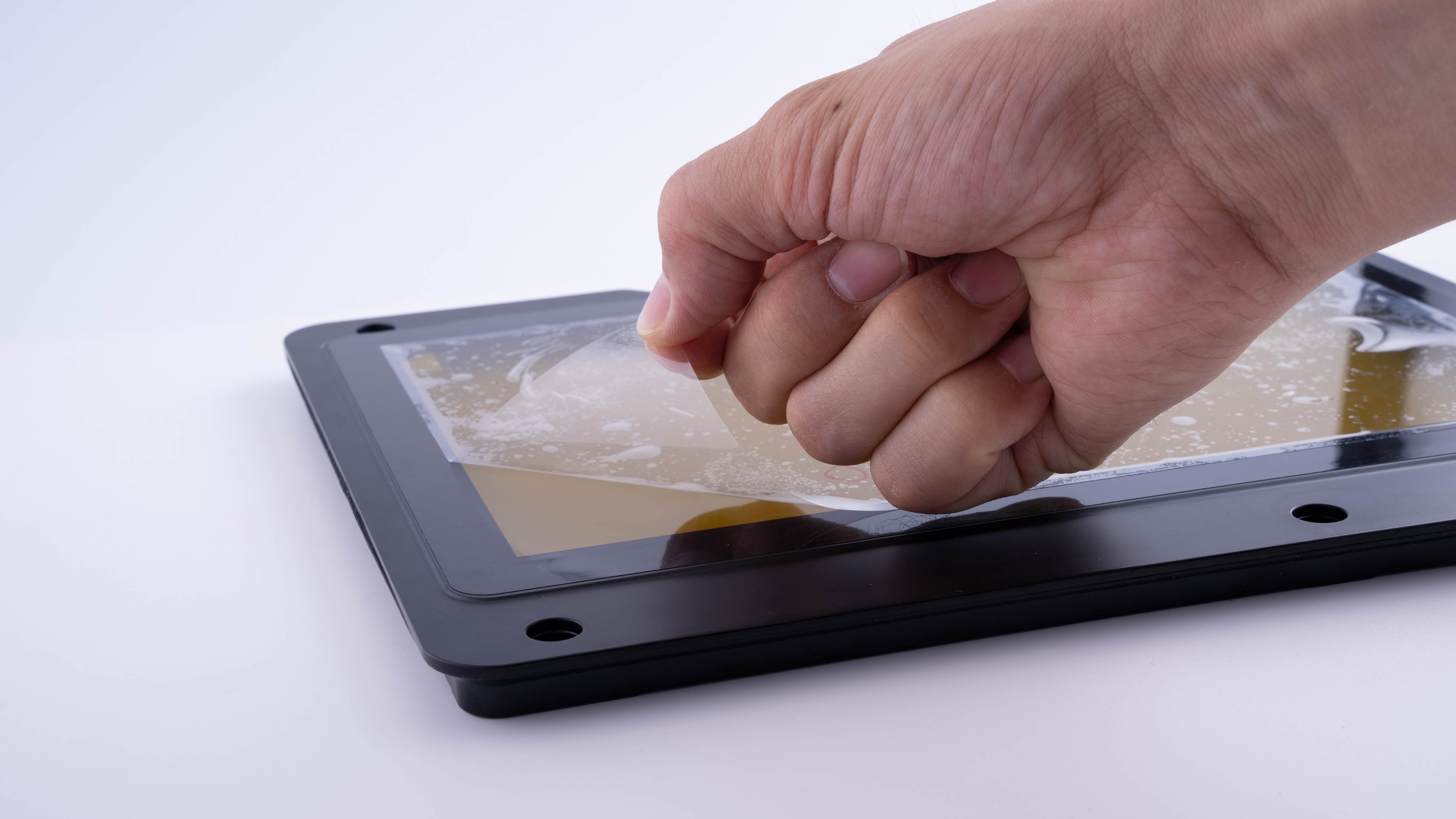
Check the appearance of the new screen. After removing the dust film from the bottom, align it with the screen connector and install it into the device. Then, remove the front dust film.
| The Bottom Dust Film | The Front Dust Film |
 |
 |
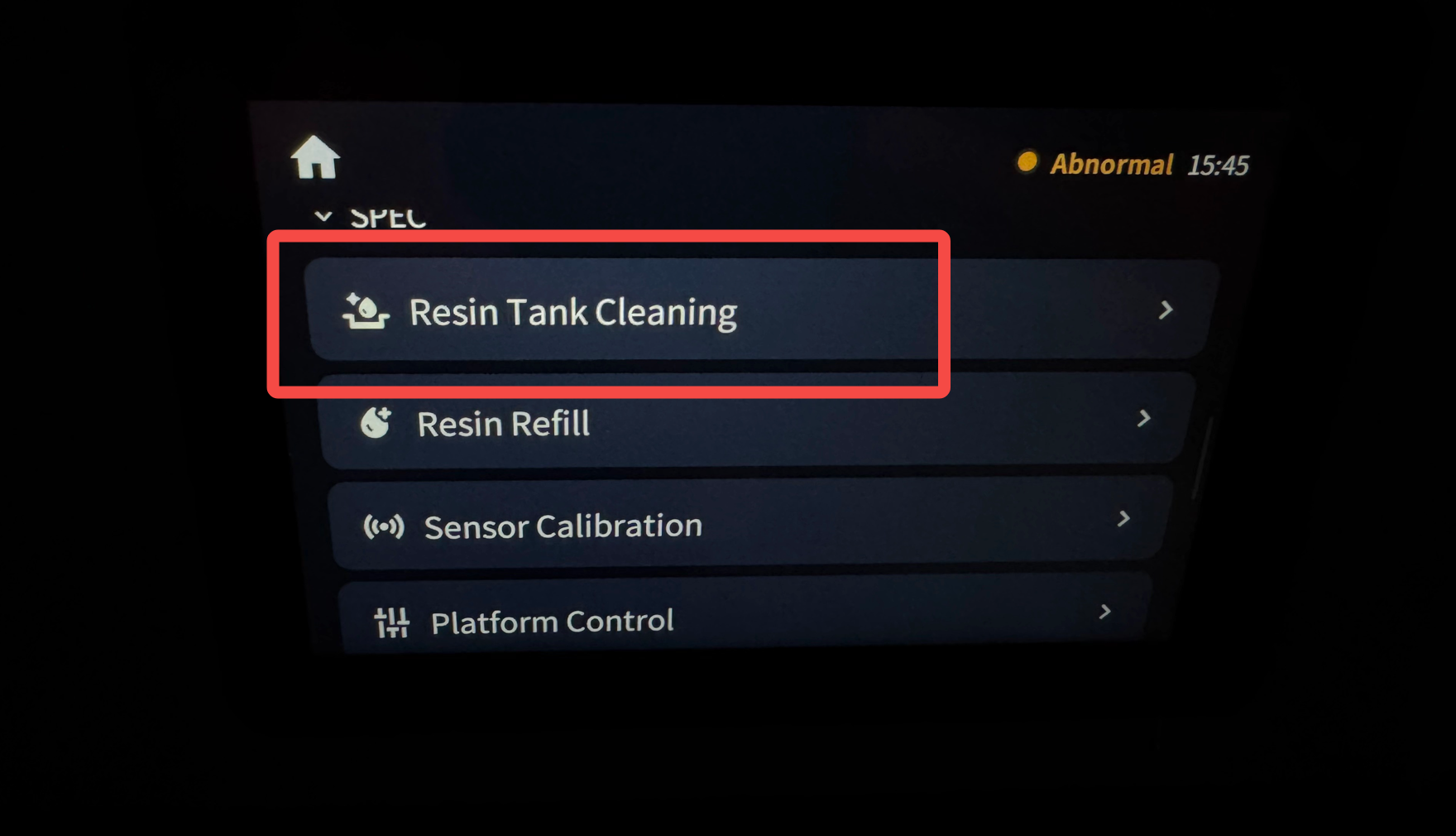
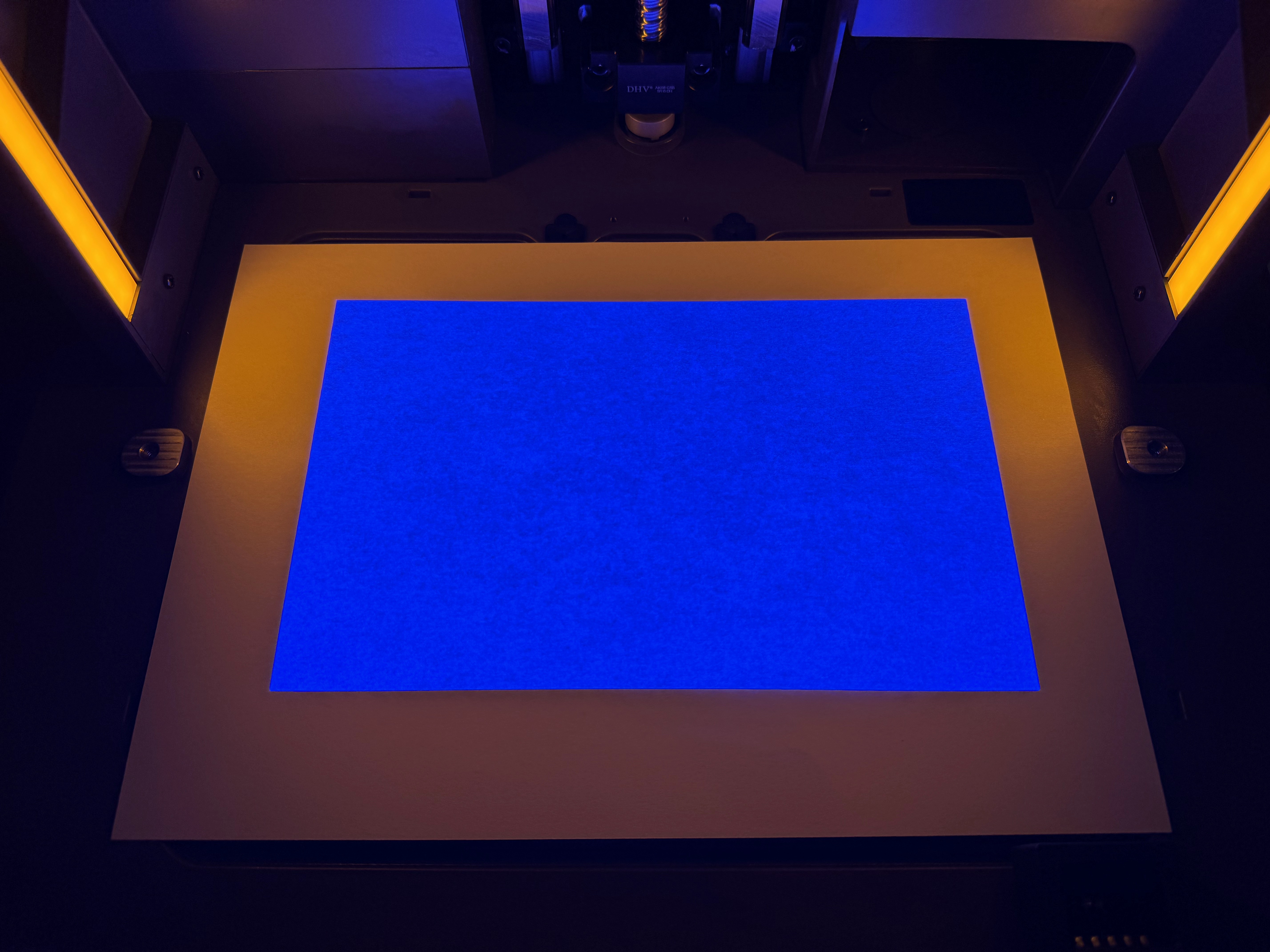
- Place an A4 white paper on the LCD screen. Power on the device and navigate to the settings menu on the operation screen. Select "Tray Cleaning" to project an image on the LCD screen and check for any abnormalities. If there are issues with the image, please contact customer support.
 |
 |
- Once the new screen is confirmed to project correctly, power off the device. Pre-tighten the screws, ensuring to use the screws in combination with the sealing rings (as shown in the image below). Fully tighten the screws and place back the rubber plug.
 |
|
- Use a glass cleaner and a non-woven cloth to clean the LCD screen in one direction.

- The LCD screen replacement is now complete.