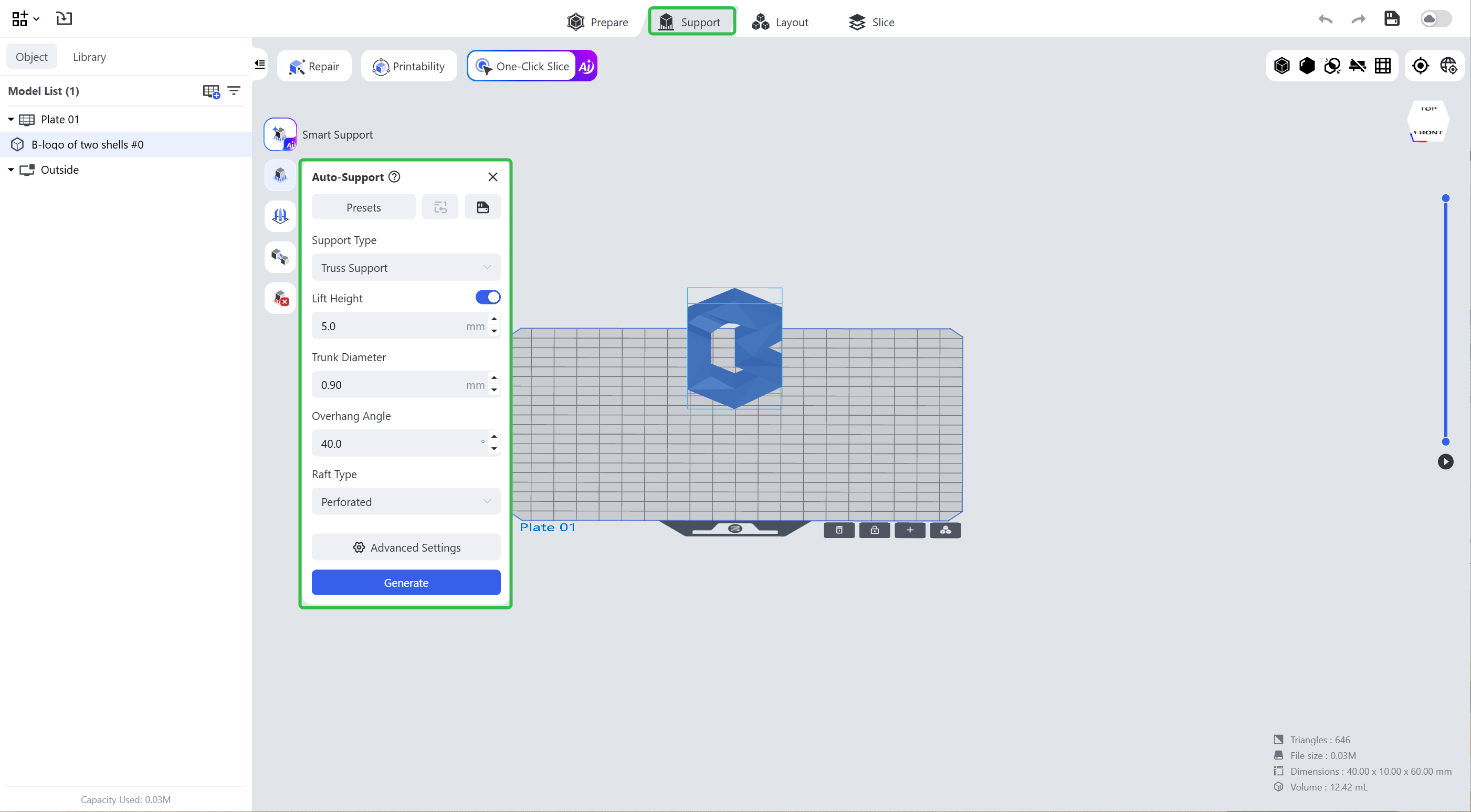
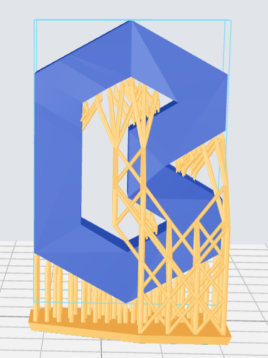
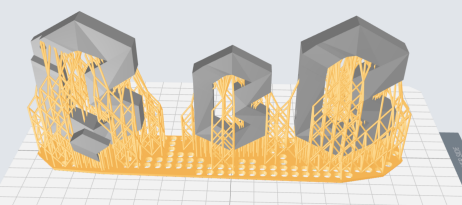
If the models are grouped (see details), it will add supports to all models in the project and the support base will connect all the supports.
| Single Model with Supports | Grouped Model with Supports |
|---|---|
 |
 |
You might set support parameters for different models as different models, applications and materials might have different requirements on support structures.
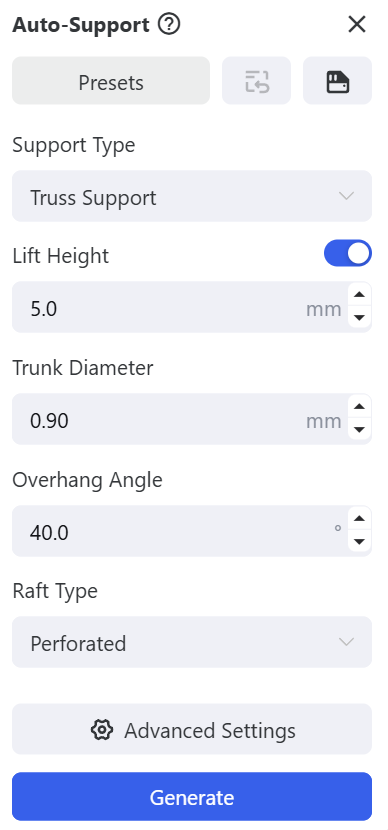
The following explains the parameters and might help you understand.
¶ 1. Presets
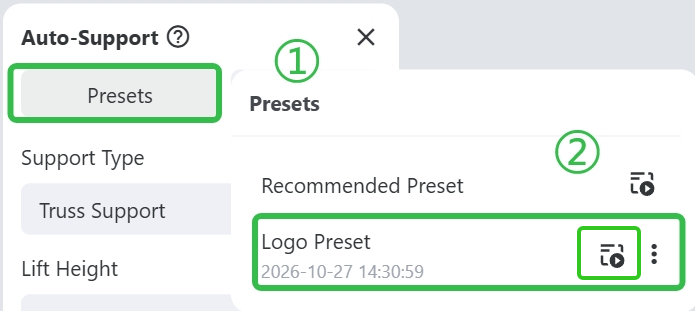
You can apply the <Recommended Preset> of <Presets> button in the pop-up panel.
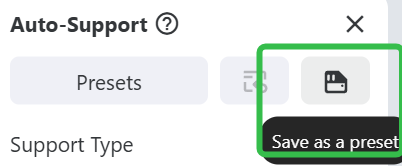
You can also set the parameters and click Save button. Next time you can click <Presets> to apply the support parameters.
 |
 |
¶ 2. Basic parameters
¶ 2.1 Lift Height
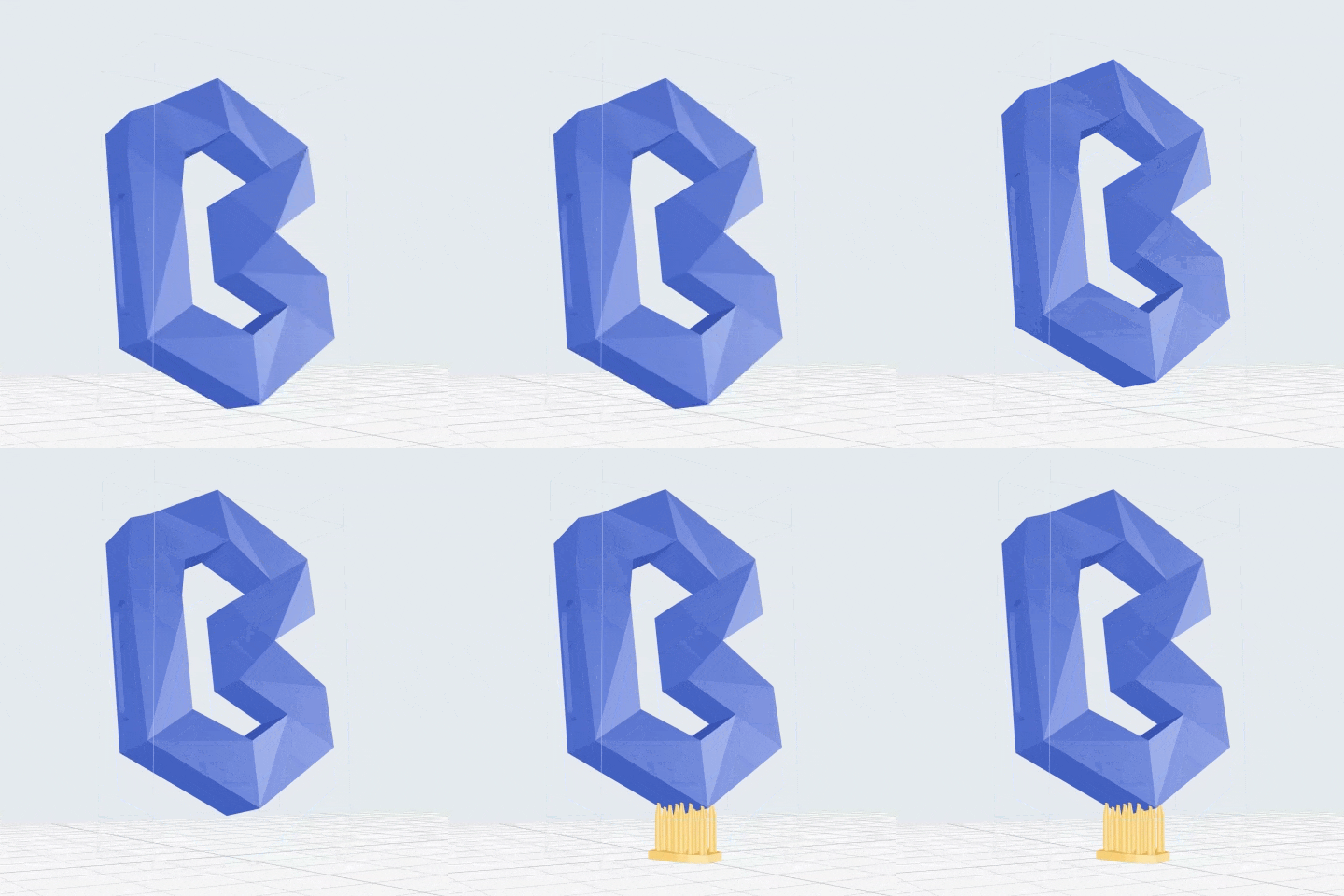
If turned on, the model will be lifted to the height you define here before supports are generated.
¶ 2.2 Trunk Diameter
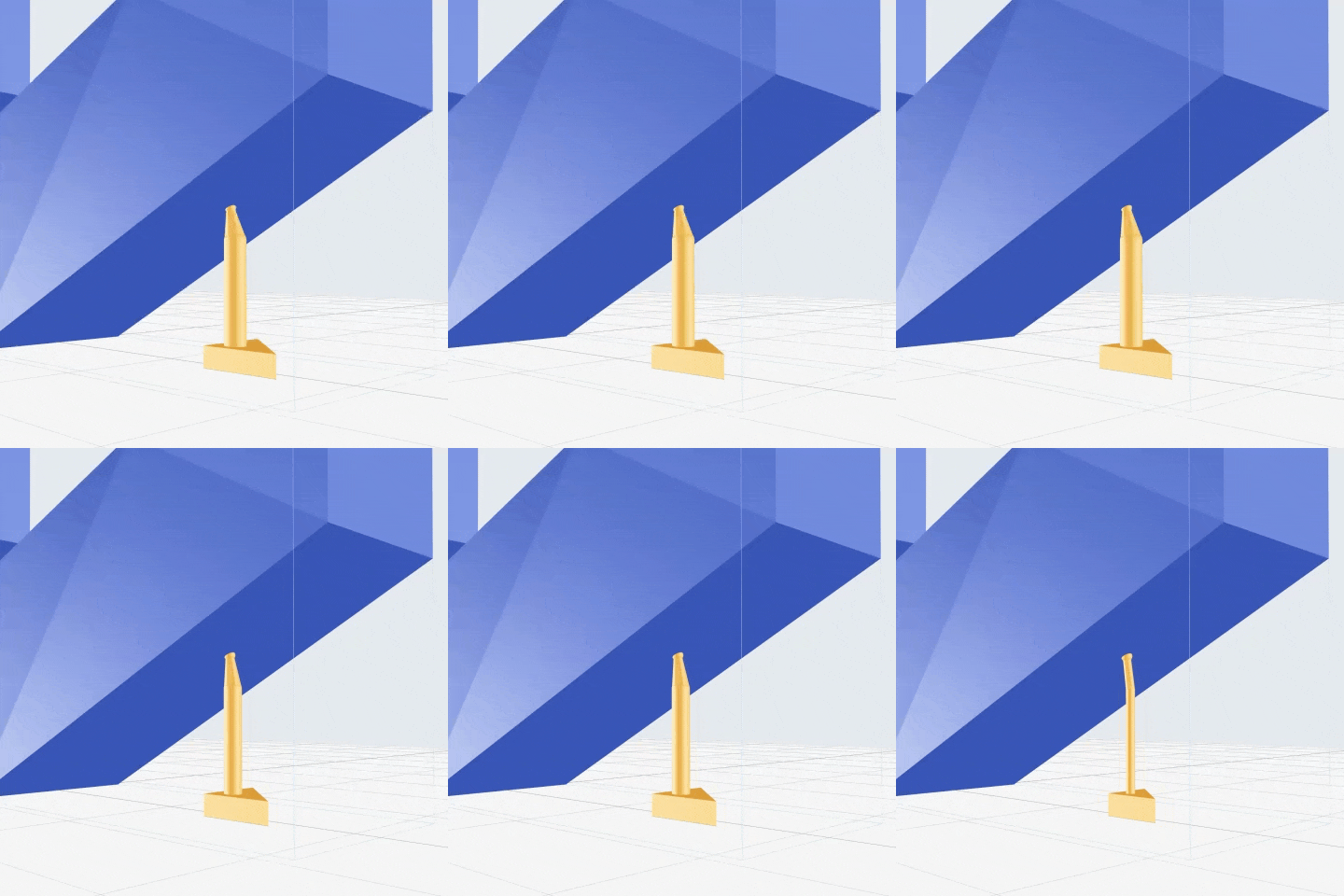
Define the diameter of the support trunk which impact the support’s strength.
¶ 2.3 Overhang Angle
Adjust the areas where supports will be added automatically. The angle is shaped by a down-facing surface and the work plane.
The bigger this value is set, the more areas will have supports, and the areas where the angle is larger than the set value will not have supports.
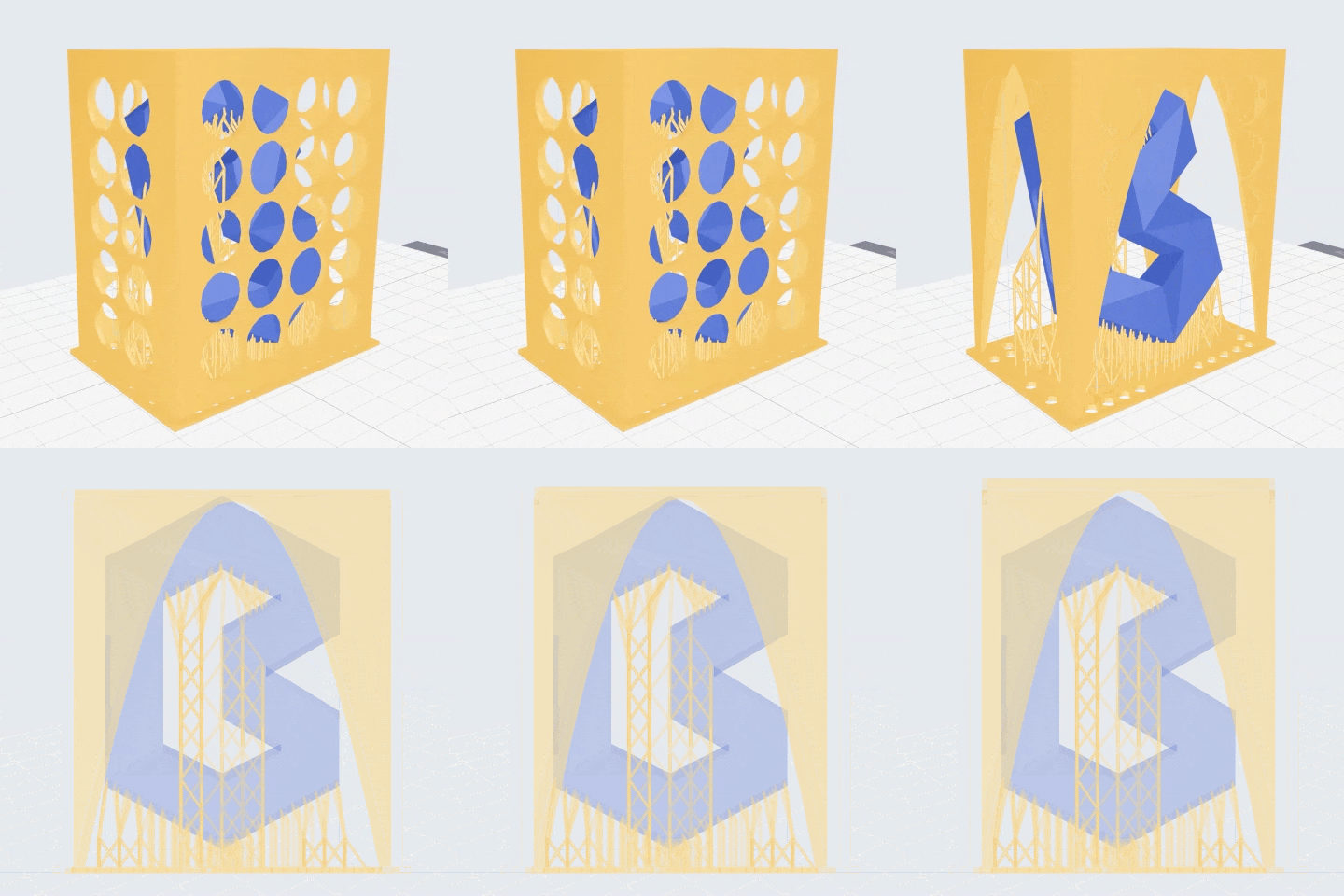
¶ 2.4 Raft Type
- Perforated: The raft will be perforated. Default raft type.
- Raft with Casing: A cuboid protective casing will be generated, surrounding the model. It can protect the model during washing or shipment.
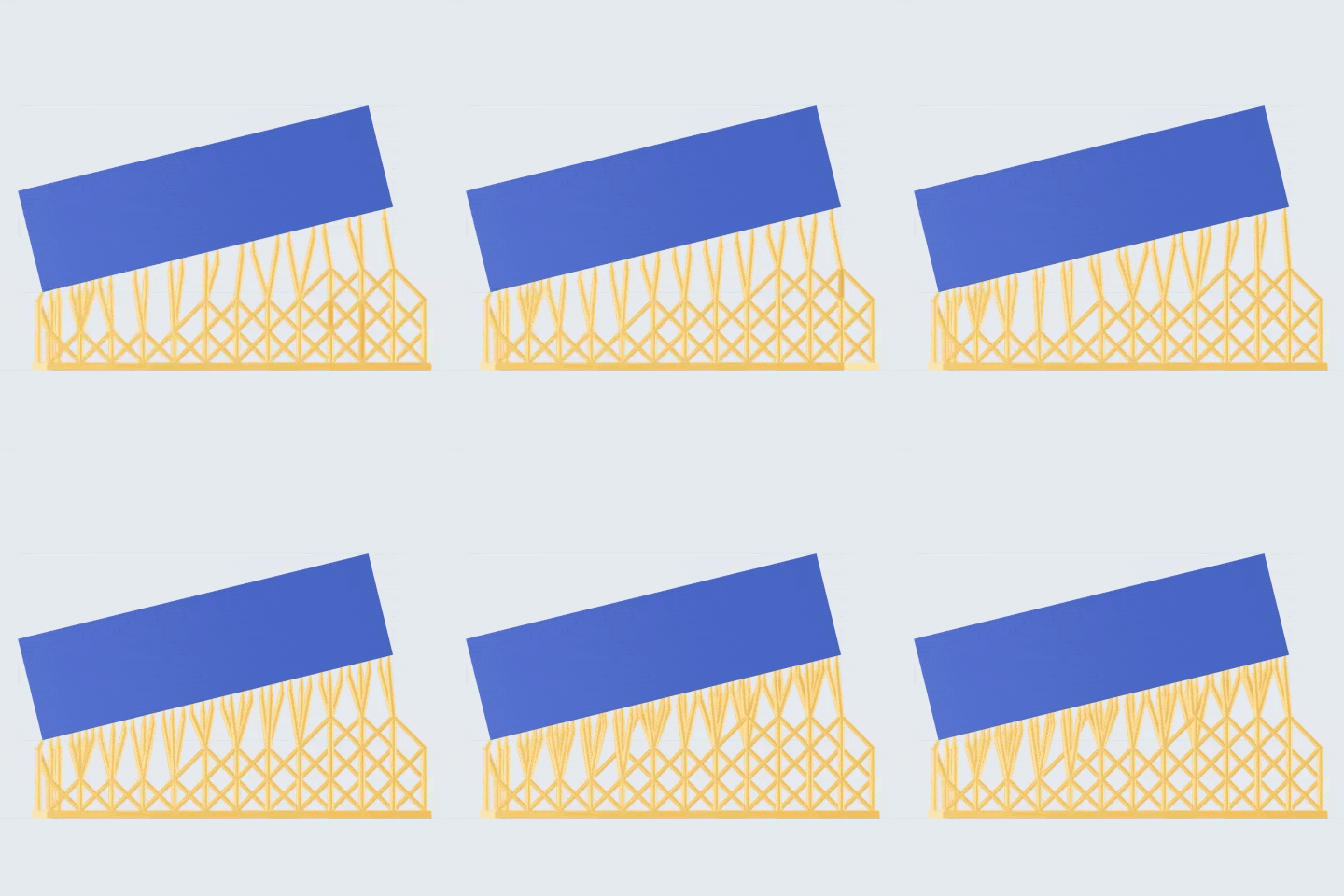
- Inverted Frustum Base: an inverted truncated support structure, wide at the top and narrow at the bottom, is generated at the bottom of each support, which effectively disperses the center of gravity and provides better stability, especially suitable for supporting heavy objects.
- Connection Backplane: a mesh-like base is generated by connecting the bottoms of the supports, which reduces the use of resin material.
¶ 3. Advanced Parameters
¶ 3.1 Support Density
- Contact Spacing: to adjust the spacing between the supports' contacts. Smaller value means denser supports.
- Border Contact Spacing: to adjust the spacing between the supports' contacts located at the boundary. Smaller value means denser supports.
- Edge Offset Distance: the spacing from the border contacts to the outer edges of the model.
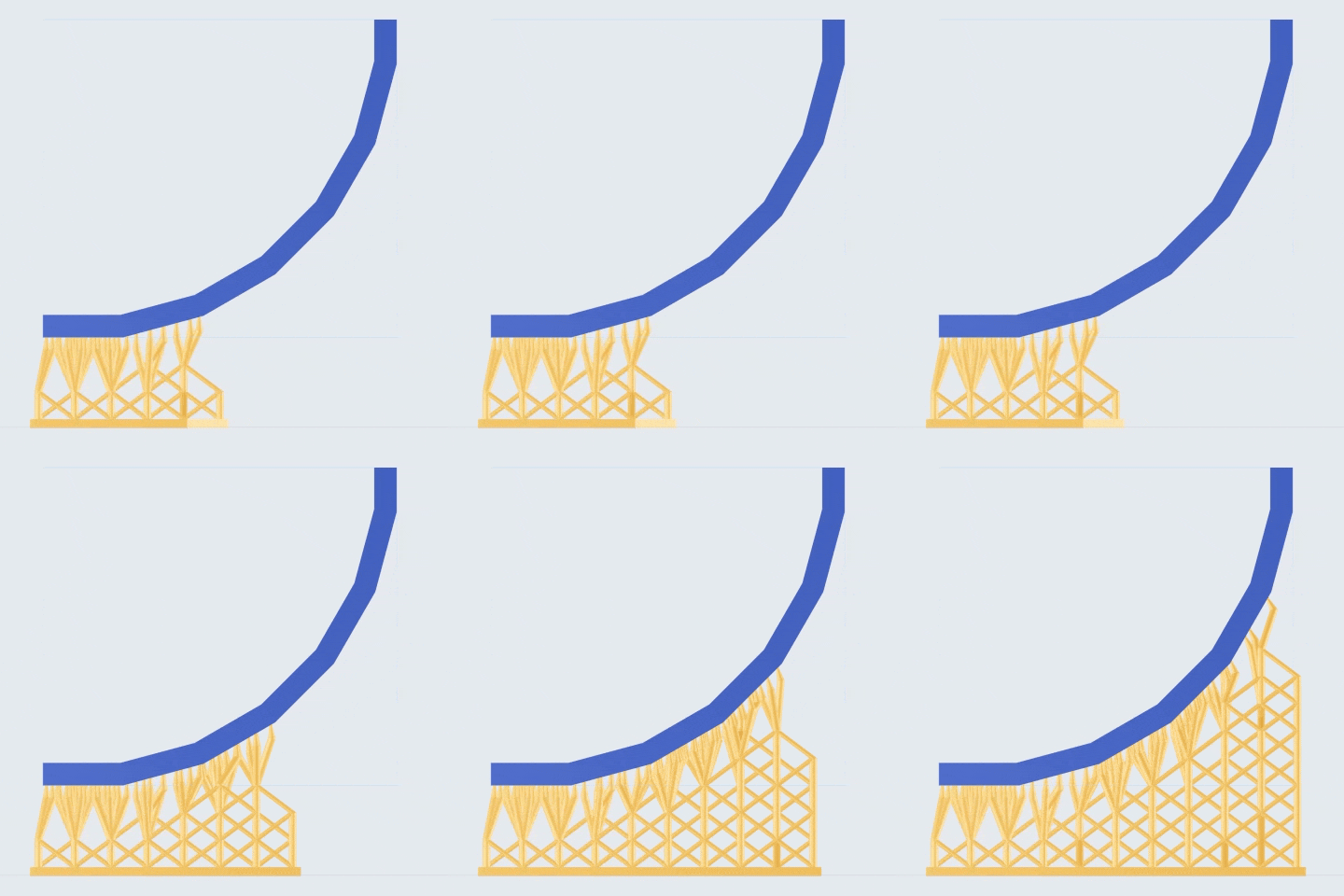
- Lowest Point Reinforcement: if turned on, the system will automatically identify the lowest point of the model and add more supports around the lowest points. If disabled, partial missing might occur.
- Reinforcement Height: to adjust the valid area. Bigger value means a larger valid area.
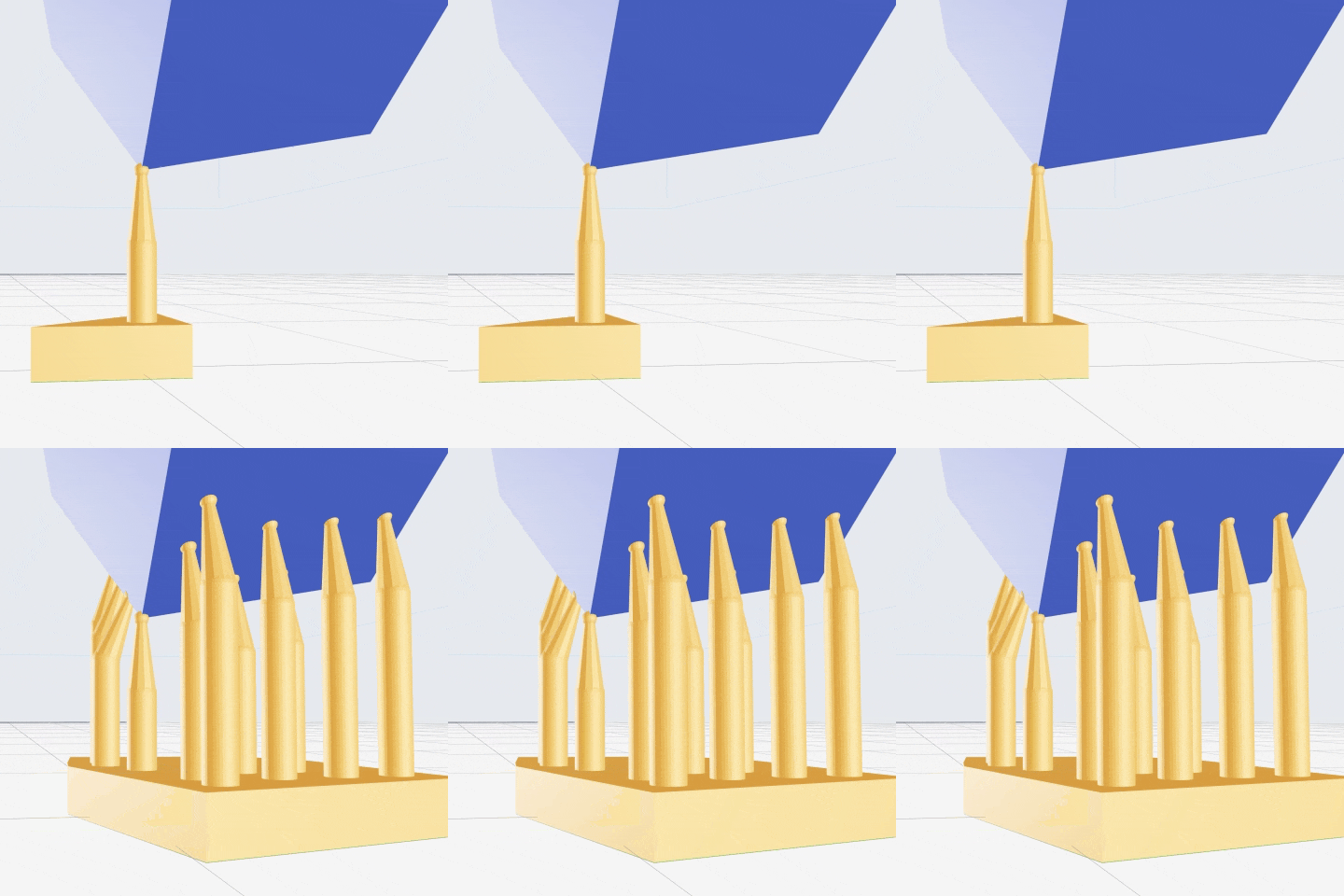
- Extra Reinforcement for GLP: on top of 'Lowest Point Reinforcement', additionally add more supports around the global lowest point (GLP).
- Reinforcement: add supports to improve the model's rigidity and prevent layer shifting caused by an unstable center of mass.
¶ 3.2 Contact
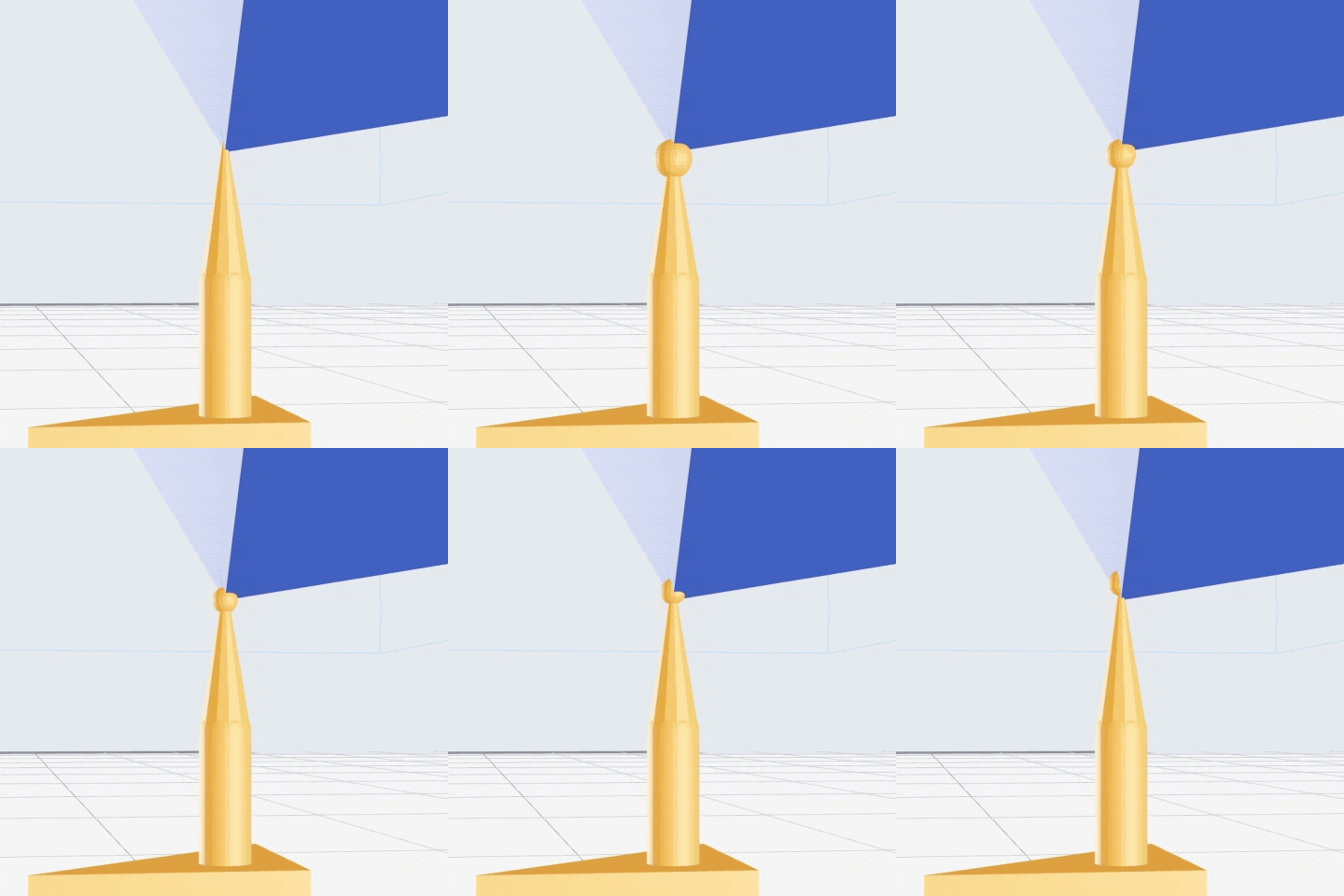
- Contact Shape: <Sphere> or <None>.
- Embedded Depth: how deep the contact embedded in the model.
¶ 3.3 Connection
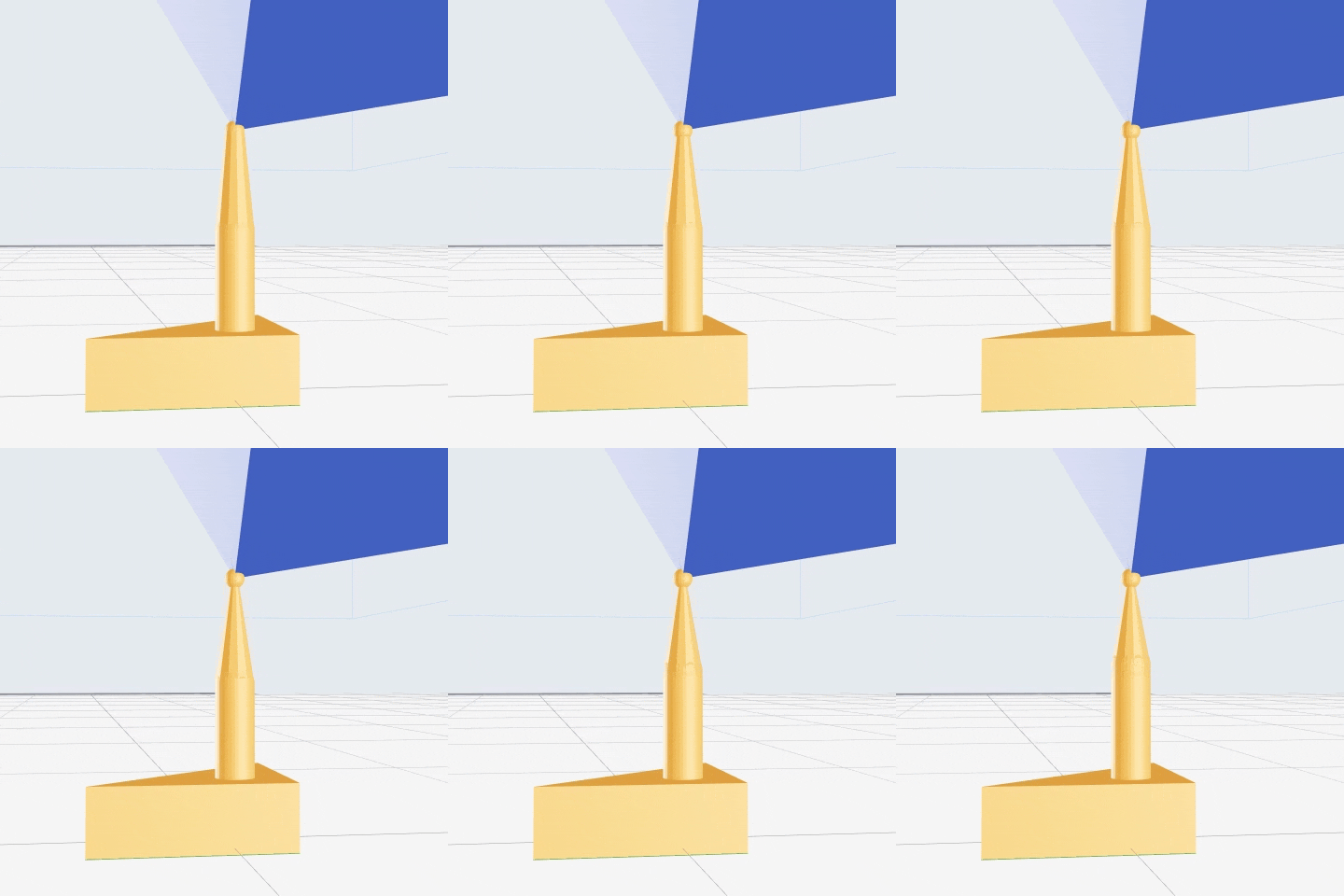
- Tip Diameter: connection is the cone part connecting support contact and support trunk. This value is the diameter of the connection's tip.
- Connection Length: connection is the cone part connecting support contact and support trunk. This value is the length of it.
- Mini-Support Scaling Ratio: adjust the scaling ratio of the diameter for mini supports. The greater the value, the relatively larger the diameter.
- Min. Distance to Model: adjust the minimum distance between supports' connections and the model's surface.
¶ 3.4 Truss Support
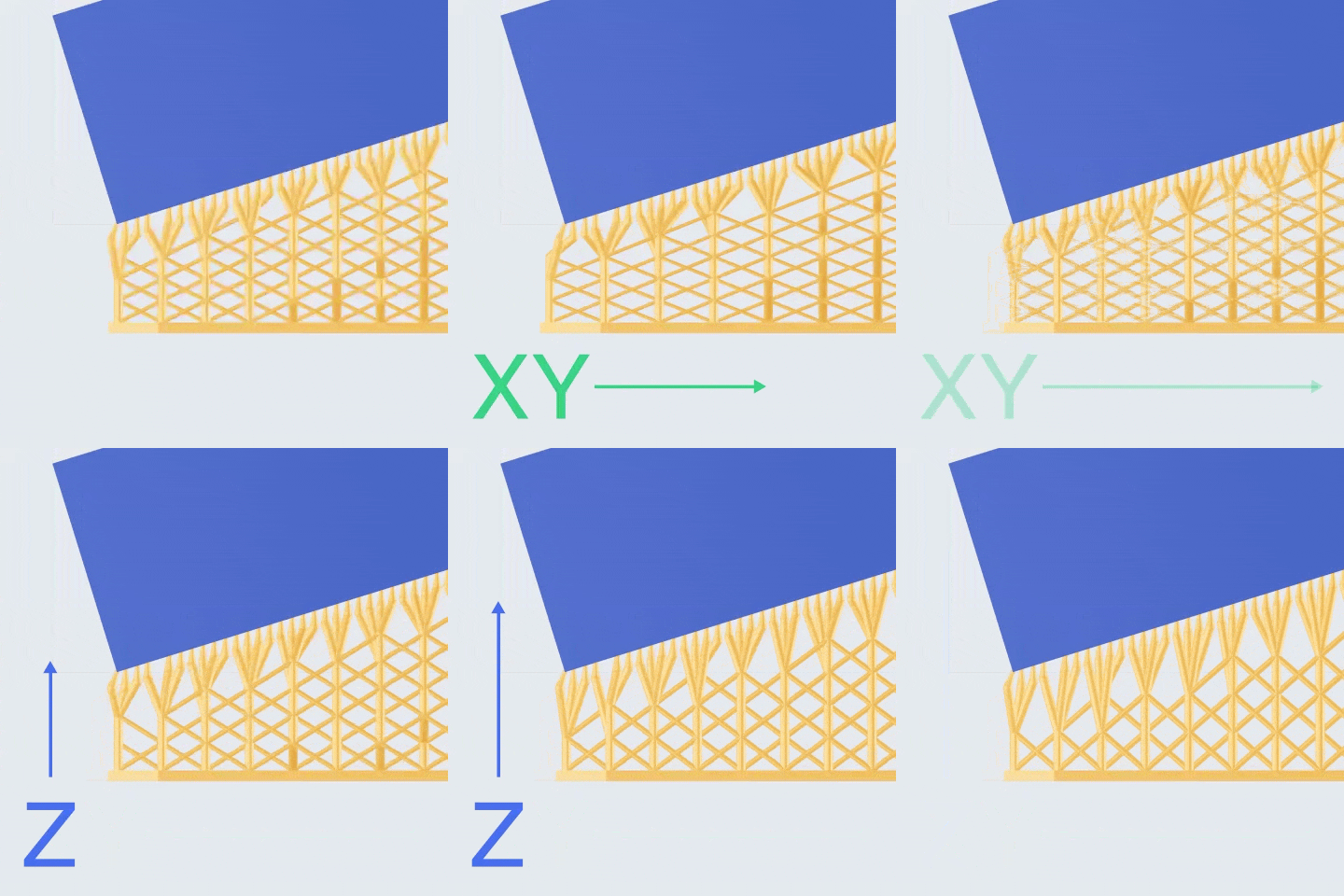
- Lattice Size-XY: X & Y dimensions of the lattices in the truss structure.
- Lattice Size-Z: Z dimension of the lattices in the truss structure.
- Merge Level: when set at 1 or 2, the lattices will be merged accordingly (once or twice). The more times they are merged, the larger they will become.
¶ 3.5 Raft
You may set the outward expansion distance of the raft.
- If the raft type is Raft with Casing, you may also set the <shape of casing>, < distance from the walls to the parts> and <safe distance from highest parts>.
- If the raft type is Inverted Truncated Cone Base, you may also set the <thickness>, the <chamfer> and <bottom diameter>.
- If the raft type is Connected Base, you may also set the <thickness> and <backplane width>.
¶ 3.6 Support Area
You may set the distance of the overhang without supports. The larger the value, the greater the area that is allowed to overhang without supports.
And you may turn on Auto-optimize Orientation (temporarily for head parts of BJD only).
¶ Update History
| Version | Date |
|---|---|
| 1.0 | 2026-10-26 |