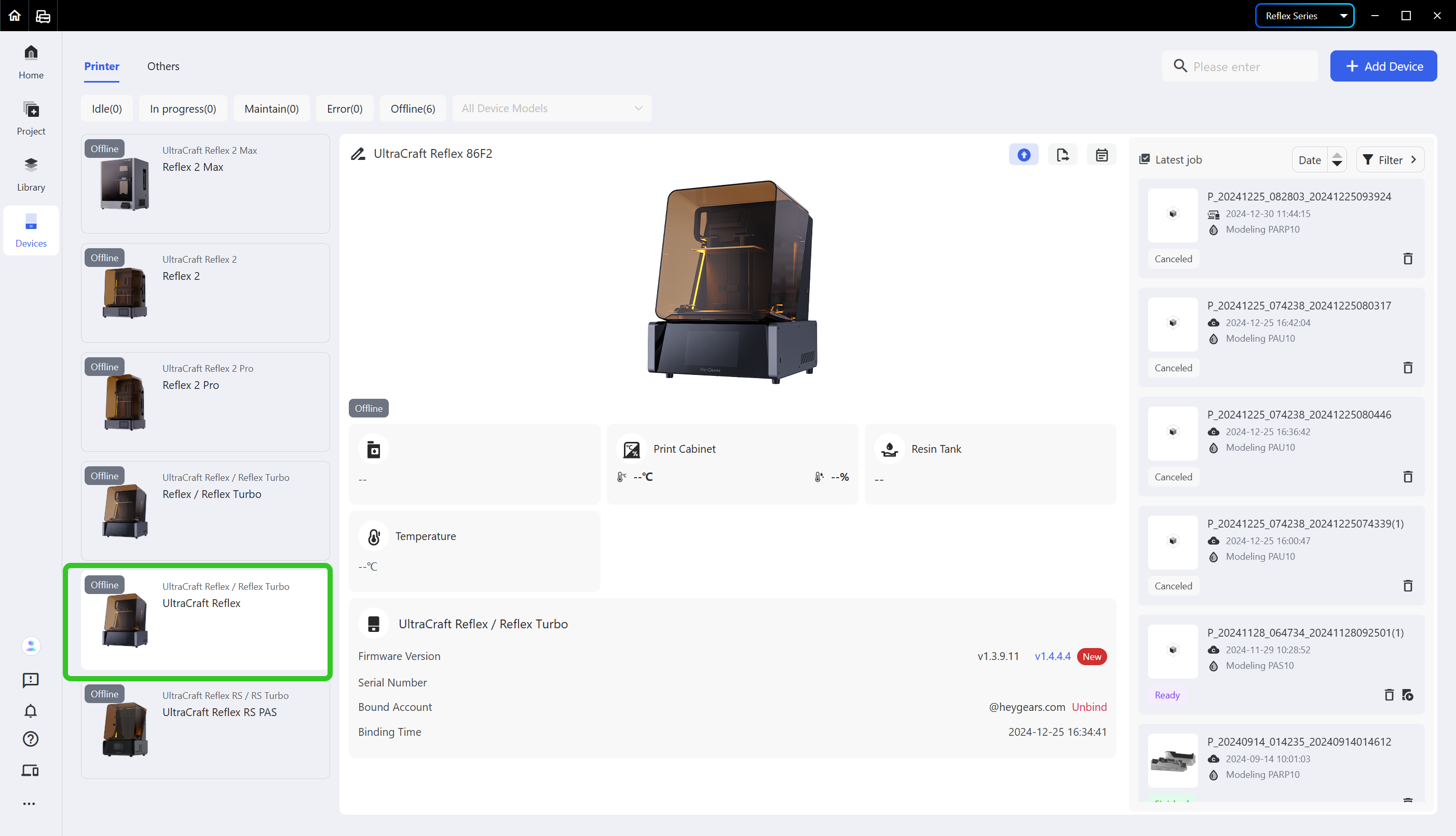
- Enter the [Devices] page and select the device card of which you want to export the logs.
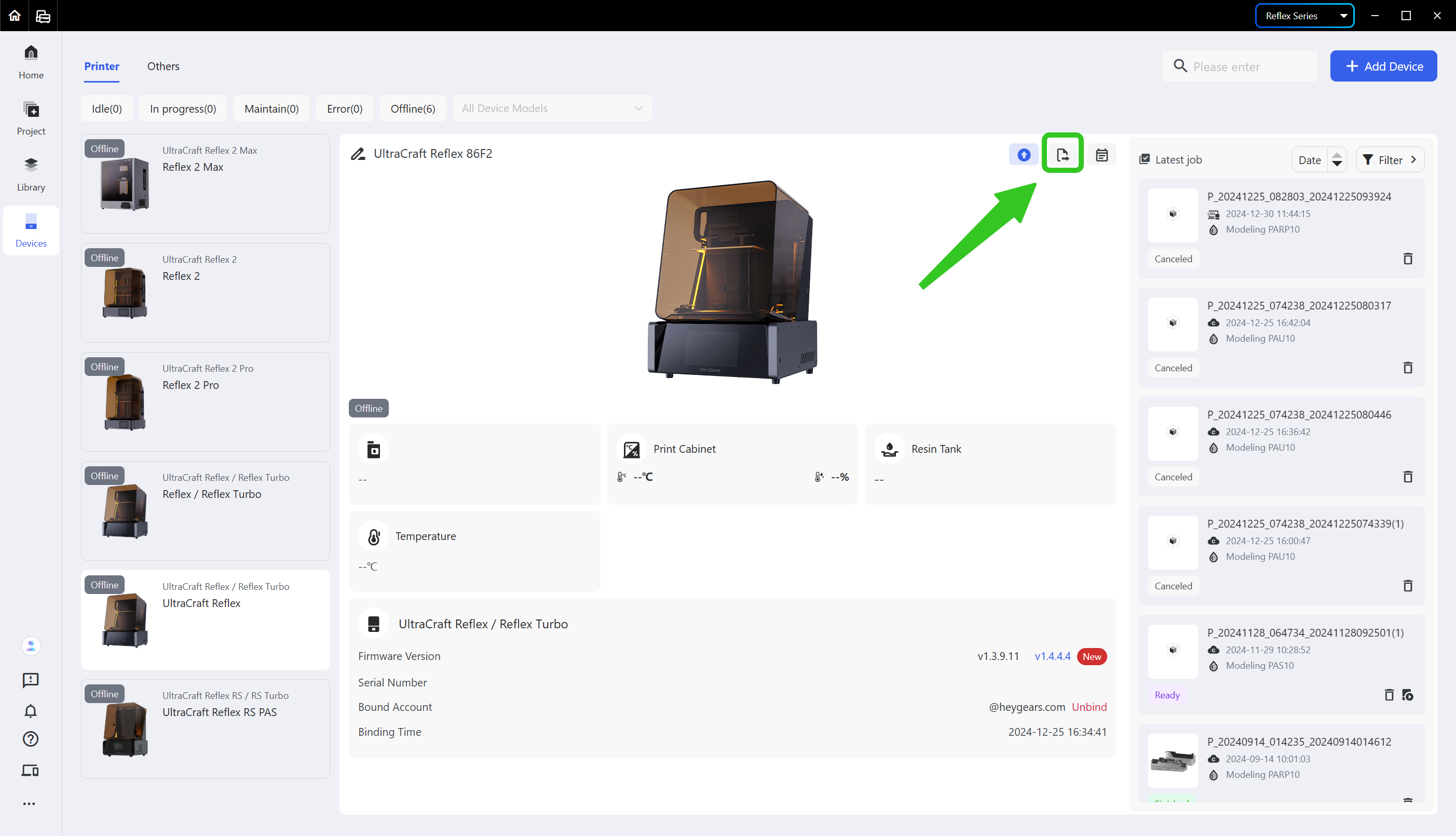
- Click the second icon in the upper right corner of the device card.
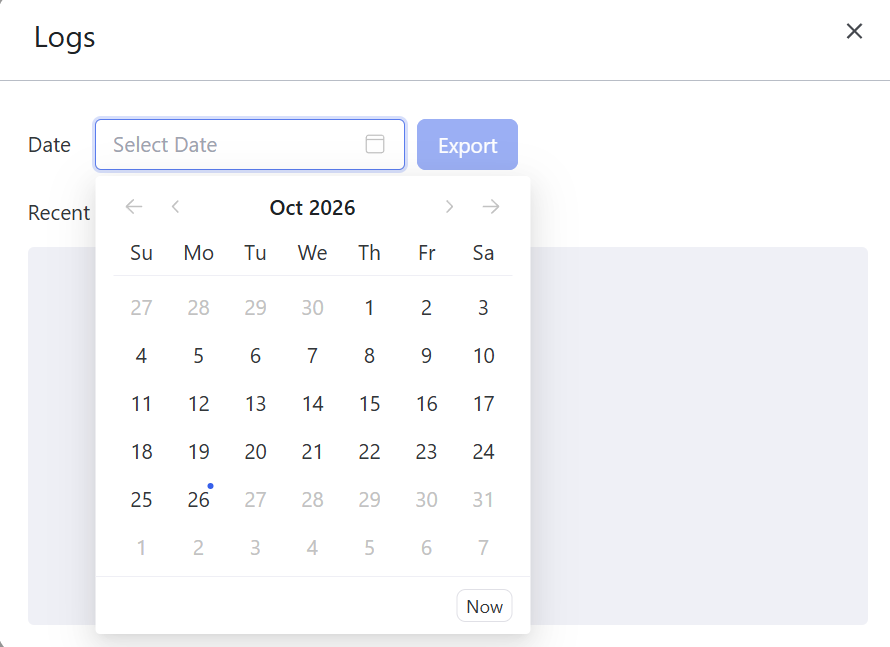
- Select the date of the logs to be exported and click <Export>.
¶ Update History
| Version | Date |
|---|---|
| 1.0 | 2026-10-26 |