You can add custom labels at the selected position of the model, including text labels and image labels.
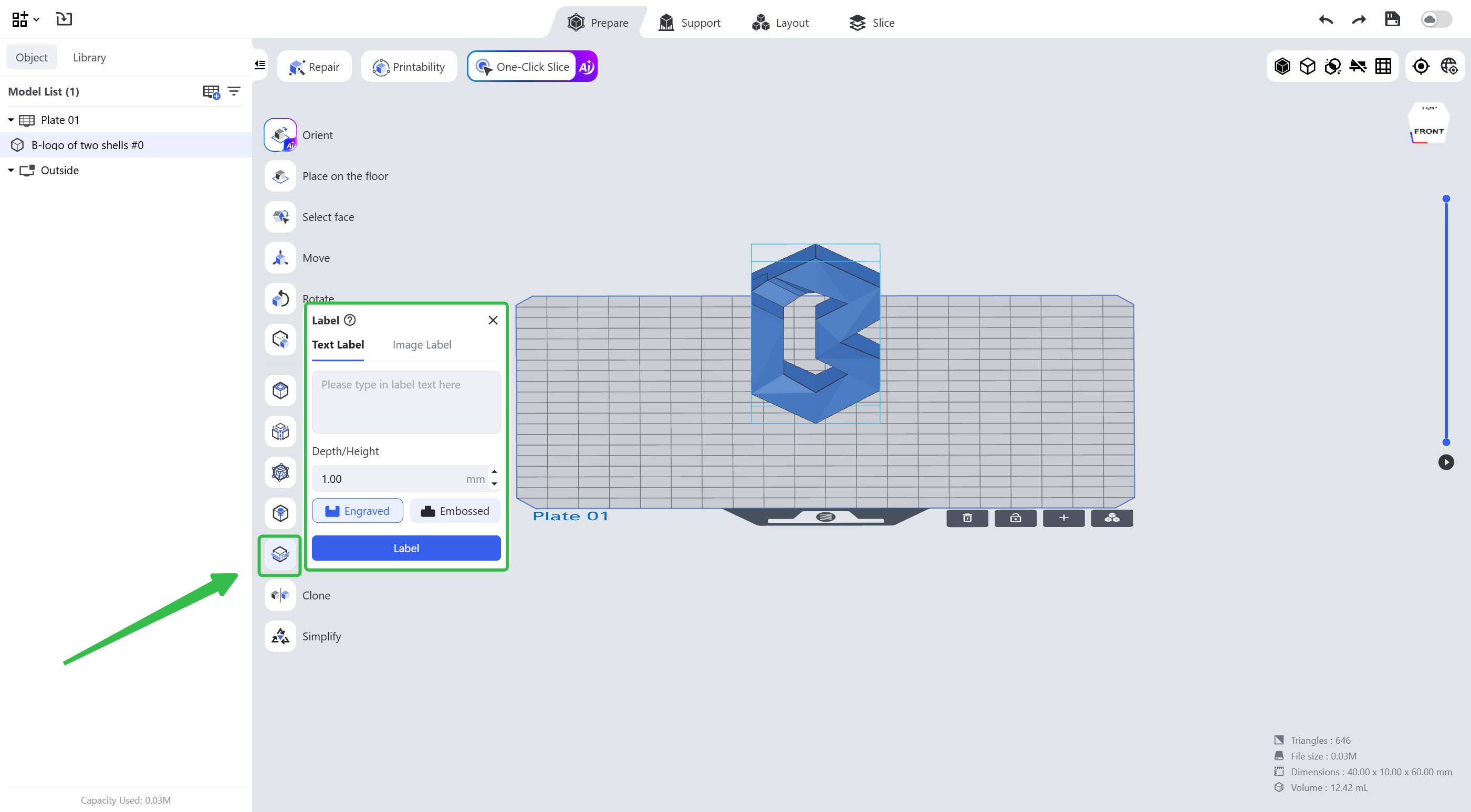
¶ 1. Text Label
It will convert the text you enter to a label and add it to the position you want.
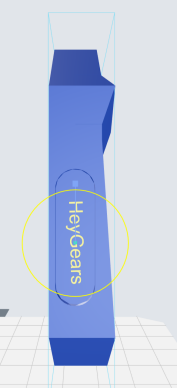 |
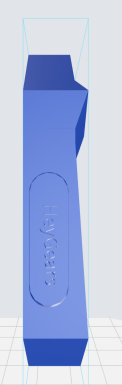 |
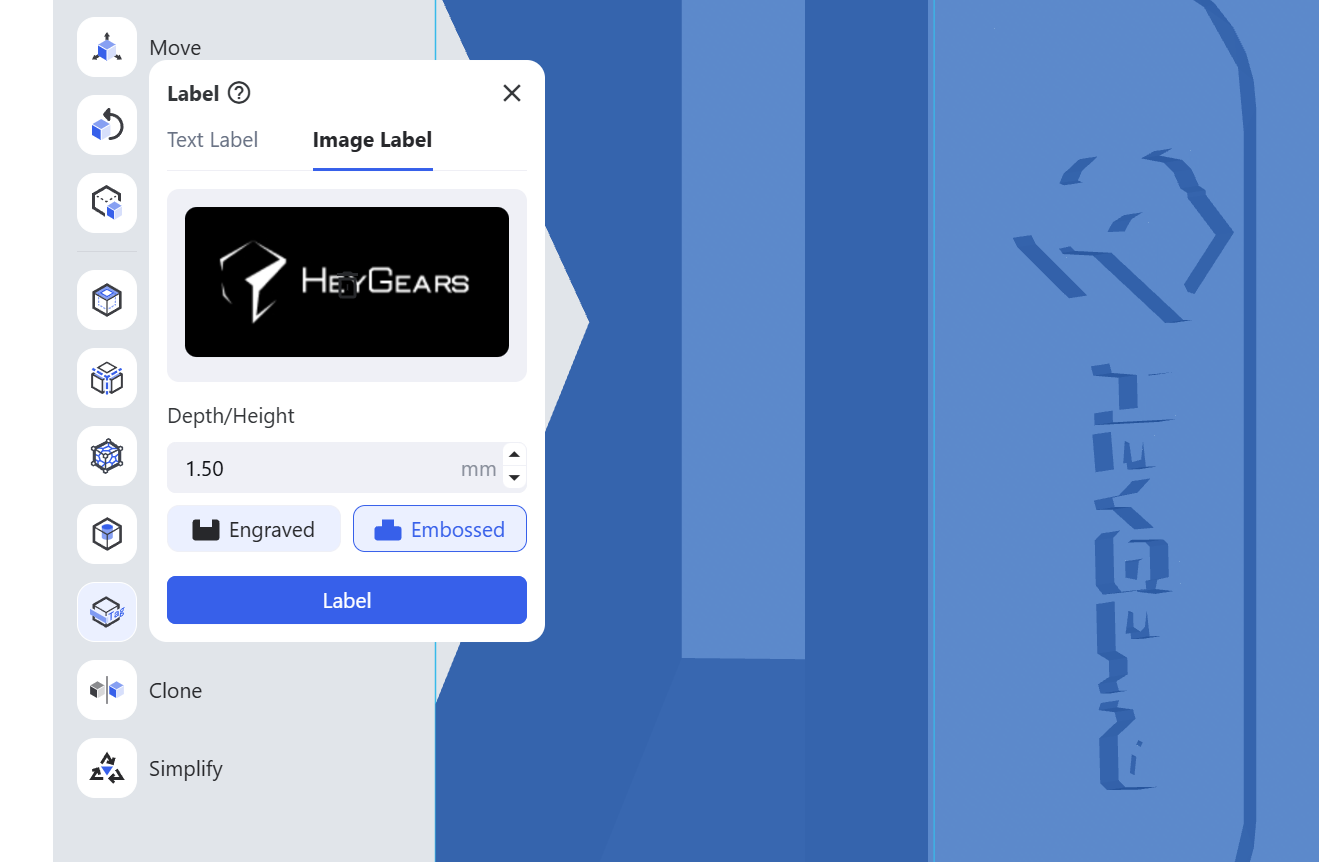
¶ 2. Image Label
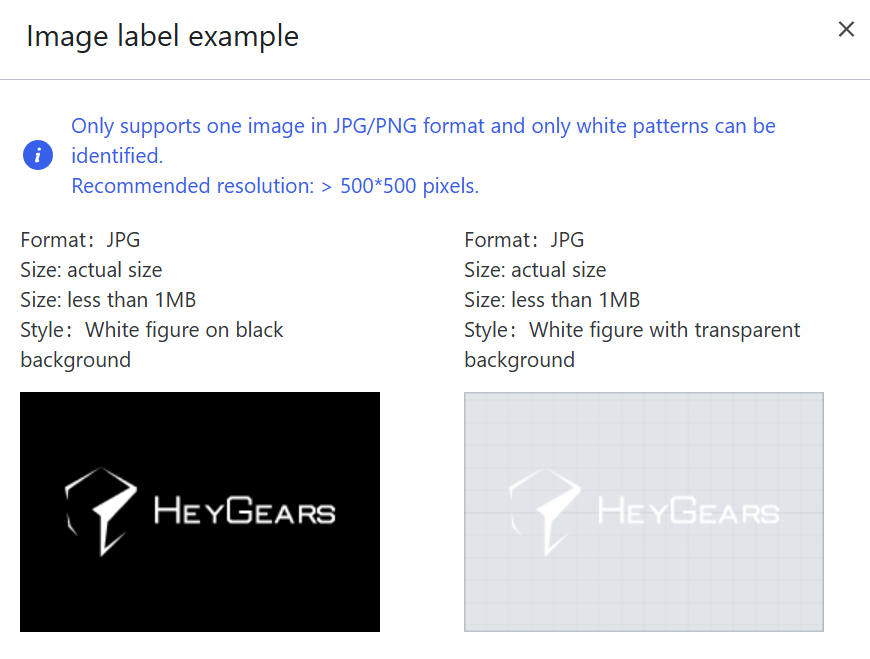
It will convert the image you upload to a label and add it to the position you want.
Note:
- Only JPG and PNG images are supported;
- only white patterns can be recognized;
- it is recommended that the image resolution is greater than 500*500 pixels.
¶ 3. Depth/Height
The depth of the label, if engraved, or the height of the label, if embossed. Enter a specific value to set it; 1mm by default.
¶ 4. Engraved/Embossed
The style of the label: engraved or embossed.
¶ Update History
| Version | Date |
|---|---|
| 1.0 | 2026-10-26 |