Blueprint Studio supports importing 3D model files in various formats directly, including *.stl, *.obj, *.glb, *.step, *.stp, *.igs, *.iges, *.3mf, *.bpsx. You may import the existing models easily without tedious file conversion, which improves your design and pre-processing efficiency.
¶ 1. Drag to Import
After entering the project, drag the model files to be imported to the application window to import them.
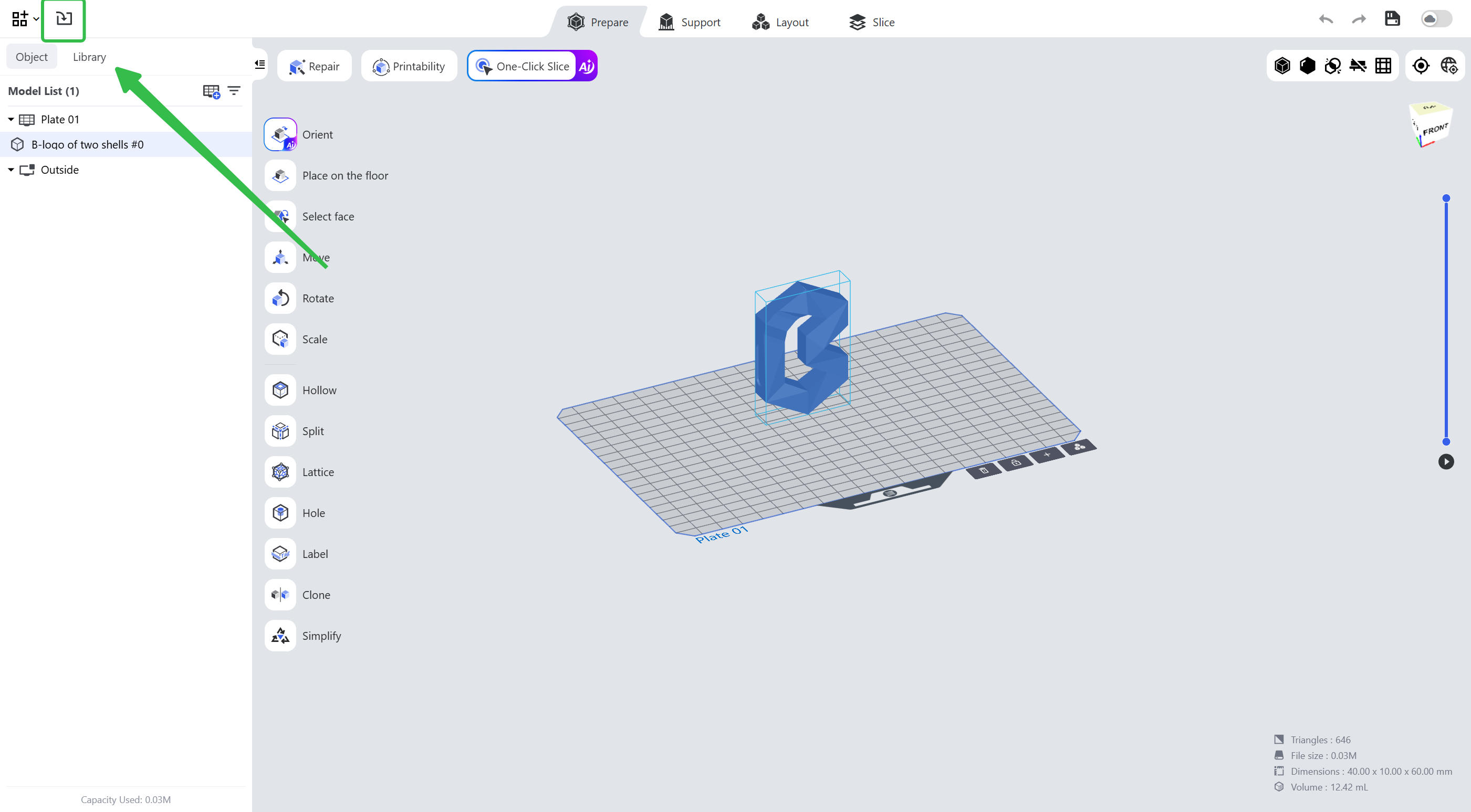
¶ 2. Import Icon
Import model files from the local directory by hitting the icon.
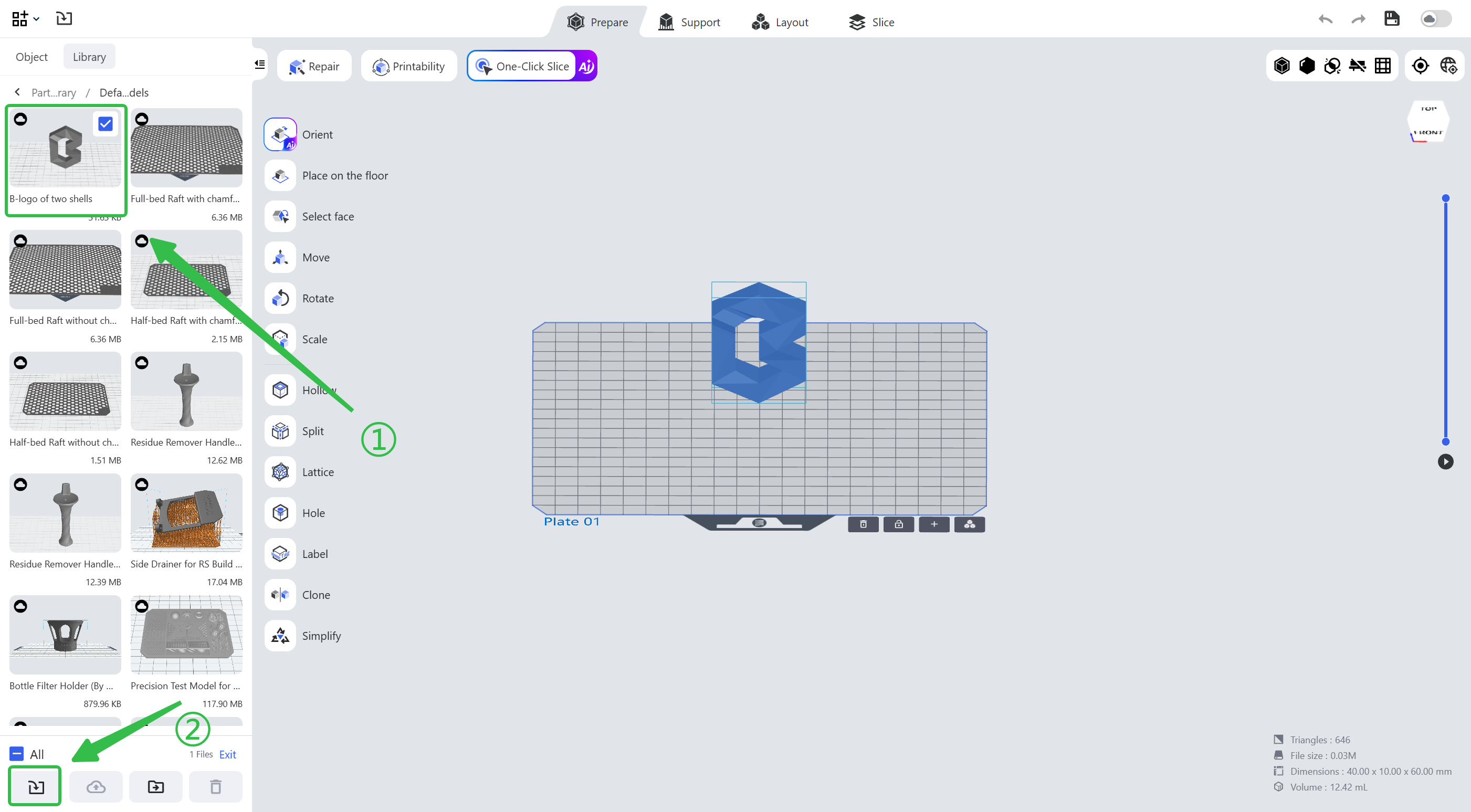
¶ 3. Import from the Parts Library
Click the <Parts Library> icon in the top menu bar, select the models you want to import in the window and import them to the project working area (multiple models can be imported at the same time); you may also double-click a model card to import it quickly.
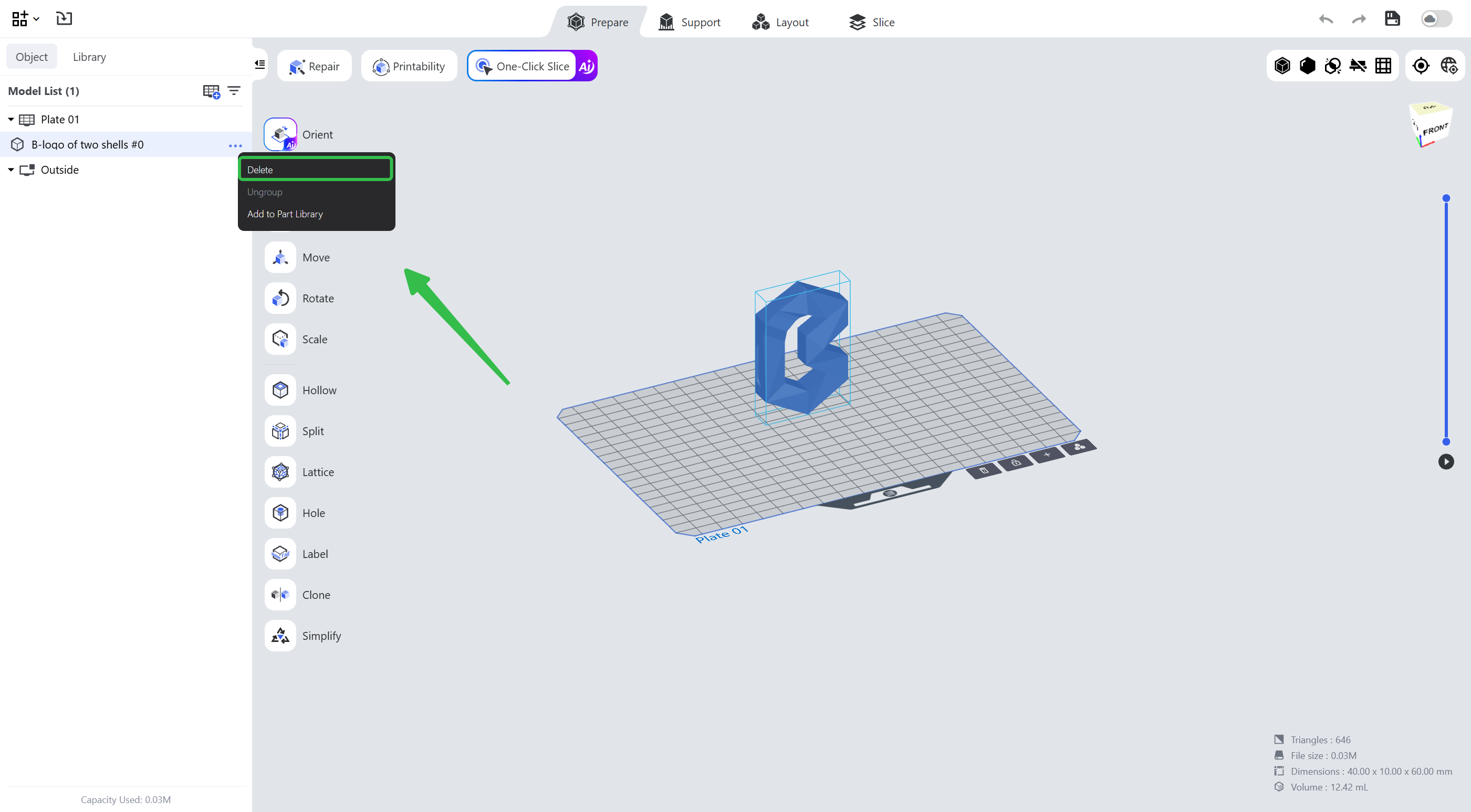
¶ 4. Delete Models
Click the ellipsis icon <...> on the Model List, or select the model and hit the Delete key.
¶ Update History
| Version | Date |
|---|---|
| 1.0 | 2026-10-26 |