Blueprint Studio also provides a variety of features to improve your experience.
¶ 1. Notifications
Click the bell icon below the left navigation bar to jump to the notification center. Here you can check the activity of the bound devices, such as print jobs started, paused or completed.
¶ 2. Wiki
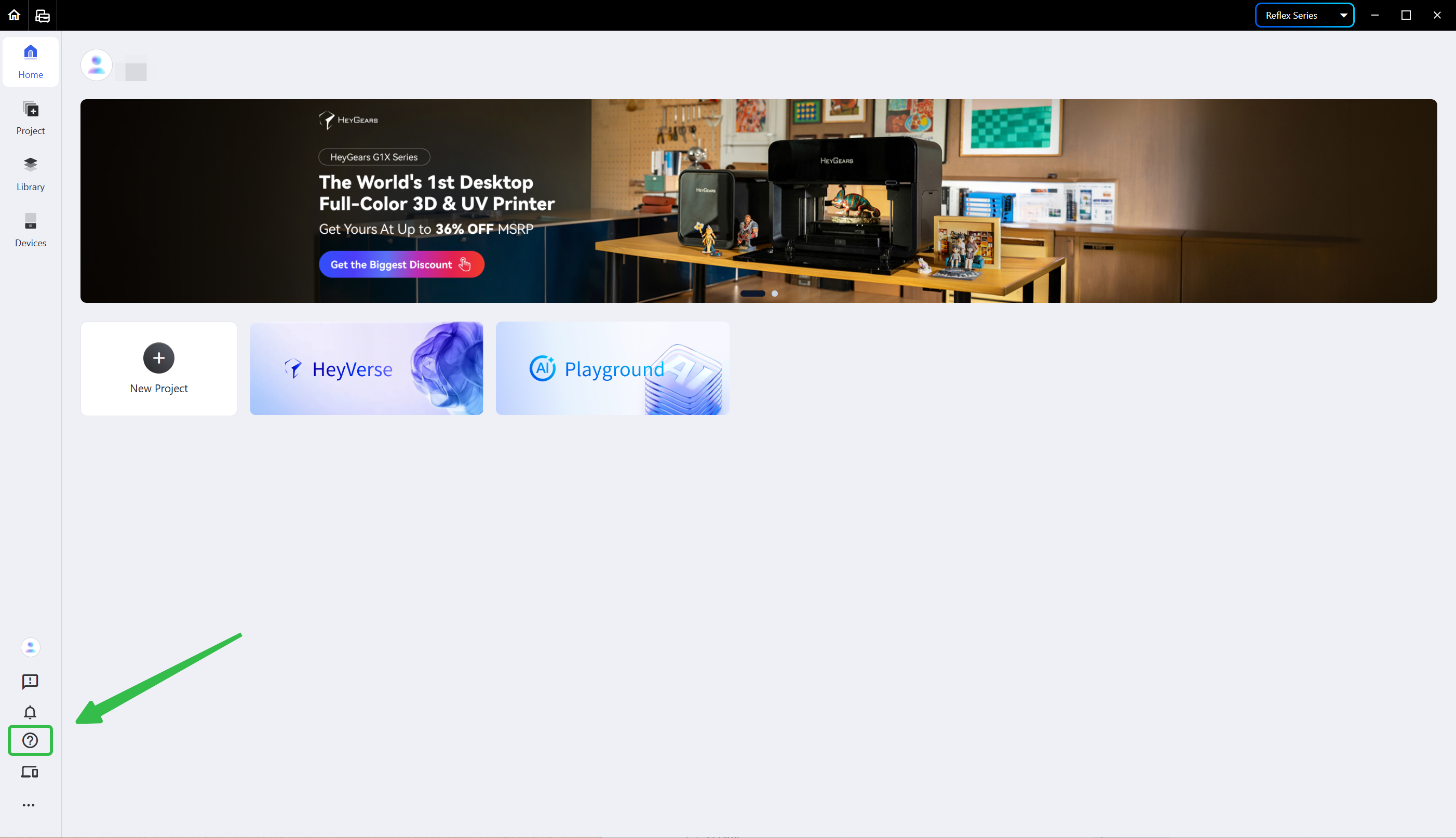
Click the question mark icon below the left navigation bar to jump to Wiki.
Here you can find the core guides of HeyGears software and products.
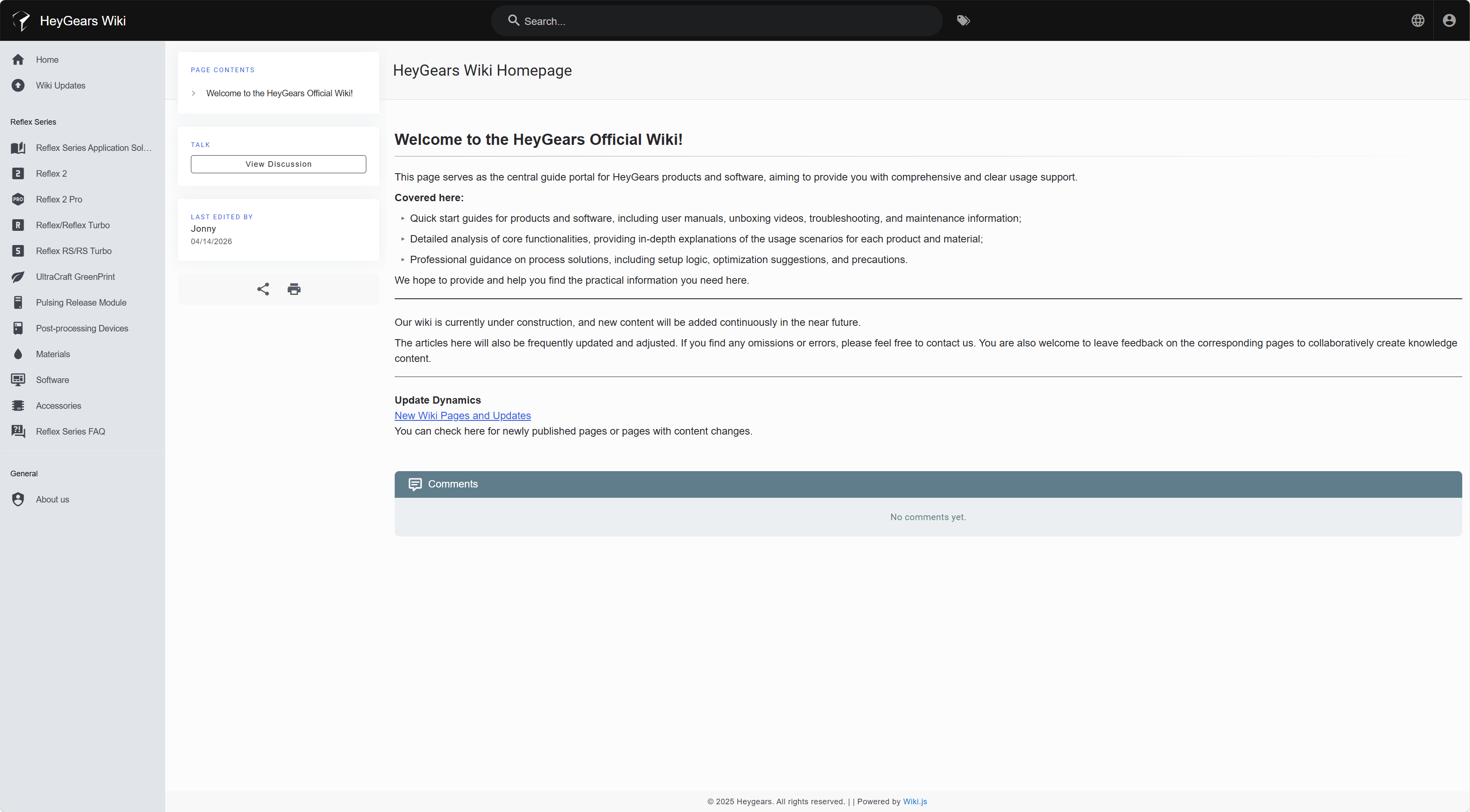
During pre-processing or printing, you may jump to Wiki via this entry at any time to get comprehensive and clear support.
¶ 3. Check for Updates
Blueprint Studio needs to be updated to the latest version. A version update prompt pops up when you open the program; click <Update Now> and restart the app as instructed once the update is finished.
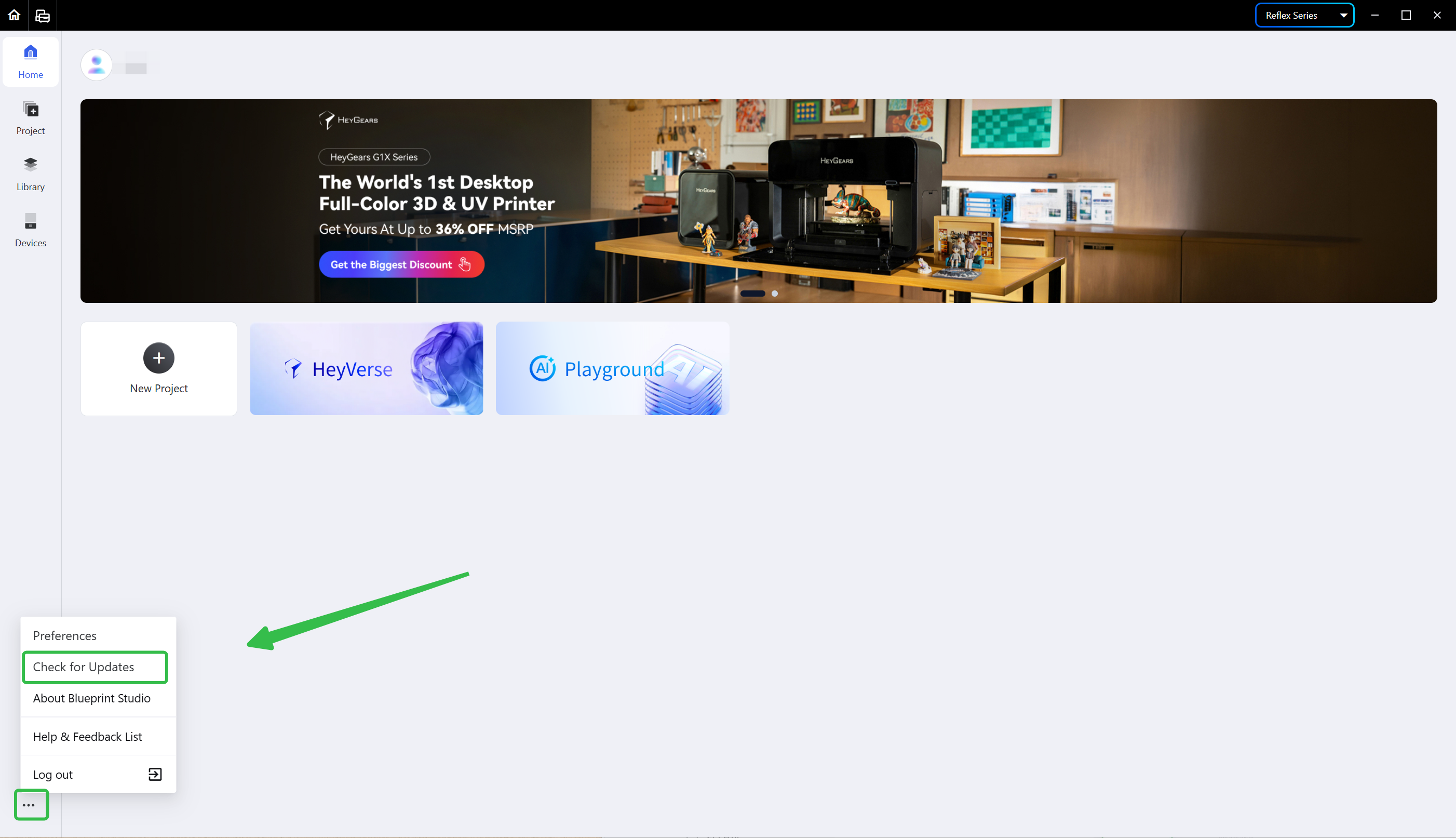
You may click <Check for Updates> below the left navigation bar to check whether the software is up to date.
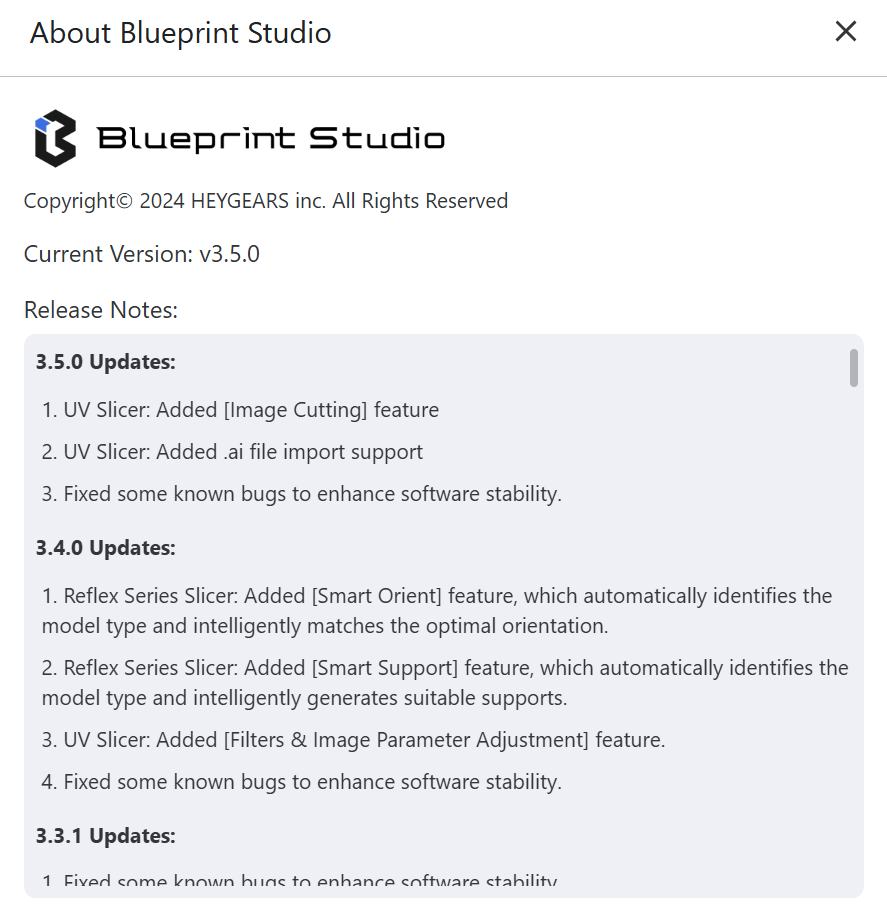
The details of a version update can be checked in <About Blueprint Studio> under the <Check for Updates> option.
¶ Update History
| Version | Date |
|---|---|
| 1.0 | 2026-10-26 |