¶ 1. Create a Project
Blueprint Studio provides several entries for creating a project, so you can start pre-processing quickly.
¶ 1.1 Homepage
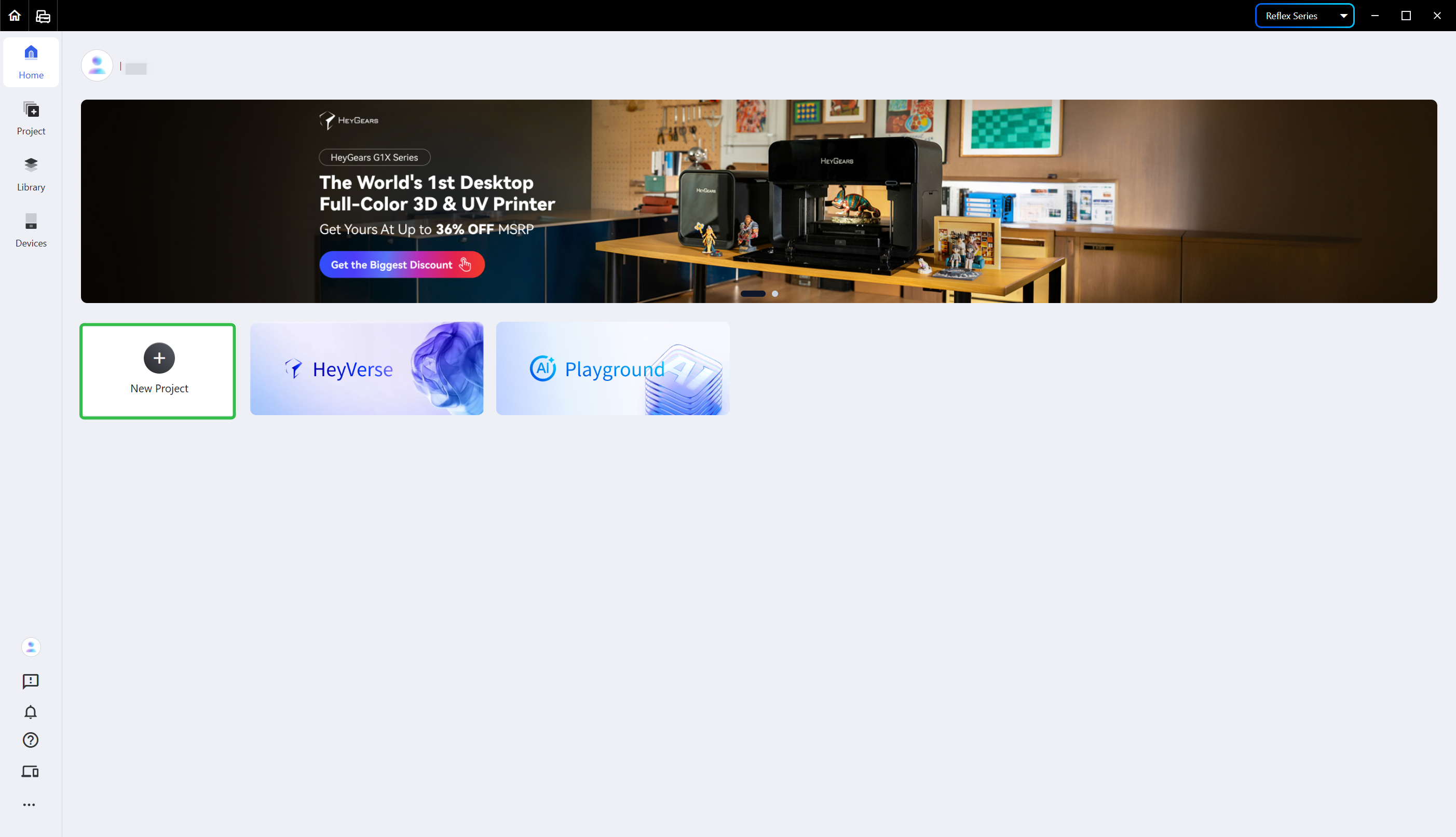
Click <New Project> on the homepage.
- Choose <Device Type>, <Add-on Module>, <Application>, <Material> and <Layer Thickness> in turn as required, then hit <Apply>.
- You may also hit <Recently Used Setup> to check all the setups used last time quickly.
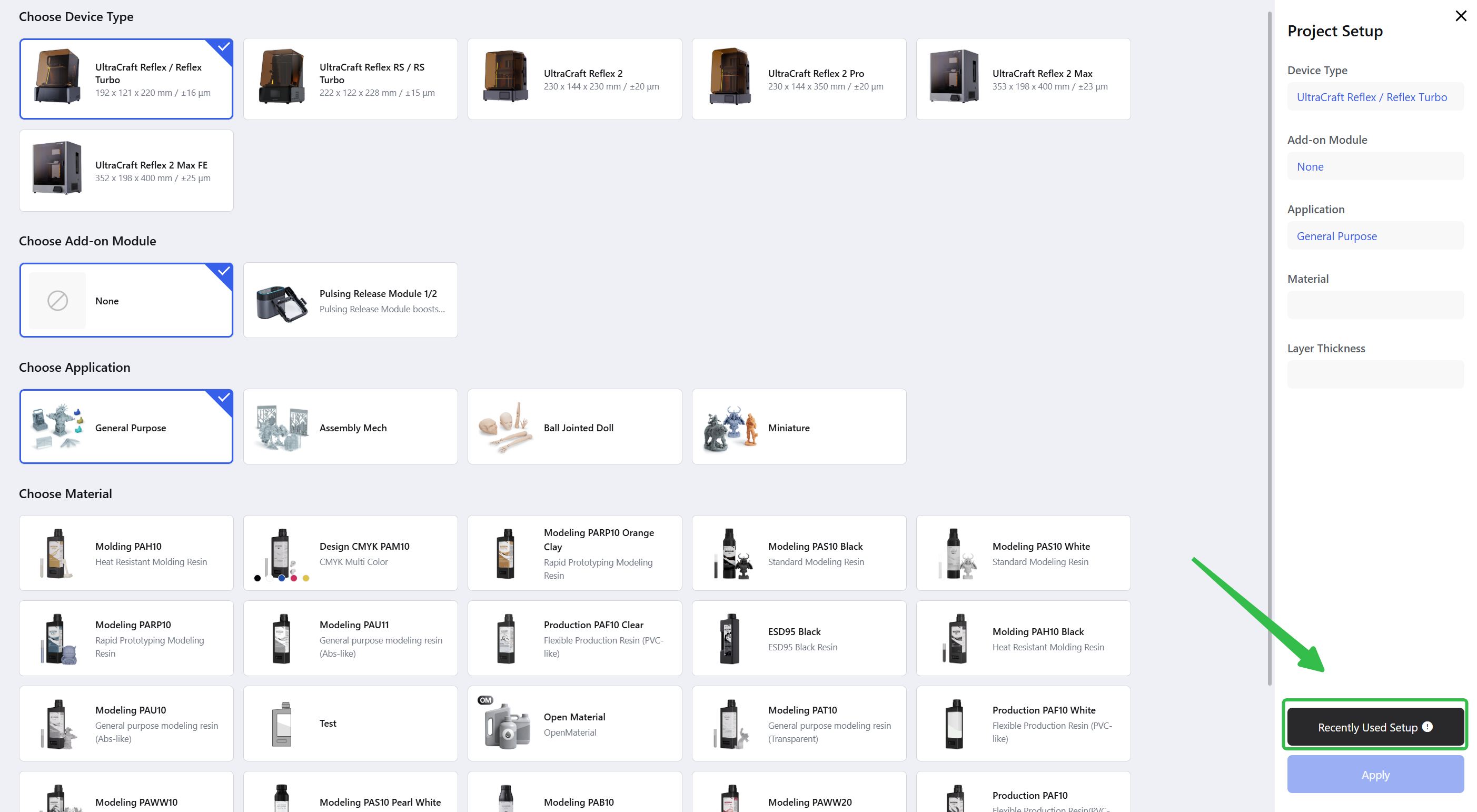
Note: choose the proper setups according to the print. Improper setups might make the slice file incompatible or even lead to a failed print.
¶ 1.2 [Project] Page
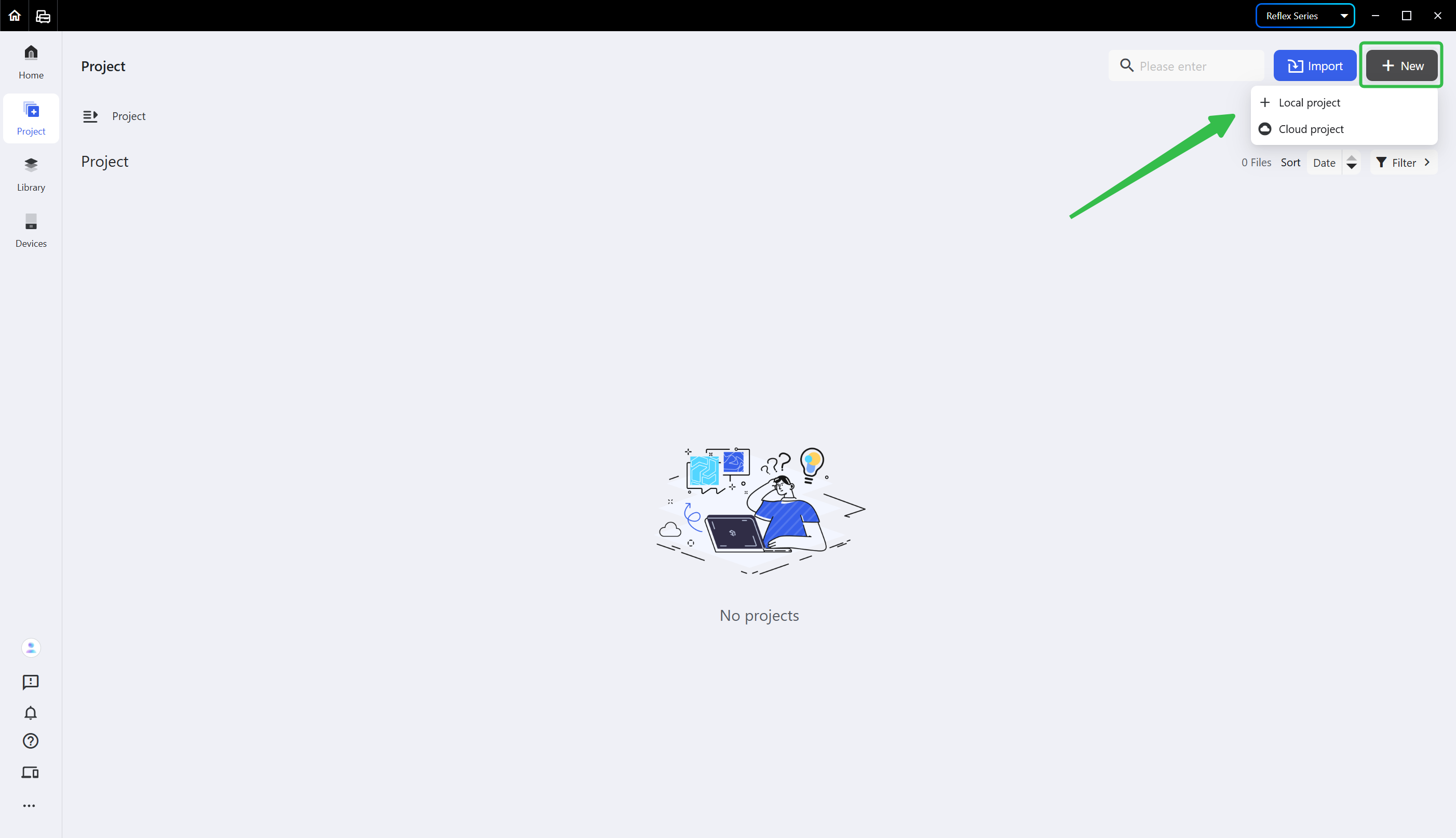
Click <+New> in the upper right corner of the project tab to create a local project or a cloud project.
- Local Project: data is saved only on the local computer and does not support cross-device access.
- Cloud Project: data is saved and synced to Cloud and supports cross-device access.
¶ 2. Import a Project
¶ 2.1 Import on the [Project] Page
To pre-process an existing project, import it: click <Import> in the upper right corner, then choose <From Local Path> or <From Share Code>.
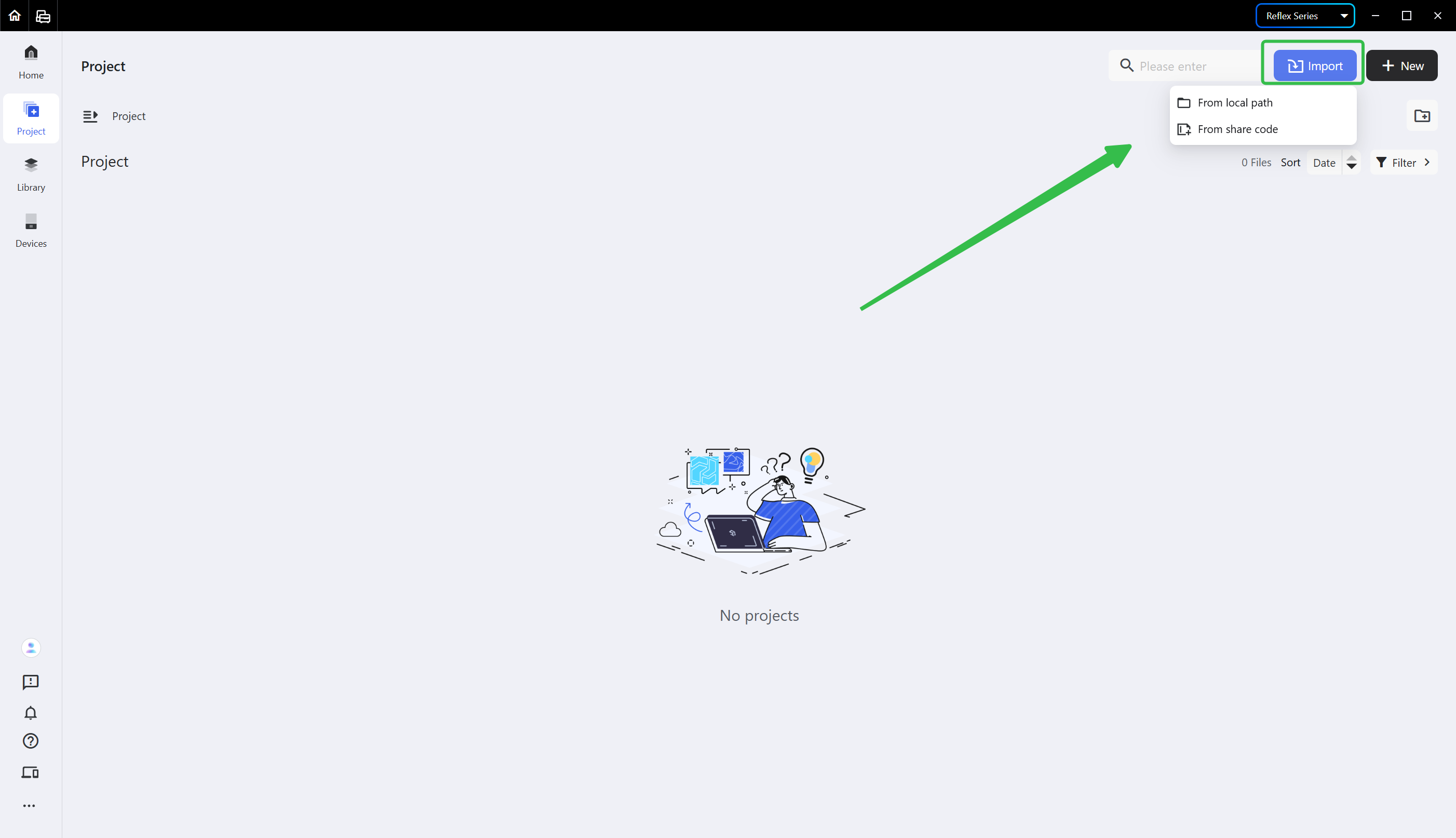
- From Local Path: import a local project file.
Note: only the Custom File Type (*.bpsp) is supported for import.
- From Share Code: if you choose <From Share Code>, just enter the corresponding share code to import the file.
For how to generate a share code, see Share a Project. Before importing, you may hit <Preview> to check the model to be imported.
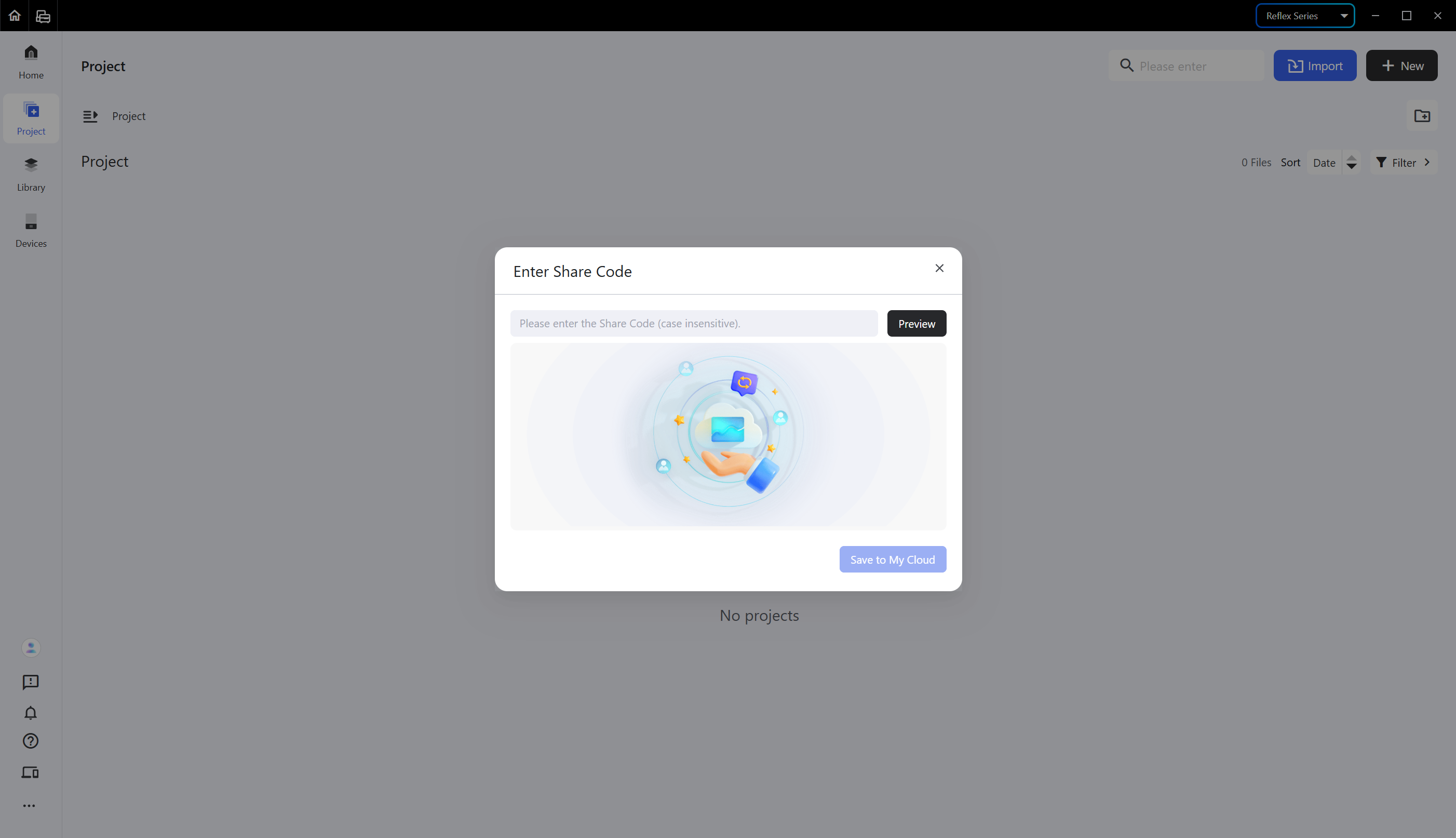
Note: a project imported with a share code will be saved to Cloud.
¶ 2.2 Import in the Pre-processing Interface
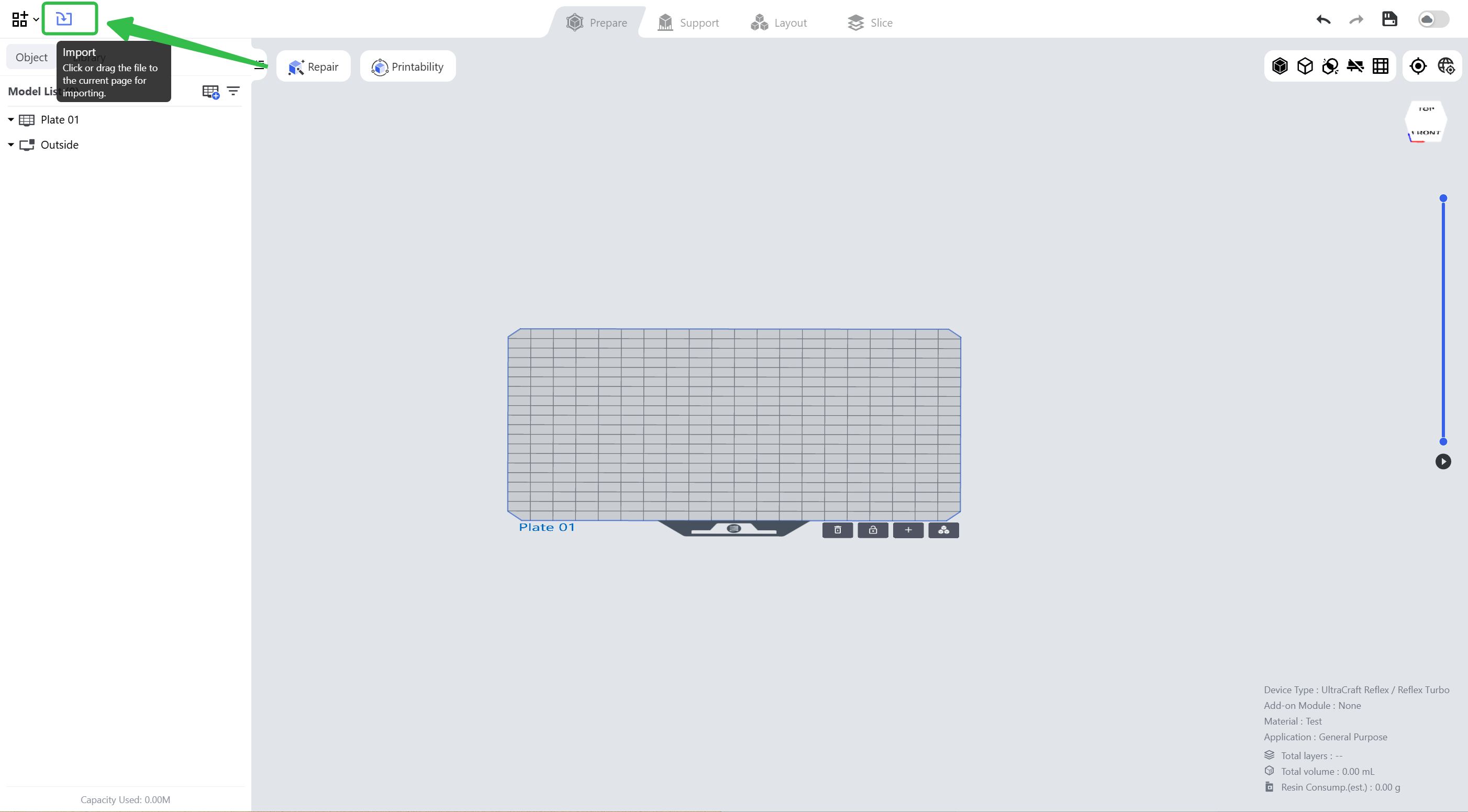
If you want to import another project file while working, click the import button above the Model List and choose the project file to import.
¶ Update History
| Version | Date |
|---|---|
| 1.0 | 2026-10-26 |