After the account is created, you may still edit the profile, email and other account information at any time as needed. The methods are as follows:
Note: if you do not have an account yet, see Create Account for details.
¶ 1. Entry
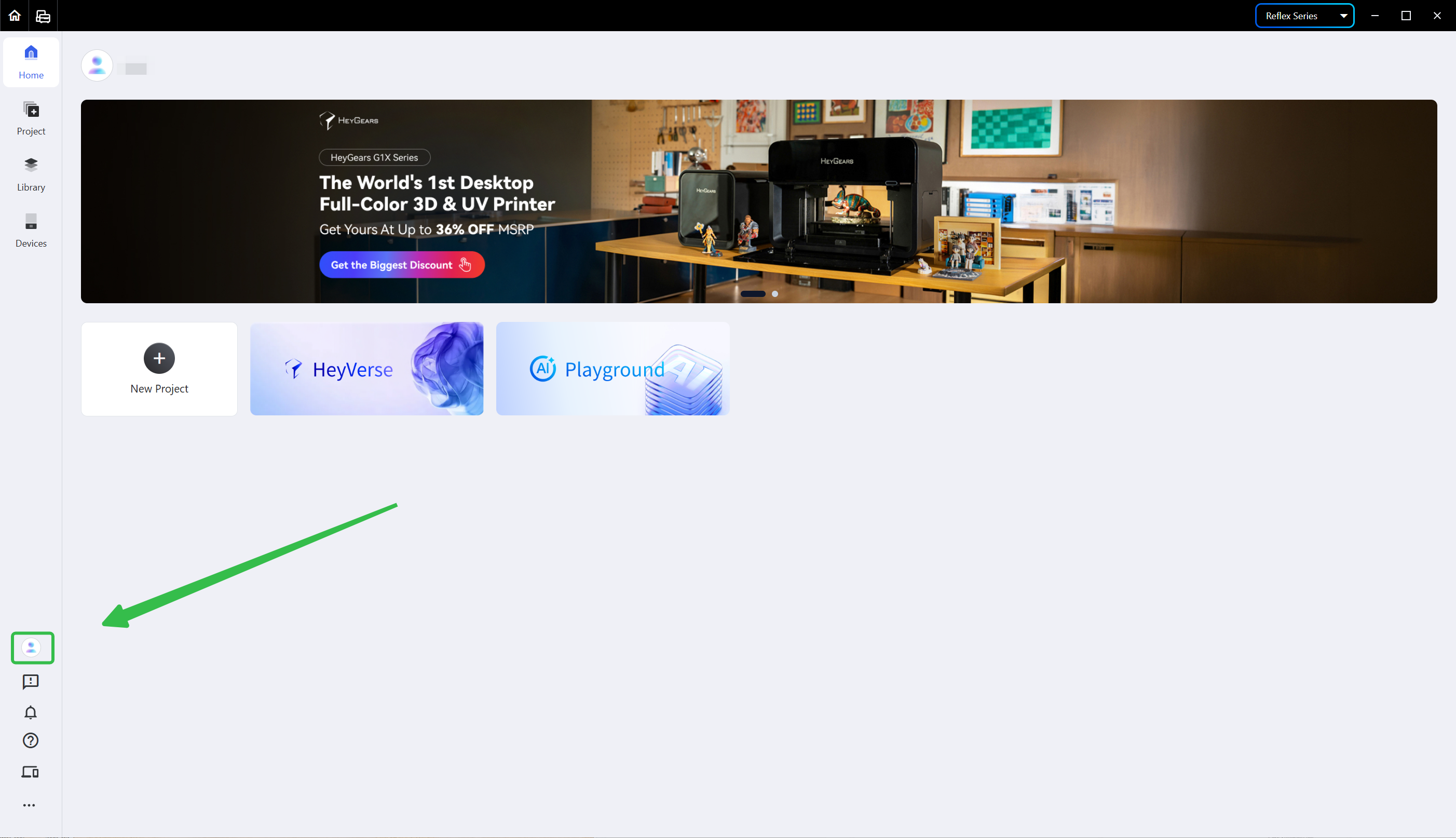
Click the profile icon below the left navigation bar to enter the <Account Settings> page.
¶ 2. Edit Account Information
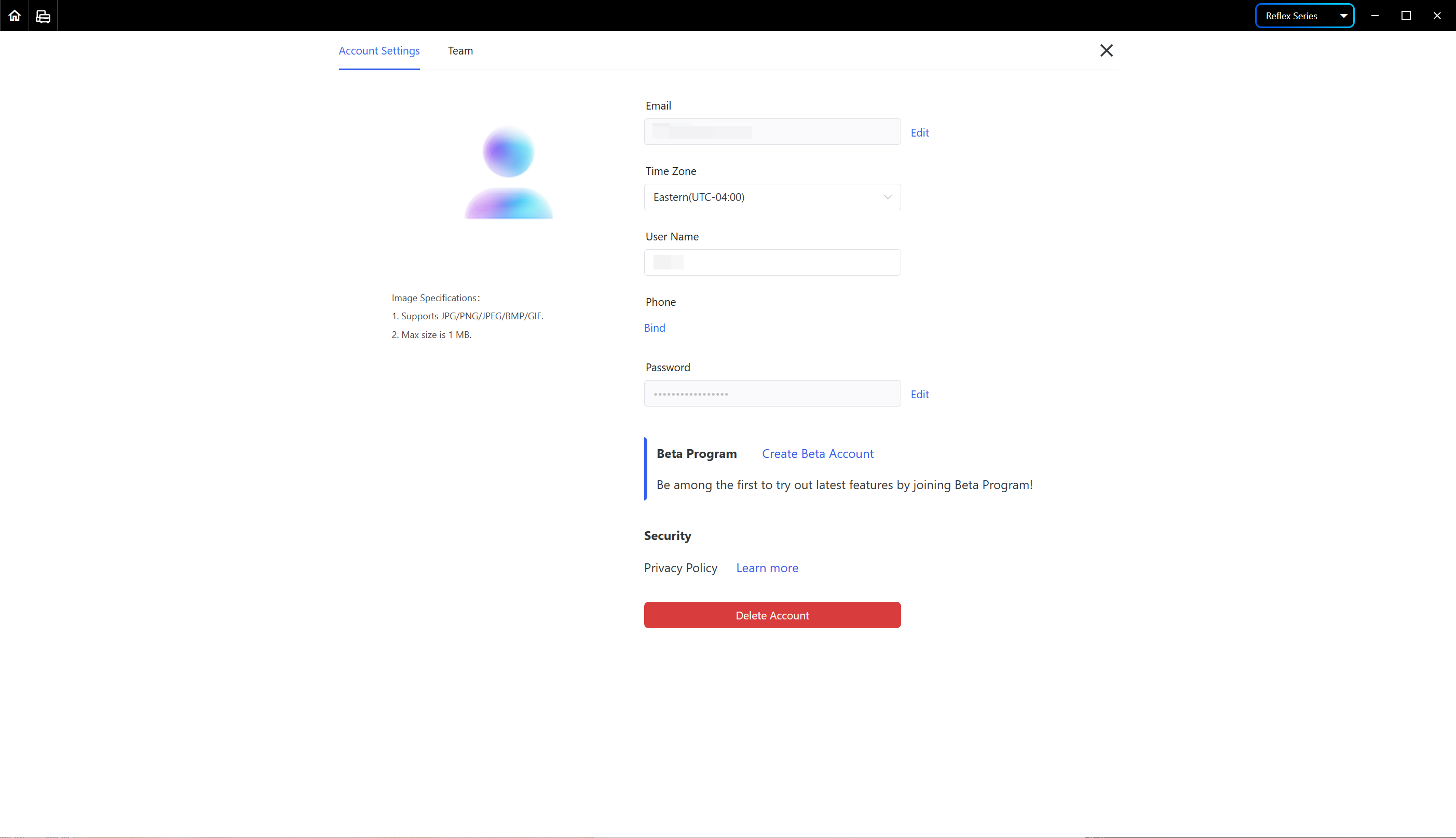
On this page, you may edit the profile, email, time zone, user name, password and other information.
¶ 3. Bind a Phone Number
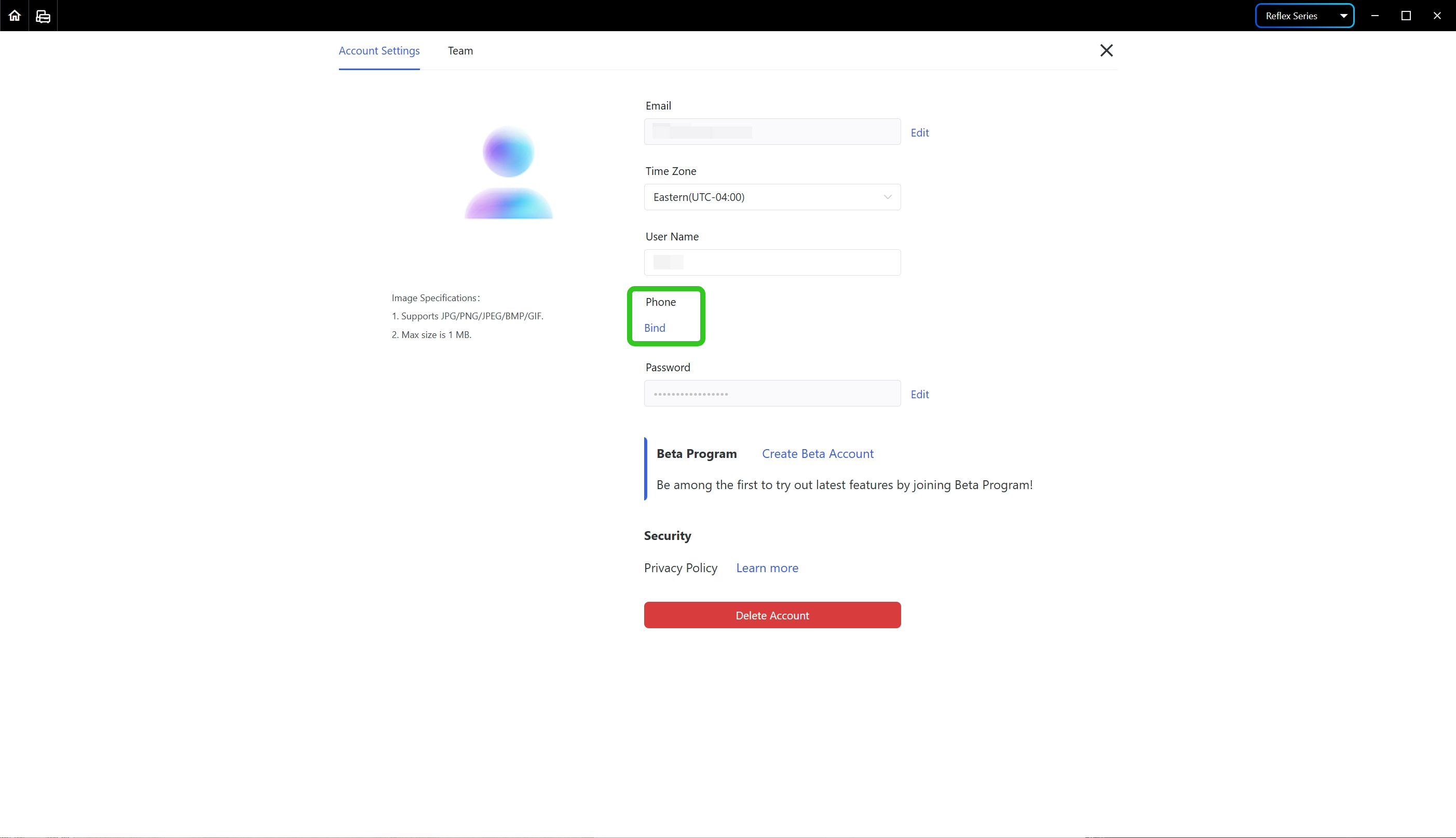
Click <Bind> and enter your phone number and the verification code as instructed to bind the phone number.
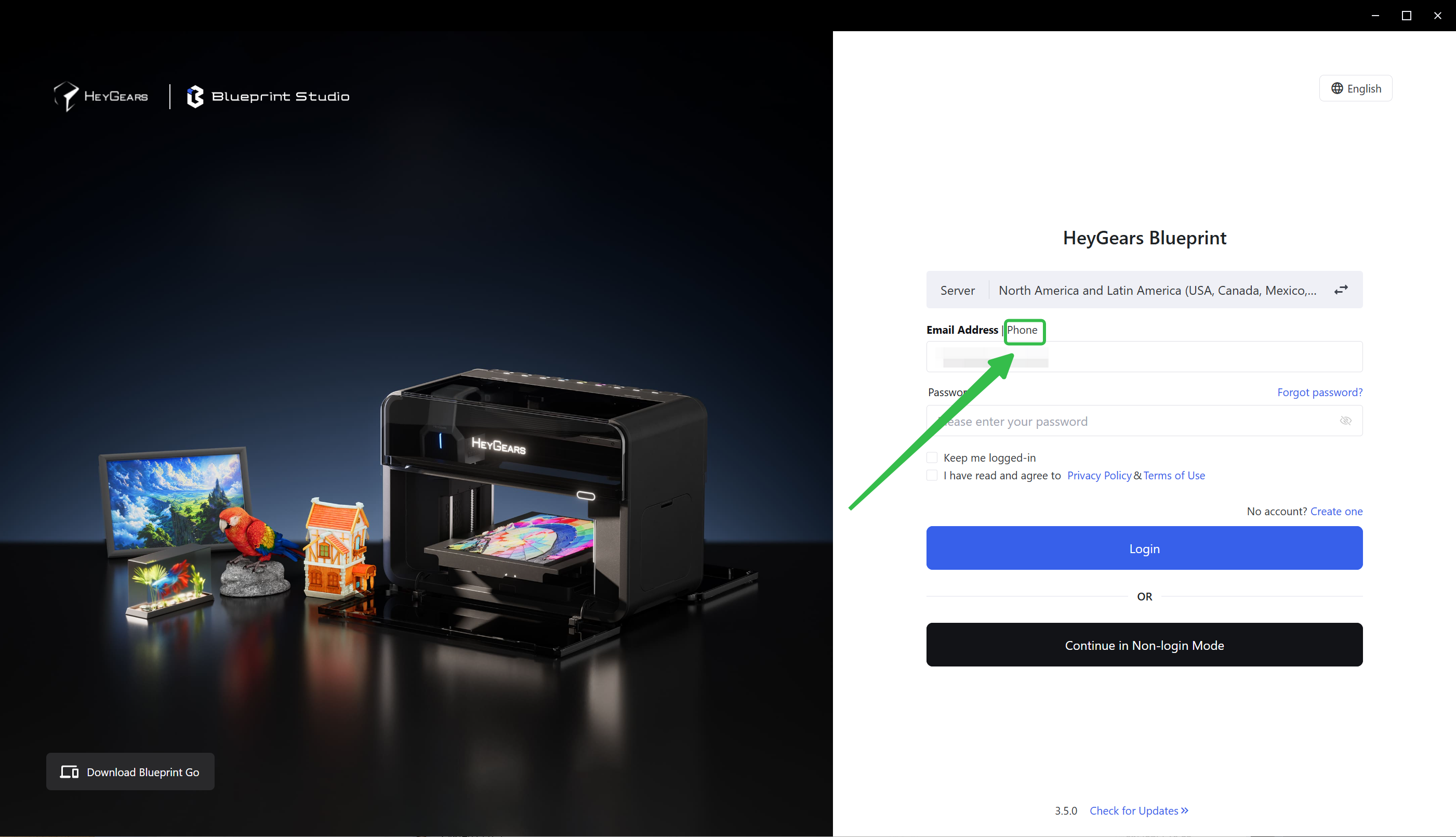
Once bound, you may log in with your phone number.
¶ Update History
| Version | Date |
|---|---|
| 1.0 | 2026-10-26 |