Blueprint Studio can make the solid part of a model into a hollow body, so that you can further design and edit it.
Tip: After hollowing, add holes according to the model condition. For details, see Hole Operation Guide.
 |
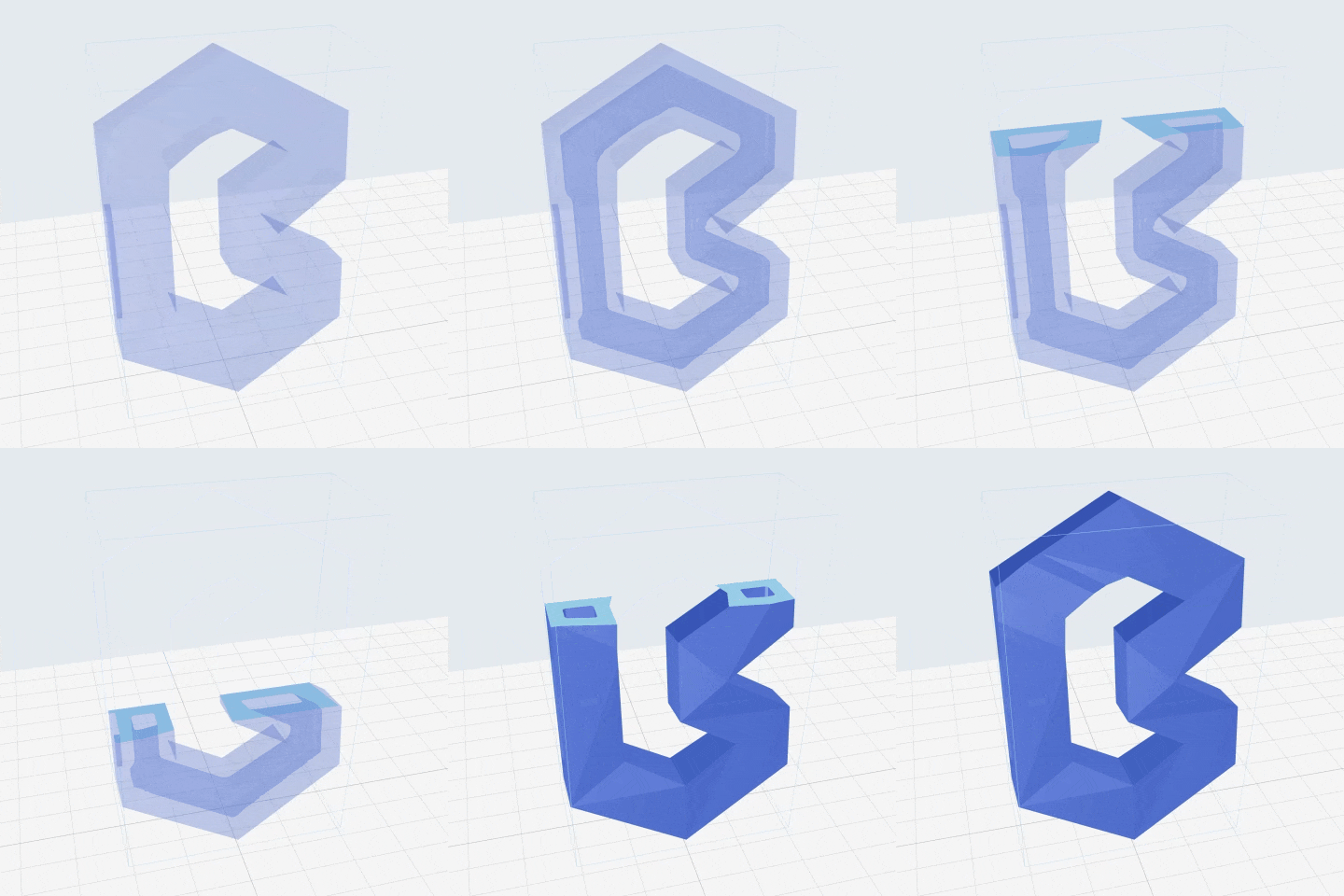 |
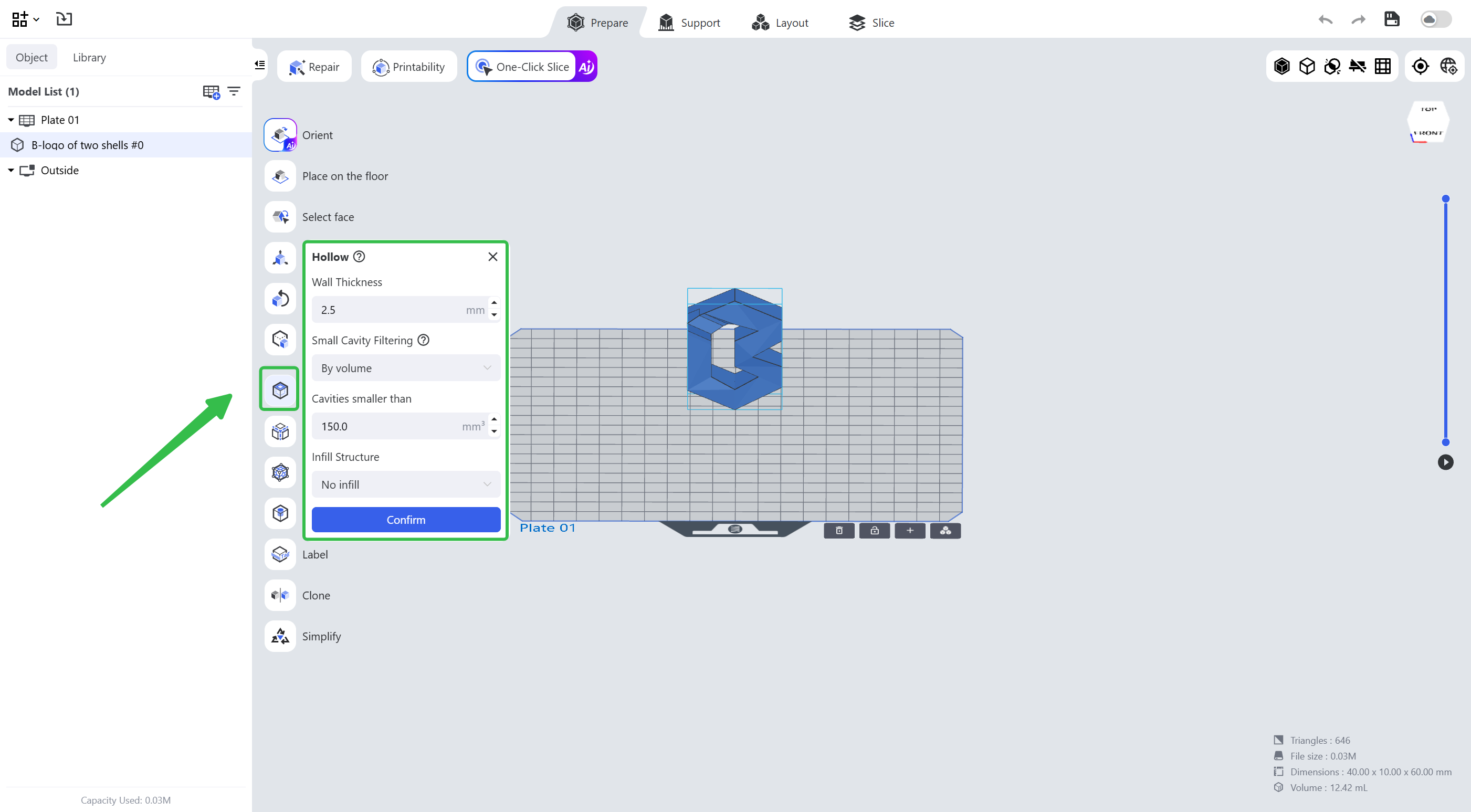
Select the model, click the hollow tool on the left of the editing page, use the default hollow parameters or adjust them as needed, and click OK to generate the hollowed model.
¶ Parameters
¶ Wall Thickness
The wall thickness at the thinnest part of the outer wall after hollowing.
¶ Infill Structure
Whether the hollowed inside will have infill structures. If is selected, lattice supports will be generated inside the model while adding auto-supports.
¶ Small Cavity Filtering
Prevent small internal cavities after hollowing.
- By Volume: Only retain internal cavities with a volume greater than the set value.
- By Quantity: Only retain a specified number of internal cavities sorted by volume from largest to smallest, with the number not exceeding the set value.
¶ Update History
| Version | Date |
|---|---|
| 1.0 | 2026-10-26 |