¶ 1. Import Slice Files
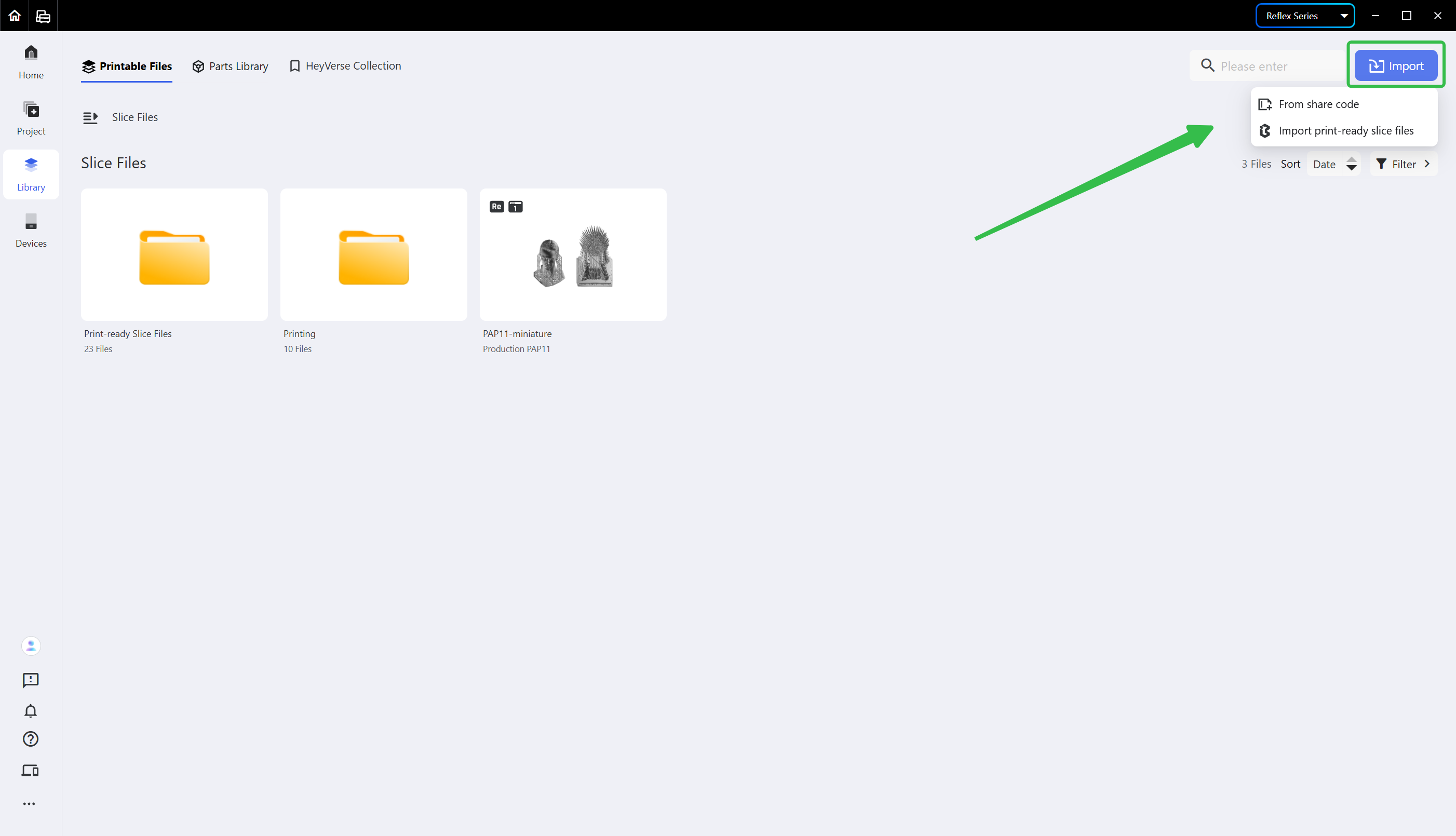
A slice file may be imported with a share code; for how to get the share code, refer to Share a Project. You may also import print-ready slice files in batches.
¶ 2. Send Slice Files to Printer
Select the slice file you want to send, click the <Send> button in the upper right corner of the slice file tab card, and then choose the Reflex printer you want to send it to.
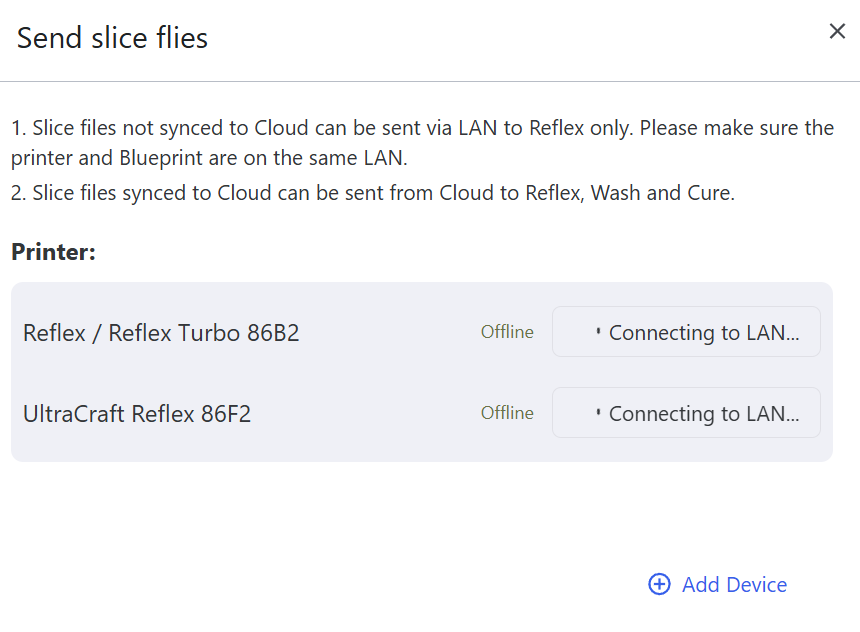
Note: local slice files can only be sent to the printers on the same LAN, while cloud slice files can be sent through the internet to the networked printers and post-processing devices.
¶ 3. Download Slice Files
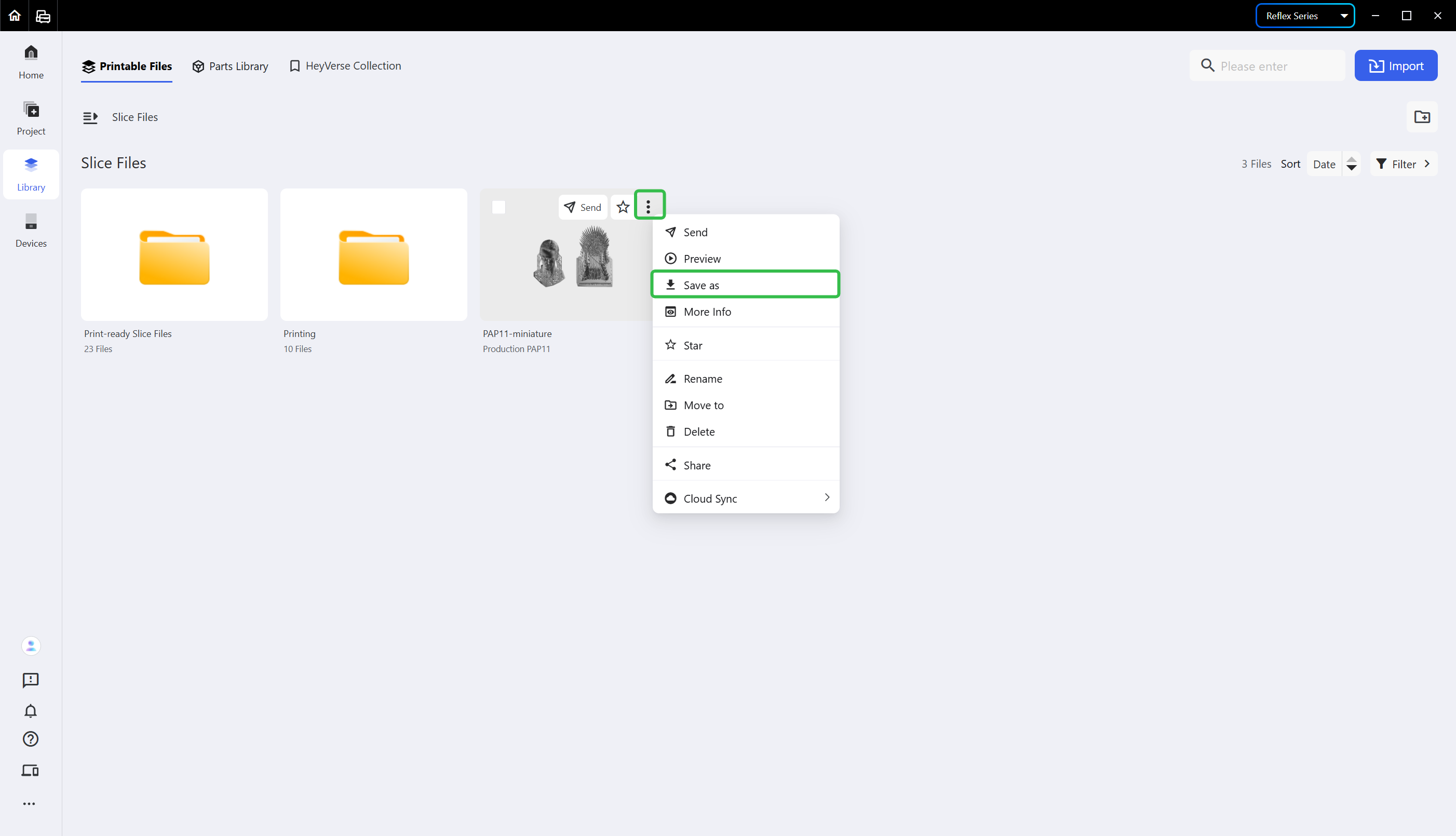
If you'd like to use the printer when it's offline, you may download the slice files to your local USB drive and import them to your printer via the USB drive to print.
Click the ellipsis icon <...> in the upper right corner of the slice file tab card and choose <Save as> to download the file.
¶ Update History
| Version | Date |
|---|---|
| 1.0 | 2026-10-26 |